

90 Days Of Python : From Zero To Becoming A Pro Developer
Published 1/2024
MP4 | Video: h264, 1920×1080 | Audio: AAC, 44.1 KHz
Learn Python in 90 Days with 25+ Assignments, 2 Mega Projects and Many Medium Size Projects & make real time GUI Apps
What you’ll learn
Learning Python from Absolute Zero to becoming a Pro Developer
Make real time Professional GUI Applications in Python
Get fully prepared for any Python Job Interview. We have 2 Sections Just for commonly asked Python Interview Questions
Complete a case study to manage a Project from Conception to Completion
Learn Python concepts with real time Examples. We have more than 25 Assignments in this Course
Requirements
No Programming Experience Needed
Description
Overview
Section 1: Day 1 : Setting Up Pycharm and Writing the First Python Code
Lecture 1 Introduction to Python Programming Language
Lecture 2 Installing Python and Setting up the Pycharm IDE
Lecture 3 Writing down the First Python Program
Lecture 4 Download all the resources
Lecture 8 Different Data Types in Python
Lecture 9 Data Types Conversion
Lecture 10 End Keyword in print Statement
Section 3: Day 3: Arithmetic Operators and String Manipulation
Lecture 11 Arithmetic Operators in Python
Lecture 12 Single and Multi-line comments in Python
Lecture 13 String Manipulation in Python
Section 4: Day 4: Assignments
Section 5: Day 5: Functions in Python
Lecture 14 Understanding Functions
Lecture 15 Functions in Python
Lecture 16 Function Positional Arguments
Lecture 17 Function Keyword Arguments
Lecture 18 Function Default Arguments
Lecture 20 Functional Comments
Lecture 21 The Return Keyword
Lecture 22 The Random Function
Lecture 23 Built-in Functions
Section 7: Day 7: Assignments
Section 8: Day 8: Conditional Statements in Python
Lecture 24 Understanding Conditional Statements
Lecture 25 if – else Statement
Lecture 26 Handling multiple conditions
Lecture 27 Nested if Statement
Lecture 28 Taking Input from the User
Section 9: Day 9: Assignments
Section 10: Day 10: List – Tuples – Dictionary in Python
Lecture 29 List in Python
Lecture 30 Tuple in Python
Lecture 31 Dictionary in Python
Section 11: Day 11: Loops in Python – The For Loop
Lecture 32 Understanding Loops
Lecture 33 The For Loop in Python – Range and String
Lecture 34 For Loop on List and Dictionary
Lecture 35 For Loop – break and Continue
Lecture 36 Nested For Loop
Section 12: Day 12: Loops in Python – The While and Do-While Loop
Lecture 37 The While Loop in Python
Lecture 38 The Nested While Loop in Python
Section 13: Day 13 : Pattern Programs
Section 14: Day 13: Assignments
Section 15: Day 14: Assignments
Section 16: Day 15: Errors and Exceptions
Lecture 46 Errors in Python
Lecture 47 Try and Except Block
Lecture 48 Handling Exceptions
Lecture 49 Else Block in Exception Handling
Lecture 50 Finally Clause in Exception Handling
Lecture 51 Raising Exceptions in Python
Section 17: Day 16 : Assignment
Lecture 52 Introduction to OOP – Object Oriented Programming
Lecture 53 Classes and Objects
Lecture 54 Accessing Attributes and Methods
Lecture 55 Method vs Function
Lecture 56 Initializer Function
Lecture 57 Doc Strings in Python
Lecture 58 Main Function in Python
Lecture 61 Types of Inheritance
Lecture 62 Method Overloading vs Over Riding
Lecture 63 Encapsulation in Python
Lecture 64 Access Modifiers in Python
Lecture 65 Abstract Base Class
Lecture 66 Static vs Class vs Instance Method
Section 21: Day 20: Assignments
Section 22: Day 22: Handling Files in Python
Lecture 67 Introduction to File Handling in Python
Lecture 68 Creating a Text File
Lecture 69 Modes in Python
Lecture 70 Modes for other File Types
Lecture 71 Reading from a Text file
Lecture 72 Renaming a File
Lecture 73 Writing to a Text File
Lecture 74 Saving Data to the File
Lecture 75 Appending to a File
Lecture 76 Closing a File
Lecture 77 Deleting a File or Folder
Lecture 78 The With Statement
Lecture 79 Writing Dictionary to a File
Section 23: Day 23: Assignment
Section 24: Day 24: Generators in Python
Lecture 80 Understanding Generators
Section 25: Day 25 : Thread Programming in Python
Lecture 84 Thread vs Process
Lecture 85 Creating Thread in Python
Lecture 86 Creating Thread Using Functions
Lecture 87 Thread Targeting Multiple Functions
Lecture 88 Getting Thread Names
Lecture 89 Creating Thread by Extending the Thread Class
Lecture 90 Creating Thread without Extending the Thread Class
Lecture 91 Multi-Threading in Python
Lecture 92 Introduction to Tkinter
Lecture 93 PyQt vs Tkinter
Lecture 94 Tkinter Widgets
Lecture 95 Tkinter Standard Attributes 1
Lecture 96 Tkinter Standard Attributes 2
Lecture 97 Buttons in Tkinter
Lecture 98 Geometry Management
Lecture 99 Tkinter Standard Attributes 3
Lecture 100 More on Buttons
Lecture 101 Tkinter Canvas
Lecture 102 Tkinter Check Button
Lecture 103 Entry Widget
Lecture 104 Tkinter Frame
Lecture 105 Tkinter Label
Lecture 106 Tkinter List Box
Lecture 107 Tkinter Menu Button
Lecture 108 Tkinter Menus
Lecture 109 Tkinter Message
Lecture 110 Tkinter Radio Button
Lecture 111 Tkinter Scale
Lecture 112 Tkinter Scrollbar
Lecture 113 Text Widget
Lecture 114 Top Level Widget
Section 29: Day 29: Assignments
Lecture 117 Introduction on making the App
Section 32: Day 32: Numerical Computation in Python
Lecture 129 Understanding the Numpy Module
Lecture 130 Installing and Setting up the Numpy Module
Lecture 131 Creating Numpy I Dimensional Array in Python
Lecture 132 Creating Numpy 2 Dimensional Array in Python
Lecture 133 Arithmetic Operations on Array
Lecture 134 Creating different useful Matrices with Numpy Functions
Lecture 135 Creating and Computing Scientific Functions with Numpy
Lecture 136 Computing Mathematical Functions with Numpy
Section 33: Day 33: Assignments
Section 36: Day 36: Assignments
Lecture 152 Installing the OpenCV Module
Lecture 153 Showing the Image
Lecture 154 Keyboard Events in OpenCV
Lecture 155 Drawing Different Shapes on Images
Lecture 156 Capturing Video with OpenCV
Lecture 157 Writing the Video
Lecture 158 Different Video Properties
Lecture 159 Events
Lecture 160 Implement Different Mouse Events
Lecture 161 Image Thresh Holding
Lecture 162 Object Detection with OpenCV
Section 39: Day 39: Making a GUI Screen Recorder Application in Python
Section 40: Day 40: Assignment
Lecture 166 Understanding Web Automation and Selenium
Section 43: Day 43: Assignments
Section 44: Day 44: Web Scraping with Beautiful soup in Python
Lecture 178 Understanding Web Scraping and Beautiful Soup
Section 45: Day 45: Assignment
Section 46: Day 46: Scientific Python
Lecture 184 Special Functions
Lecture 185 Linear Algebra
Lecture 186 Permutation
Lecture 187 Integration
Section 47: Day 47: Socket Programming in Python
Lecture 188 Understanding Socket
Lecture 189 Server vs Client
Lecture 190 TCP vs UDP
Lecture 191 Server Side in Python
Lecture 192 Client Side in Python
Lecture 193 File Server in Python
Lecture 194 File Client in Python
Section 48: Day 48: Make a Chat Room Application in Python – The Server Side
Section 49: Day 49: Make a Chat Room Application in Python – The Client Side
Lecture 204 Working of WhatsApp and Messenger Chat Room – Extra Video
Section 50: Day 50: Assignment
Section 55: Day 55: Language Translator Application in Python
Lecture 230 Introduction
Lecture 231 Configuration
Lecture 235 Adding Items
Lecture 236 Deleting Items
Lecture 237 Viewing First Item
Lecture 238 Viewing Next Item
Lecture 239 Viewing Previous Item
Lecture 240 Viewing Last Item
Lecture 241 Update an Item
Lecture 242 Search an Item
Lecture 243 Clearing the Screen
Lecture 244 Running the Code
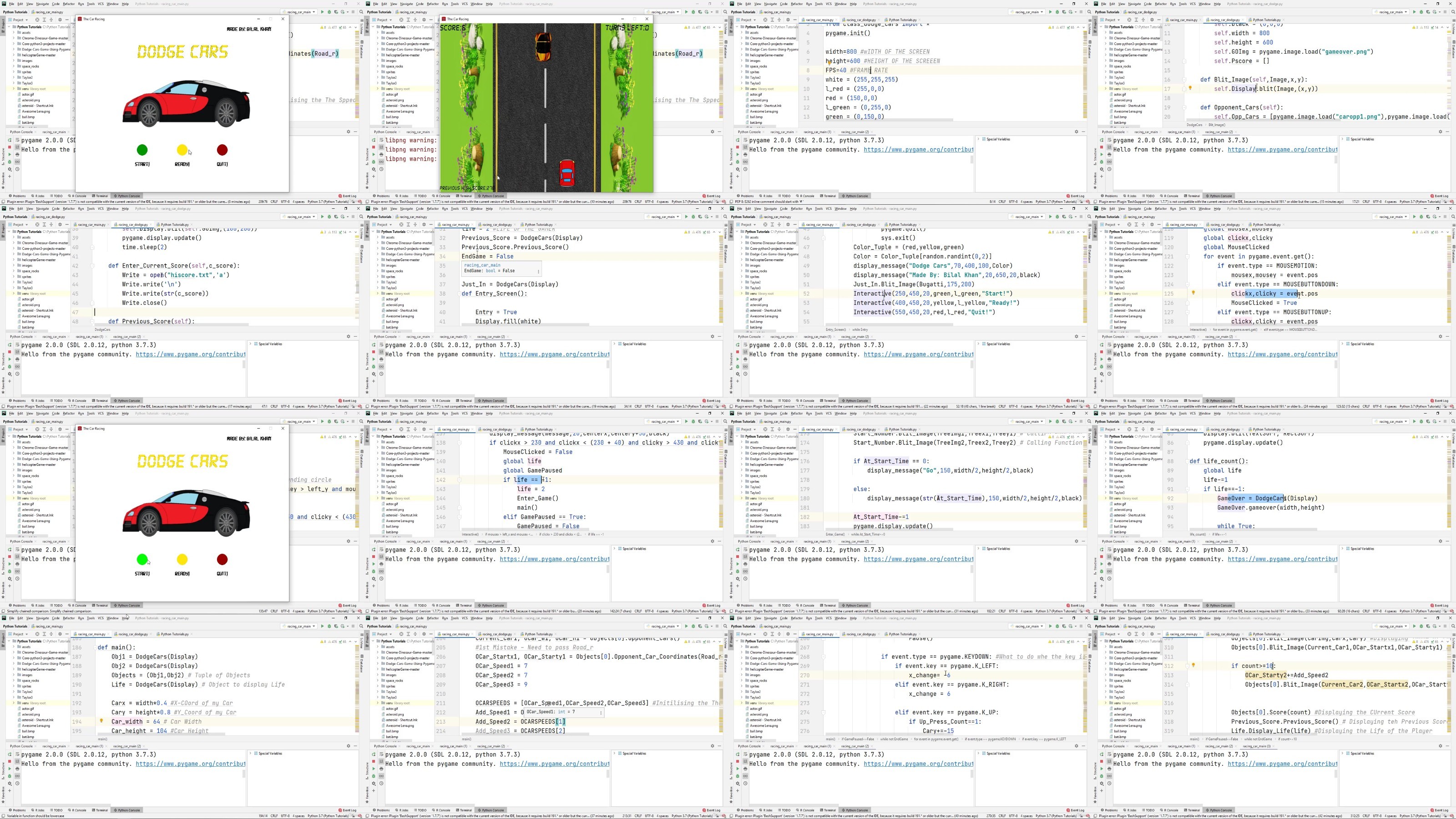
Lecture 282 Introduction to PyGame
Lecture 283 Importing the PyGame Module
Lecture 284 Foundational Concepts of PyGame
Lecture 285 PyGame Clock and Blit
Lecture 286 Loading an Image
Lecture 287 Displaying Text on Gaming Window
Lecture 288 Key Detection in PyGame
Lecture 289 Primitive Drawing Shapes
Lecture 290 Making an Object Jump
Lecture 291 Load or Play Audio
Lecture 292 Moving an Object
Lecture 293 Creating Interactable Buttons
Lecture 294 Adding Boundaries to an Object
Lecture 295 Snow Display using PyGame
Lecture 296 Bubble Sort Visualizer
Section 66: Day 66: Assignment
Lecture 297 Source Code and Media Files for the Game
Lecture 312 The Game Image Array
Lecture 313 Audio Sound Array
Lecture 314 Welcome to the Main Screen
Lecture 317 Collision Detection
Lecture 318 Random Pipes Generation
Section 72: Day 72: Assignment
Section 73: Day 73: Assignment
Lecture 319 Introduction to WX Python
Lecture 320 WX-Python Environment
Lecture 321 WX-Python vs PyQt5
Lecture 322 WX-Python vs Tkinter
Lecture 323 Importing the WX-Python Module
Lecture 324 Creating the First GUI Window in WX-Python
Lecture 325 Window Frame Class
Lecture 326 Creating First Panel
Lecture 327 Creating Label in WX-Python
Lecture 328 Creating Layouts in WX-Python
Lecture 329 Grid Sizer in WX-Python
Lecture 330 Creating Buttons in WX-Python
Lecture 331 Toggle Button
Lecture 332 Check Box in WX-Python
Lecture 333 Radio Button in WX-Python
Lecture 334 Tool Tip in WX-Python
Lecture 335 Combo Box in WX-Python
Lecture 336 Message Box in WX-Python
Lecture 337 Question Box in WX-Python
Lecture 338 Spin Button in WX-Python
Lecture 339 List Box in WX-Python
Lecture 340 Status Bar in WX-Python
Lecture 341 Text Control in WX-Python
Lecture 342 Font Dialog in WX-Python
Lecture 343 Print Dialog in WX-Python
Lecture 344 About Box in WX-Python
Lecture 345 Creating Slider in WX-Python
Lecture 346 Grids in WX-Python
Lecture 347 Customize Tables in WX-Python
Section 78: Day 78: Assignments – Challenge Tasks
Section 79: Day 79: Assignments – Challenge Tasks
Section 82: Day 82: Assignments – Challenge Tasks
Section 83: Day 83: Assignments – Challenge Tasks
Section 84: Day 84: Assignments – Challenge Tasks
Lecture 348 Python Interview Questions – Basic Level
Lecture 349 Python Interview Questions – Advance Level
Section 90: Day 90: Final Day – Ask me Anything related to Python & your Professional Career
Lecture 350 Ask me anything
Anyone interested in Learning Python from Absolute Zero to becoming a Pro Developer,Anyone interested in making real time Professional Applications in Python,Anyone who wants to be fully prepared for any Python Job Interview. We have 3 Sections Just for commonly asked Python Interview Questions,Anyone who want to complete a case study to manage a Project from Conception to Completion,Anyone who wants to learn the Python concepts with real time Examples. We have more than 25 Assignments in this Course
DDownload
https://www.keeplinks.org/p27/68a13d020a877
RapidGator
https://www.keeplinks.org/p27/68a1418076c54
NitroFlare
https://www.keeplinks.org/p27/68a146e4db297