Animate Your Illustrations – Procreate Dreams For Beginners
Published 11/2024
MP4 | Video: h264, 1920×1080 | Audio: AAC, 44.1 KHz
Elevate Your Digital Illustration And Animation Skills In Procreate And Procreate Dreams
What you’ll learn
Keyframing, layering motion, recording motion, the flip book method and painting in Procreate Dreams.
Use Procreate Dreams to animate your illustrations.
Set up your animation timeline and keyframes.
Add motion to objects, characters, and backgrounds.
Export and share your animations for social media or your portfolio.
Illustrate visual elements in Procreate
Requirements
Working knowledge of Procreate
iPad with Procreate and Procreate Dreams
Description
Overview
Section 1: Introduction
Lecture 1 Introduction
Lecture 2 About The Class
Lecture 3 Resources
Section 2: The Illustration
Lecture 4 Illustrating The Background
Lecture 5 Illustrating The Bench
Lecture 6 Illustrating The Street Lamp
Lecture 7 Illustrating The Trees
Lecture 8 Illustrating The Background – Finish It Up
Lecture 9 Illustrating The Ghost
Lecture 10 Illustrating The Skateboard
Section 3: Animation
Lecture 11 Intro To Procreate Dreams
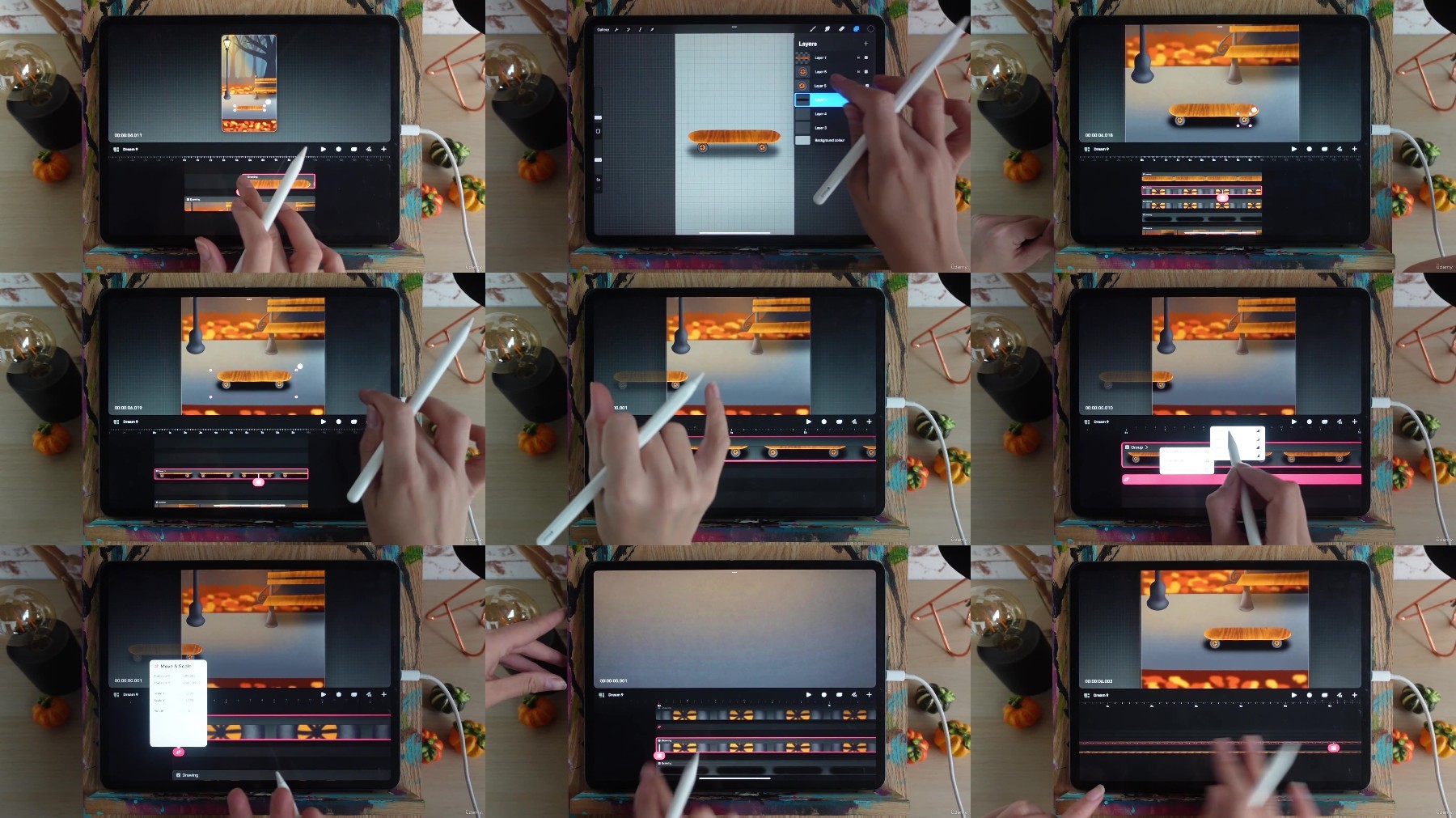
Lecture 12 Animating The Skateboard
Lecture 13 Animating The Ghost
Lecture 14 Animating The Light Bugs
Lecture 15 Animating Leaves
Section 4: Finish It Up
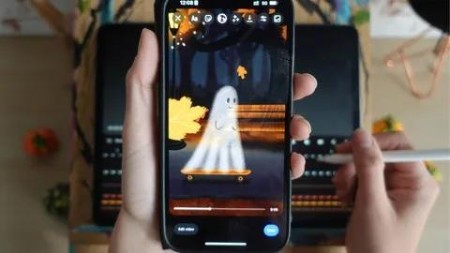
Lecture 16 Export Your Animation
Lecture 17 Final Thoughts
Beginners with no prior animation experience.,Illustrators, Graphic Designers, anyone who loves drawing and wants to explore animation