

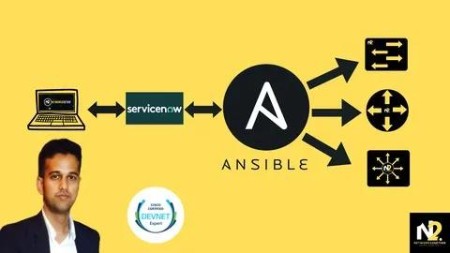
Ansible For Network Engineers: Hands-On & Capstone Projects
Published 12/2024
MP4 | Video: h264, 1920×1080 | Audio: AAC, 44.1 KHz
100% Hands-On : Master Ansible from Basics to Advanced for Network Engineers with 100+ Videos and Capstone Projects
What you’ll learn
Master Ansible Basics and Advanced Concepts: Configure and automate network devices with Ansible playbooks, modules, and templates tailored for network engineer
Integrate Ansible with ServiceNow: Use ServiceNow modules with Ansible to create seamless end-to-end automation workflows for ITSM integration.
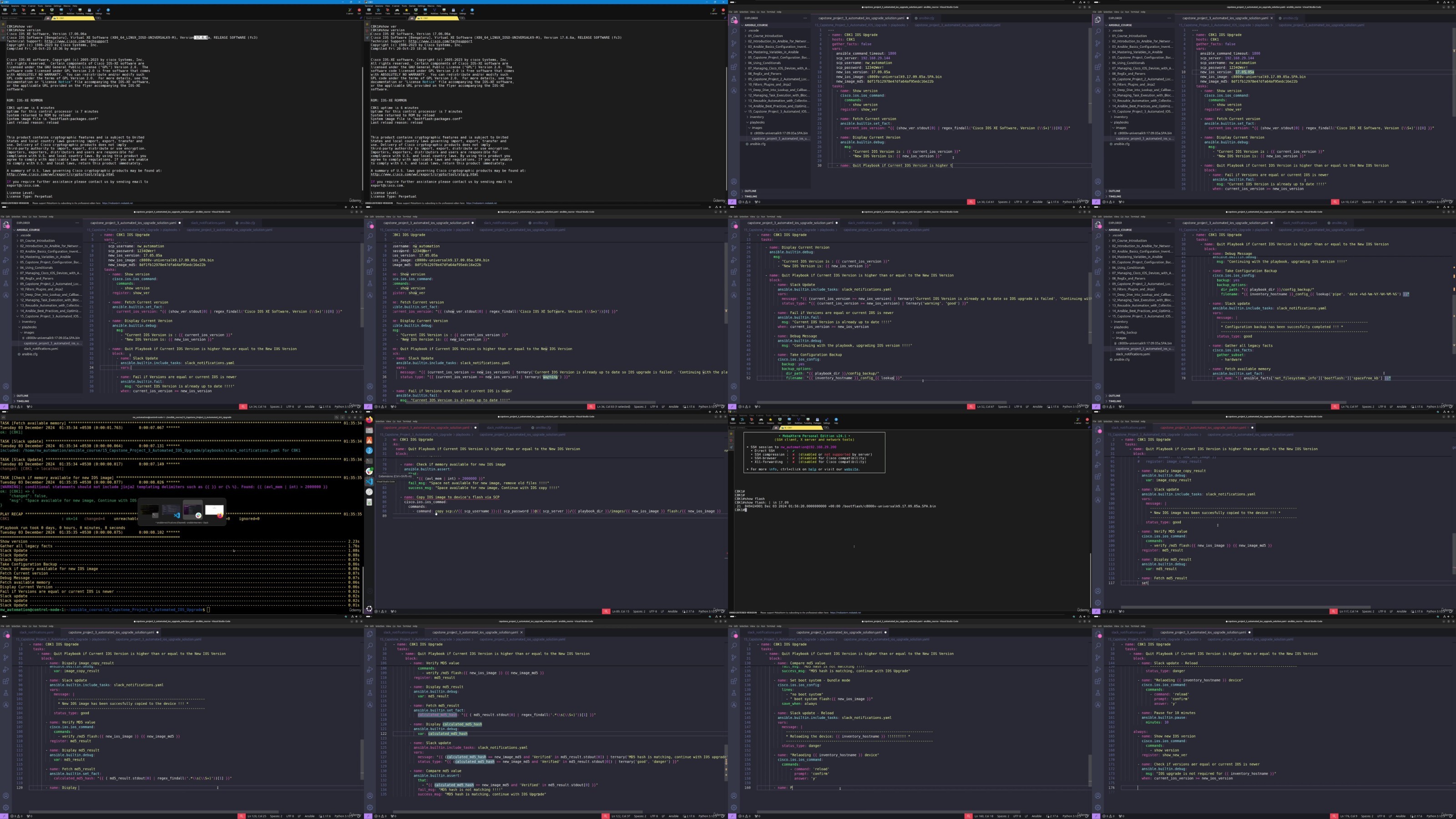
Automate Cisco Devices with Ansible: Manage network tasks like configuration backup, IOS upgrades, and username updates using powerful Ansible modules.
Build Practical Skills with Capstone Projects: Complete projects like VLAN automation and IOS upgrades to tackle real-world networking challenges.
Leverage Ansible Automation Platform: Set up workflows, manage dynamic inventories, and schedule jobs using Ansible Automation Platform..
Optimize Ansible for Scalability: Use roles, collections, tags, and advanced strategies to streamline and optimize automation workflows.
Requirements
A basic understanding of networking concepts (e.g., IP addressing, routing, and switching).
Familiarity with Cisco devices and their configuration basics.
No programming experience needed
Description
Overview
Section 1: Introduction
Lecture 1 Introduction
Section 2: Introduction to Ansible for Network Engineers
Lecture 2 Why use Ansible for Network Automation
Lecture 3 Comparing Ansible with Puppet, Chef, and SaltStack: Key Differences
Lecture 4 Ansible Architecture & Concepts
Lecture 5 Ansible Control Node Installation and Setup
Lecture 6 Lab Setup for Network Automation
Section 3: Ansible Basics: Configuration, Inventory, and Playbooks
Lecture 7 Ansible Configuration
Lecture 8 Ansible Ad-Hoc command and Inventory Basics
Lecture 9 YAML 101
Lecture 10 Inventory in YAML format
Lecture 11 Ansible Playbook
Lecture 14 group_vars and host_vars
Lecture 15 Register
Lecture 16 ansible_facts
Lecture 18 include_vars
Lecture 19 set_fact
Section 5: [ Capstone Project 1 ] – Configuration Backup
Lecture 20 [Capstone Project 1] – Configuration Backup – Overview
Lecture 21 [Capstone Project 1] – Configuration Backup – Solution
Section 6: Using Conditionals
Lecture 22 loop and with_items
Lecture 24 loop_control
Lecture 25 until
Lecture 26 Using when
Section 7: Managing Cisco IOS Devices with Ansible
Lecture 27 ios_facts module
Lecture 30 [ios_config] – Introduction
Lecture 31 [ios_config] – parents
Lecture 32 [ios_config] – after
Lecture 33 [ios_config] – before and match
Lecture 34 [ios_config] – backup and backup-options
Lecture 35 [ios_config] – diff_against and diff_ignore_lines
Lecture 36 [ios_config] – save_when
Lecture 37 [ios_config] – src
Lecture 38 [Resource Module] – hostname
Lecture 39 [Resource Module] – interfaces
Lecture 40 [Resource Module] – l2_interfaces and l3_interfaces
Section 8: RegEx and Parsers
Lecture 41 RegEx 101
Lecture 42 RegEx in Ansible
Lecture 43 cli_parse module with TextFSM, NTC-templates, and pyATS
Section 9: [ Capstone Project 2] – Automated Local Username Update and Cleanup
Lecture 44 [Capstone Project 2] – Automated Local Username Update and Cleanup – Overview
Lecture 45 [Capstone Project 2] – Automated Local Username Update and Cleanup – Solution
Lecture 46 [Capstone Project 2] – Automated Local Username Update and Cleanup – Solution 2
Section 10: Filters Plugins and Jinja2
Lecture 47 [Filters] – Introduction
Lecture 48 [Filters] – combine
Lecture 49 [Filters] ternary
Lecture 50 [Filters] map
Lecture 51 [Filters] to_json and to_nice_json
Lecture 52 [Filters] to_yaml and to_nice_yaml
Lecture 53 [Filters] zip
Lecture 54 [Filters] ip_addr
Lecture 55 [Filters] to_datetime and strftime
Lecture 56 [Jinja2] – Introduction
Lecture 57 [Jinja2] – if else
Lecture 58 [Jinja2] – for loop
Lecture 59 [Jinja2] – include
Lecture 60 [Jinja2] – ios_config
Section 11: Deep Dive into Lookup and Callback Plugins
Lecture 61 [Lookup Plugins] – Overview
Lecture 62 [Lookup Plugins] – File
Lecture 63 [Lookup Plugins] – env
Lecture 64 [Lookup Plugins] – pipe
Lecture 65 [Lookup Plugins] – template
Lecture 66 [Callback Plugin] – stdout
Lecture 67 [Callback Plugin] – aggregate
Lecture 68 [Callback Plugin] – notification – log_plays and email
Lecture 69 [Callback Plugin] – notification – slack integration
Section 12: Managing Task Execution with Blocks, Assert, and Handlers
Lecture 70 Block
Lecture 71 Assert
Lecture 72 Handlers
Section 13: Reusable Automation with Collections, Roles, Includes and Imports
Lecture 73 Collections
Lecture 74 Roles
Lecture 75 Include and Import
Section 14: Ansible Best Practices and Optimizations
Lecture 76 Strategies in Ansible
Lecture 77 Forks and Serial in Ansible
Lecture 78 Using tags
Lecture 79 Using check_mode
Lecture 80 Delegation
Lecture 81 no_log and log_path
Lecture 82 ignore_errors
Lecture 83 failed_when and changed_when
Lecture 84 Ansible Lint
Lecture 85 ansible_vault
Section 15: [ Capstone Project 3] – Automated IOS Upgrade
Lecture 86 [Capstone Project 3] – Automated IOS Upgrade – Overview
Lecture 87 [Capstone Project 3] – Automated IOS Upgrade – Solution
Section 16: Ansible Automation Platform (AAP) and AWX Essentials
Lecture 88 Ansible Automation Platform Overview and Installation
Lecture 89 Setting up AAP to manage hosts
Lecture 90 Users, Teams and Roles in AAP
Lecture 91 Job Template Surveys
Lecture 92 Scheduling Jobs
Lecture 93 Notifications in AAP
Lecture 94 Creating Dynamic Inventory in AAP
Lecture 95 Using Workflow in AAP
Section 17: Advanced Ansible: Custom Inventory Plugins and Modules
Lecture 96 Custom Inventory Plugin
Lecture 97 Custom Module
Section 18: ServiceNow Integration with Ansible
Lecture 98 ServiceNow Overview and snow_record Module
Lecture 99 ServiceNow snow_record update using Jinja2 and HTML
Lecture 100 ServiceNow ITSM Incident Module
Lecture 101 ServiceNow ITSM Change Module
Section 19: [Capstone Project 4] – Automated VLAN Configuration using ServiceNow and AAP
Lecture 102 Automated VLAN Configuration using ServiceNow Workflow and AAP – Overview
Lecture 103 Automated VLAN Configuration using ServiceNow Workflow and AAP – Solution
Network Engineers: Professionals looking to automate network device management and workflows using Ansible.,IT and Automation Enthusiasts: Anyone eager to learn network automation concepts and apply them in real-world scenarios.,DevNet Certification Aspirants: Learners preparing for the DevNet Expert certification and seeking hands-on experience with Ansible.,Beginner to Intermediate Learners: Individuals with basic networking knowledge (no programming required) who want to build expertise in network automation.
DDownload
https://www.keeplinks.org/p27/6890a335855d3
RapidGator
https://www.keeplinks.org/p27/6890a62184af2
NitroFlare
https://www.keeplinks.org/p27/6890a95a03f18