


Apple Certified Support Professional Macos 11
Published 8/2024
MP4 | Video: h264, 1920×1080 | Audio: AAC, 44.1 KHz
This is a Certificate Exam Preparatory Course!
What you’ll learn
Gain a comprehensive understanding of macOS architecture, its core components, and the differences between macOS versions and updates.
Learn to configure system preferences, manage user accounts and permissions, set up and configure network connections, and handle software installations and upd
Implement and manage macOS security features and best practices, including configuring firewalls, privacy settings, and FileVault encryption.
Develop the ability to diagnose and resolve common macOS issues using built-in diagnostic tools and utilities, and perform necessary system maintenance and repa
Provide high-quality support to macOS users by managing user files, data, and communication services, including email setup and troubleshooting.
Configure and troubleshoot network settings, set up file sharing and collaboration tools, and manage printers and other peripherals.
Understand and interpret macOS system logs and reporting, integrate macOS with other operating systems and services, and prepare for the ACSP certification exam
Equip yourself with the knowledge and skills required to pass the ACSP certification exam and validate your expertise in supporting and managing macOS environme
Requirements
A fundamental understanding of computer hardware, operating systems, and general IT concepts.
Prior experience using macOS is beneficial, as it helps in grasping advanced concepts more effectively.
Some experience in a technical support role or a related field can be advantageous for understanding and applying course material.
Description
Overview
Section 1: Installation and Configuration
Lecture 1 Overview
Lecture 2 Installation Requirements
Lecture 3 Building Installation Media
Lecture 4 Installing macOS
Lecture 5 Initial System Configuration
Lecture 6 Configuring Printers
Section 2: User Accounts
Lecture 7 Local User Accounts
Lecture 8 iCloud Accounts
Lecture 9 Special User Accounts
Lecture 10 User Account Security
Lecture 11 Screen Time
Section 3: Data Management
Lecture 12 Storage Hardware
Lecture 13 File Systems
Lecture 14 File System Maintenance
Lecture 15 FileVault Disk Encryption
Lecture 16 Archives and Disk Images
Lecture 17 Default File Permissions
Lecture 18 Customizing Permissions
Lecture 19 Special File Permissions
Lecture 20 Aliases and Links
Lecture 21 Hidden Files
Lecture 22 Understanding File Domains
Section 4: Networking
Lecture 23 Network Types and Addressing
Lecture 24 Configuring Ethernet Adapters
Lecture 25 Configuring WiFi Adapters
Lecture 26 Network Locations
Lecture 27 File and Folder Sharing
Lecture 28 Apple Remote Desktop
Section 5: Applications and Processes
Lecture 29 Using the macOS App Store
Lecture 30 Application Security
Lecture 31 Application Preferences
Lecture 32 Quick Look
Lecture 33 Auto Save
Lecture 34 Voice Control and Siri
Section 6: Troubleshooting and Support
Lecture 35 Troubleshooting Applications
Lecture 36 Troubleshooting Peripherals
Lecture 37 Updating macOS
Lecture 38 The macOS Boot Process
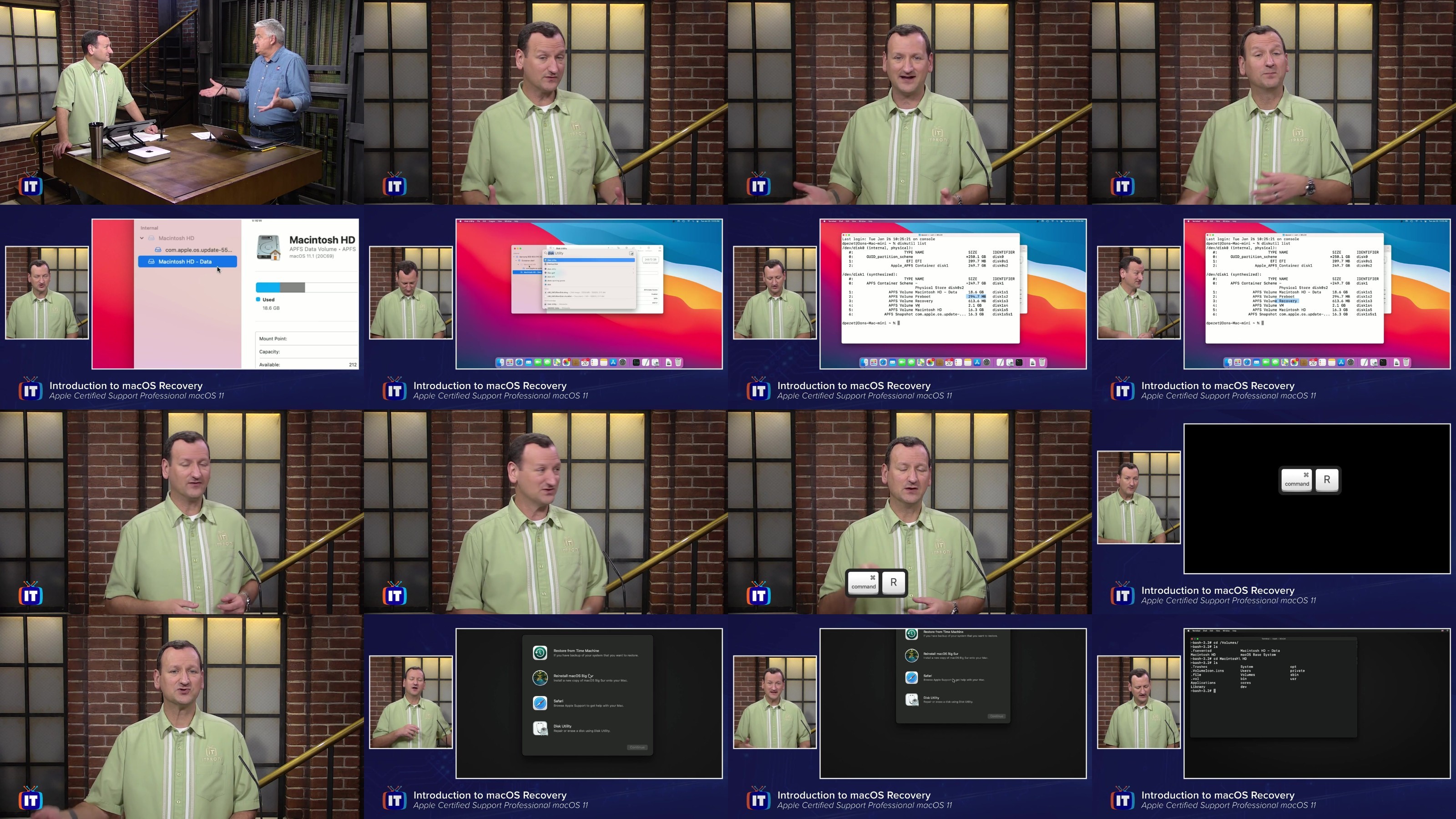
Lecture 39 Introduction to macOS Recovery
Lecture 40 Backing Up with Time Machine
Lecture 41 Restoring Files from Time Machine
Lecture 42 Restoring macOS from Time Machine
Help Desk Professionals,Technical Coordinators,Power Users,IT Support Specialists,Network Administrators
DDownload
https://www.keeplinks.org/p27/6895ec86df7cd
RapidGator
https://www.keeplinks.org/p27/6895ed6e498c0
NitroFlare
https://www.keeplinks.org/p27/6895ee83643a8