


Arduino OOP (Object Oriented Programming)
MP4 | Video: h264, 1280×720 | Audio: AAC, 44100 Hz
Learn how to use OOP with Arduino through a step by step project.
What you’ll learn
Master Arduino OOP (Object Oriented Programming)
Write a class for any Arduino component or functionality you want
Package a class as an easy-to-use Arduino library
Make your code easier to read and scalable
Create clear interfaces for other developers to use
Use a class inside another class
Combine classes together to exponentially increase the possibilities of your programs, without writing more code
Learn naming conventions for Arduino OOP code
Clearly organize your code in different files
Practice a lot with hands-on lessons
Requirements
You know how to create basic Arduino programs with basic hardware components.
You understand the basics of Arduino time functionalities (millis, delay, etc).
No need to know OOP prior to the course, but this is a bonus point.
Description
You want to write Arduino code that you can easily read, modify, and share with other Arduino developers?
Or you already know OOP (Object Oriented Programming) and you want to know how to apply it to Arduino?
At the end of this course you will be able to:
Write clean Arduino code with OOP for any hardware component or functionality.
Rewrite your own projects using OOP.
Create a clean and super easy-to-use OOP Arduino library.
The course works for any Arduino board.
→ Why this course?
From what I’ve seen, OOP is not frequently used with Arduino (on libraries, yes, but from most users, no).
When coming to the Arduino, my thought was: why not use OOP on the Arduino (since it’s possible!). I know not many people do it, but it’s going to make my programs much more scalable and easy to read.
And it worked great. Now, when I write Arduino programs, I almost always use OOP.
Seeing that there is a lack of structured resources on the Internet to learn how to write OOP code for Arduino, I decided to create this course.
→ How do I teach in this course?
Well, this Arduino OOP course is 100% project focused and 100% practical. Throughout the different sections, we are going to write a complete Arduino project, step by step.
No distracting fluff, just a step by step process, directly going to the point, and making you practice on the key points so you can then apply the knowledge to your own projects.
→ What will you learn/do?
Here’s a very quick overview of the course:
Create a first class (for an LED component)
Organize the class, separate the interface from the implementation
Your turn: write OOP code for a push button
Create a class to make an LED blink (how to use a class inside another class)
Your turn: create the final TrafficLight class with the high level logic, while using all the previous classes you’ve created
Note: this course is not an in-depth OOP course for C++, where I explain all the different possibilities and features of OOP. No, this is a practical course on how to apply OOP to Arduino code. Be reassured though, you don’t need to know OOP before taking the course, the first few lessons will help you grasp the main concepts through practice.
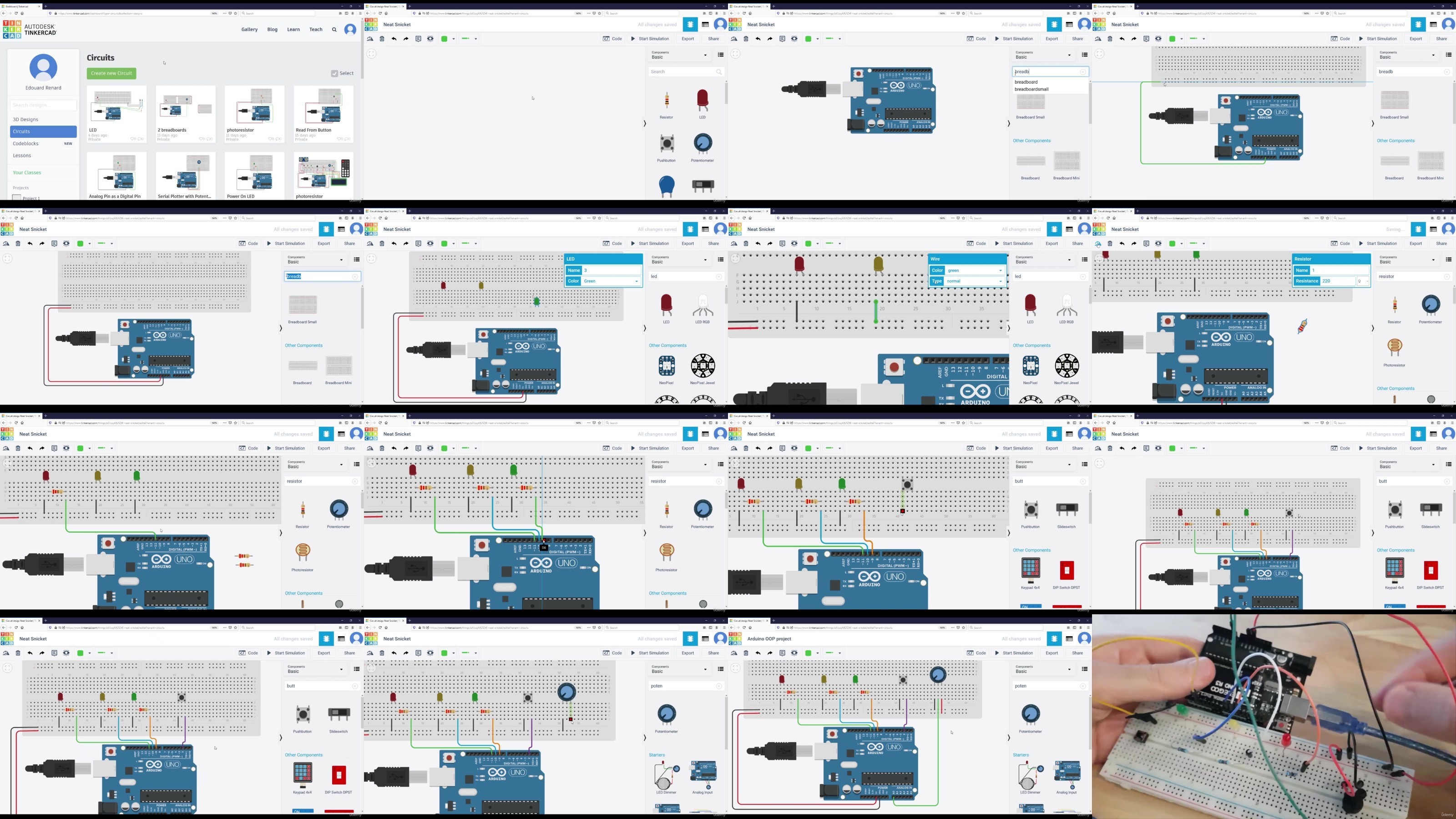
The course is entirely focused on programming, although we’ll use a hardware circuit with a few basic components. I’ll explain to you exactly what components you need (in a free preview lecture at the beginning), and then how to create the circuit in 10 minutes. And after this, back to the code!
On top of that, I will also teach you the process I use to write OOP code, and the best practices you can implement right now.
See you in the course! 🙂
Note – This course is not for you if:
You’re a complete Arduino beginner and have never written a program before.
You’re an anti-OOP purist. Sorry, not for you!
Who this course is for:
Students, Engineers, Researchers, Teachers, Developers, Hobbyists.
Arduino developers who want to write easy-to-read and scalable code.
Arduino developers who want to create Arduino libraries with a clean interface.
Developers who understand OOP and want to learn how to apply it to Arduino.
Anyone who wants to discover alternative ways to write Arduino code.
DDownload
https://www.keeplinks.org/p27/686a72d0b92c5
https://ddownload.com/hp2e7rut0i4r/yxusj.Udemy.-.Arduino.OOP.Object.Oriented.Programming.rar
RapidGator
https://www.keeplinks.org/p27/686a730666646
https://rapidgator.net/file/b702c84630f617018dc41264620baa54/yxusj.Udemy.-.Arduino.OOP.Object.Oriented.Programming.rar
NitroFlare
https://www.keeplinks.org/p27/686a733349d95
https://nitroflare.com/view/EA74E51EA269E8B/yxusj.Udemy.-.Arduino.OOP.Object.Oriented.Programming.rar