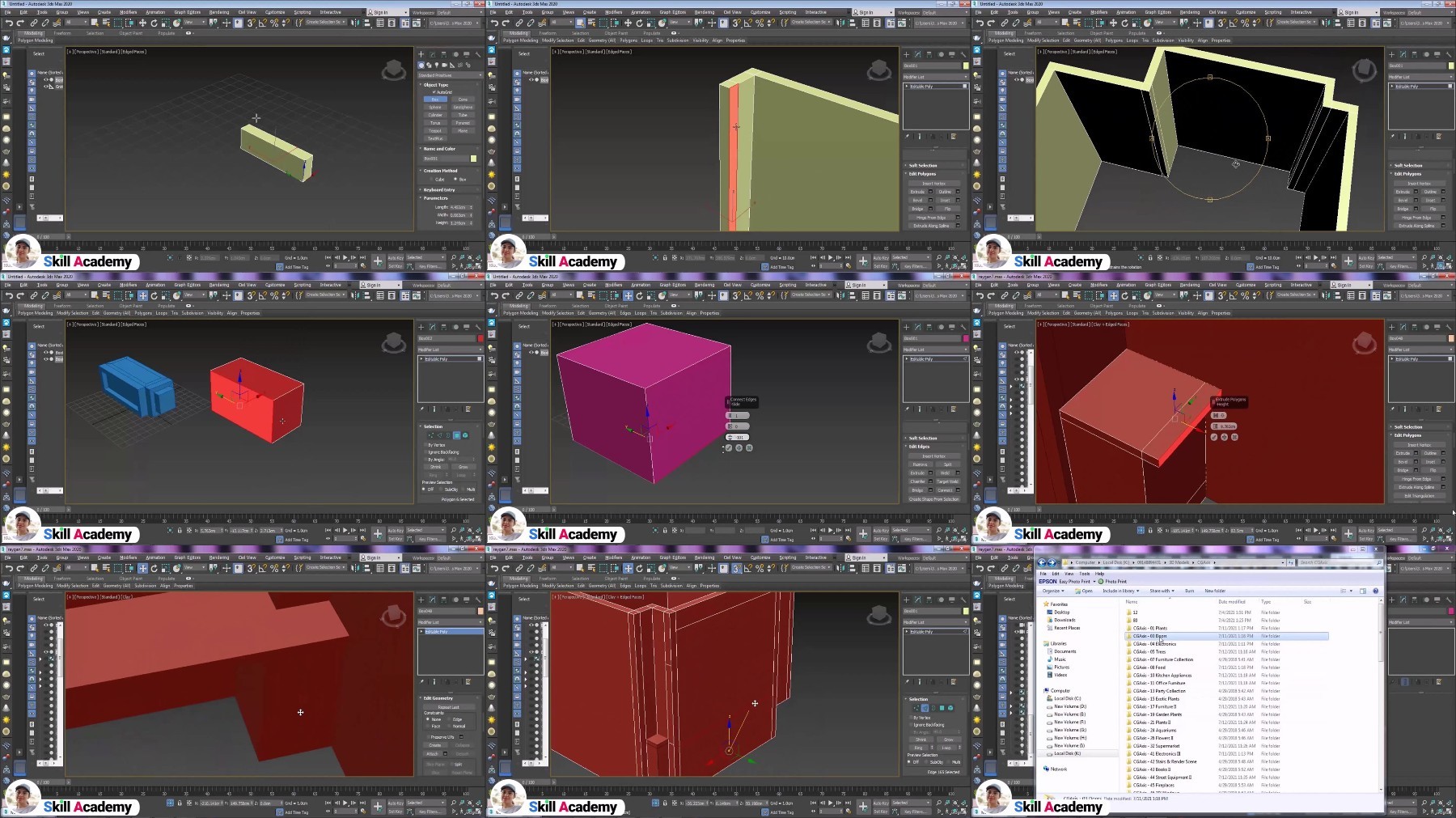
Autodesk 3Ds Max For Beginners – Punch Line
Published 11/2024
MP4 | Video: h264, 1920×1080 | Audio: AAC, 44.1 KHz
3Ds Max training in a simple way for beginners in the shortest time without prepositions
What you’ll learn
Working with menus
Working with commands
Creating a room
Creating a table
Creating a stairs
Creating a windows
Adding object
Creating a desk
Requirements
Basic knowledge of using a computer
Description
Overview
Section 1: Introduction
Lecture 1 Introduction
Lecture 2 Viewports
Lecture 3 Display menus and bars
Lecture 4 Model display options
Lecture 5 ViewCube, grid and views
Section 2: Drawing simpel models
Lecture 6 Drawing commands
Lecture 7 Drawing a simple cabinet
Lecture 8 Drawing a simple room
Section 3: Drawing more complex models
Lecture 9 Complex drawing commands
Lecture 10 Drawing a room with boards and a table
Lecture 11 Draw a room with a desk, window and add objects
Lecture 12 Drawing the stairs
Teachers,Architects,Decoration designers,Industrial designer