


Blender Essentials: Camera Basics
MP4 | Video: h264, 1920×1080 | Audio: AAC, 44.1 KHz, 2 Ch
Your model can be detailed, your materials strong, and your lighting polished – but if the camera is weak, the final image still falls flat.
Blender Essentials: Camera Basics
is built to fix exactly that.
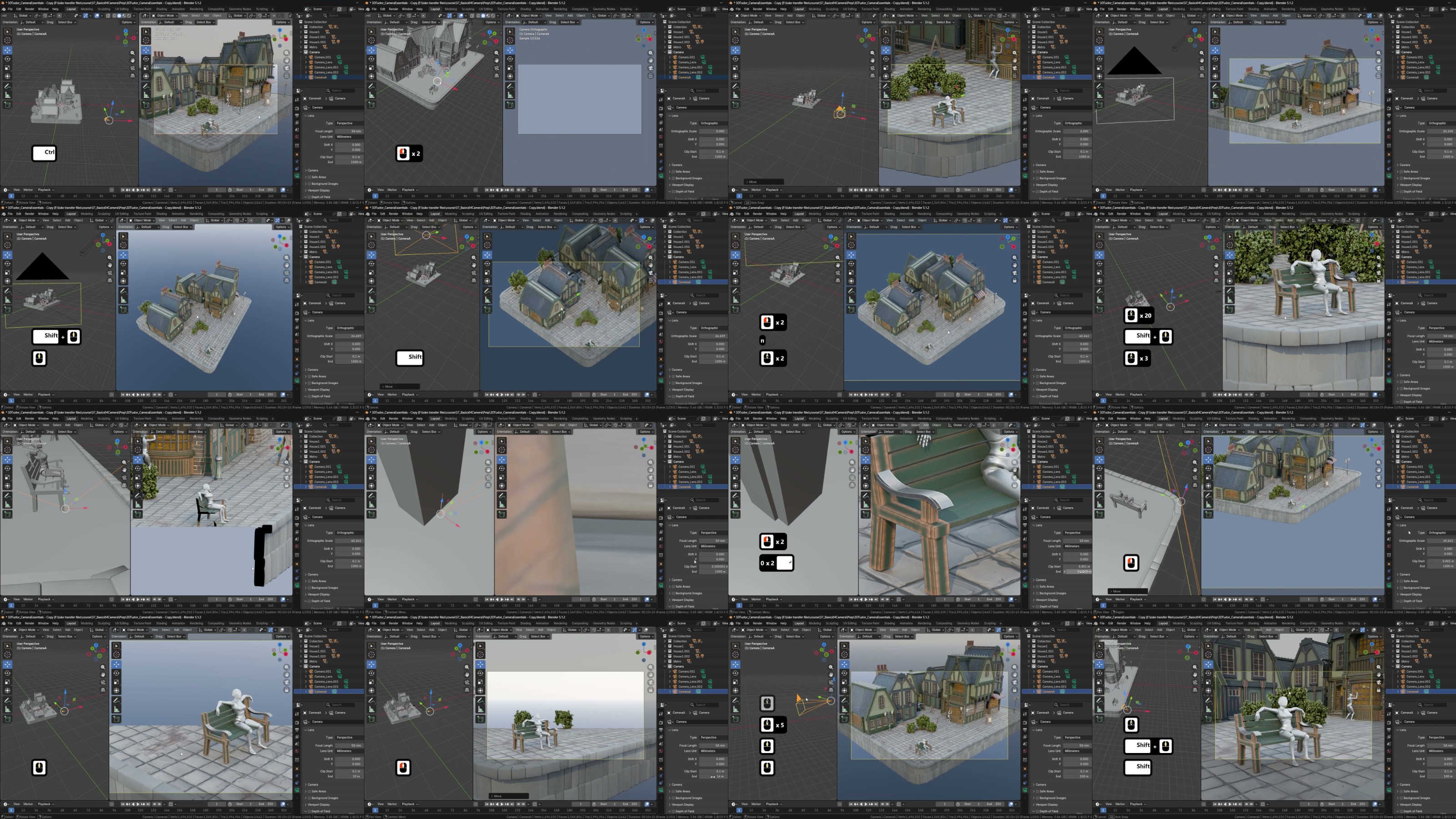
Across 10 focused lessons, you’ll take full control of Blender’s camera system and use it to present your work with clearer composition, stronger perspective and more deliberate visual storytelling. Instead of testing settings in an empty file, you’ll work inside a supplied, fully built
Victorian street environment
You won’t just learn where the camera settings live. You’ll learn what they change, why they matter, and how to combine them into a repeatable workflow you can reuse for portfolio renders, thumbnails, course videos, architectural shots, isometric scenes and cinematic presentation.
What you’ll master
•
Create, organise, rename, lock and switch between multiple cameras with confidence
•
Frame square, widescreen and vertical-safe compositions for any platform
•
Control how focal length and camera distance change distortion, compression, scale and mood
•
Use composition guides, safe areas, overlays, lens shift and camera visualisers to make deliberate choices
•
Build perspective, orthographic, architectural, isometric, close-up and miniature-style shots
•
Guide attention with depth of field, focus objects, f-stop, aperture blades and bokeh
•
Match camera background references and export transparent PNGs for compositing
•
Aim cameras with Track To constraints and navigate scenes with walk and fly mode
•
Prepare, preview, render and troubleshoot outputs in Cycles and Eevee with practical GPU settings
Practise on a real, finished scene
The included Victorian street scene gives you instant foreground, midground and background layers, architectural lines, props, lighting, foliage and character interactions to frame. You’ll create wide establishing shots, close-ups, top-down views, architectural compositions, character-led frames, isometric renders and depth-of-field studies – so every technical setting is tied to a visible result you can see on screen.
Fix the problems that stop a render working
The final lesson tackles the issues that quietly waste production time: missing objects, broken depth of field, clipping, the wrong active camera, local-camera confusion, blank render results and hidden elements – plus Cycles and Eevee, GPU Compute, OptiX and CUDA, denoising, sample counts, render regions, exposure and colour management.
Included with the course
•
A prebuilt Victorian-style Blender scene: buildings, streets, props, foliage, materials, lighting and posed mannequin characters
•
A prepared background PNG reference for practising reference-matching and transparent output
Who this course is for
No prior camera, photography or composition experience is required – just a basic grasp of moving around the Blender viewport. Both Cycles and Eevee workflows are covered, including GPU setup and preview optimisation.
Your work deserves more than a default camera angle. Enrol now and learn to present every scene with clearer composition, stronger perspective and professional control.
Happy modelling, everyone.
Neil | 3D Tudor

RapidGator
https://www.keeplinks.org/p27/6a8dcf01c4721
DDownload
https://www.keeplinks.org/p27/6a8dcf7780711
NitroFlare
https://www.keeplinks.org/p27/6a8dcff3973db
UsersDrive