


Blender – Expert In Hard Surface Modeling
Published 5/2025
MP4 | Video: h264, 1920×1080 | Audio: AAC, 44.1 KHz
Learn Hard Surface modeling from scratch, applying professional techniques and avoiding the most common mistakes.
What you’ll learn
You’ll learn professional modeling techniques.
Discover key tools and how to avoid common design mistakes.
Requirements
No prior experience with Blender 3D is required.
A mid-range PC, Mac, or Linux is recommended for better performance.
Blender 3D is free and easy to install – make sure it’s set up.
Description
Overview
Section 1: Basic Concepts for Hard Surface Modeling
Lecture 1 Introduction to the section.
Lecture 2 Modeling Categories and Styles
Lecture 3 Modifier: Subdivision Surface
Lecture 4 Control loops, support edges, and face filling
Lecture 5 Loop Tools Addon, Merge Tool, and Hole Closing
Lecture 6 Surface holes and redirecting loops
Lecture 7 Boolean Modifier – Side hole in a cylinder
Lecture 8 Snap Face Projection – Perfect miters
Lecture 9 Shrinkwrap Modifier – Miters and other shapes
Lecture 10 Array Modifier and Empties
Lecture 11 Bevel Modifier
Lecture 12 Section Practice: Chess Tower
Section 2: Practice – Coca-Cola Can
Lecture 13 Introduction to the section
Lecture 15 Grooves and top details
Lecture 16 Modeling the top edge and main body
Lecture 17 Modeling the tab and rivet
Lecture 18 Materials, UVs, and applying textures
Lecture 20 Removing top Ngon and bottom triangles
Section 3: Assault Rifle Modeling
Lecture 21 Introduction to the section
Lecture 22 Studying the model to be created
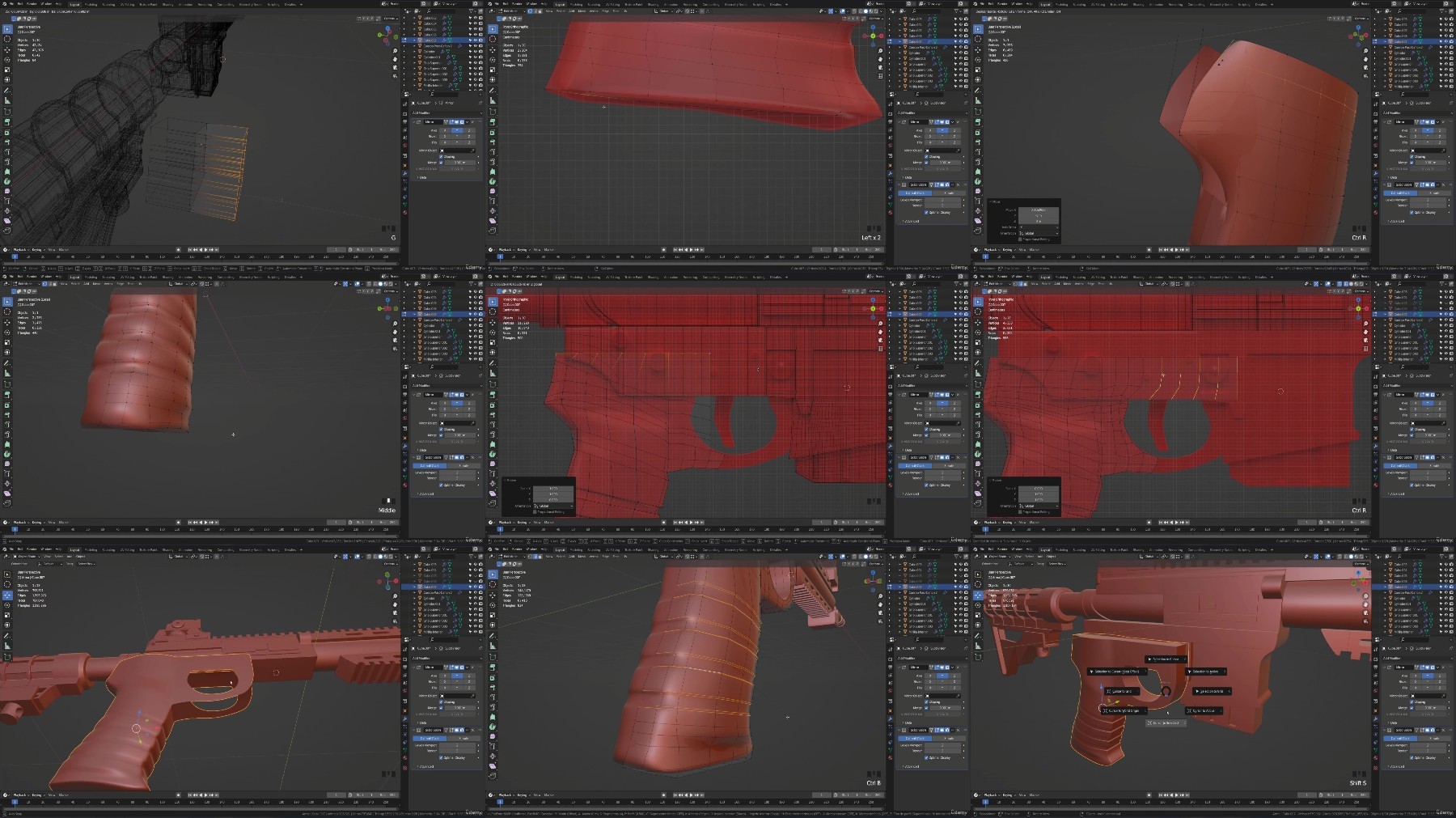
Lecture 26 Modeling Top and Bottom Grip – Array and Mirror Modifiers
Lecture 29 Bottom Sight Modeling – Using Grid Fill for Square Shapes
Lecture 30 Modeling Grip Without Holes
Lecture 31 Modeling Decorative Bottom Grip – CHALLENGE: Loop Redirection
Lecture 32 CHALLENGE Solution
Lecture 35 Top Decorative Modeling
Lecture 38 Lower Stock Modeling
Lecture 39 Lower Sight Modeling
Lecture 40 Lower Sight Circular Ornament (Engraved)
Lecture 41 Top Sight Modeling – Bevel Modifier (Engraved)
Lecture 42 Rear Piece in Sight Modeling (Engraved)
Lecture 43 Top Sight Details (Engraved)
Lecture 44 Lower Stock Detail
Lecture 45 Cylindrical Piece with Boolean Cut – Lower Stock
Lecture 48 Bullet Slots in Magazine
Lecture 49 Cleaning the Piece and Redirecting Loops
Lecture 50 Intermediate Decoration
Lecture 51 Grip Modeling
Lecture 52 Trigger Modeling
Lecture 53 Side Rivets
Lecture 54 Linked Meshes
Lecture 55 Assigning Materials
Lecture 56 Lighting and Final Renders
For anyone who wants to master Hard Surface modeling in Blender.,For those who want to learn how to texture their Blender models.,For anyone looking to learn new modeling techniques and improve their skills.
RapidGator
https://www.keeplinks.org/p27/68b44d4dc3c06
NitroFlare
https://www.keeplinks.org/p27/68b452a5c26c6
DDownload
https://www.keeplinks.org/p27/68b455e44d721