

Build an app with ASPNET Core and Angular from scratch
Duration: 35:14:36 | .MP4 1280×720, 30 fps(r) | AAC, 44100 Hz, 2ch | 16 GB
What you’ll learn
Students who complete this course will have a practical understanding of Angular and ASPNET Core
Understand how to structure an Angular application using best practices
Use Visual Studio code effectively to improve workflow
Use AutoMapper
Implement drag and drop photo upload integrating into a cloud platform
Implement a private messaging system
Implement filtering, sorting and paging of data
Display notifications in Angular
Implement Authentication using JWT Authentication tokens
Handling errors in the API and the SPA
Persist data using Entity Framework Core
Real time notifications and presence using SignalR
Requirements
Hello world experience in ASPNET Core and Angular
A passion for wanting to learn how to build a fully functional Web Application
Description
This course has been refreshed and completely updated for .Net 7.0 and Angular 14.
These are 2 of the hottest frameworks right now for the ‘back-end’ (Microsoft’s ASP.NET Core) and the ‘front-end’ (Google’s Angular) and are well worth spending the time to learn.
This course is right up to date as at November 2022 using .Net 7.0 and Angular v14 and as these frameworks evolve, this course will evolve with it.
Read some of the great reviews of the course:
Jim says "The absolute best course for building an API in .Net core and working with Angular!"
Here are some of the things you will learn about in this course:
Setting up the developer environment
Creating the ASP.NET Core WebAPI and the Angular app using the DotNet CLI and the Angular CLI
Adding a Client side login and register function to our Angular application
Adding routing to the Angular application and securing routes.
Using Automapper in ASP.NET Core
Building a great looking UI using Bootstrap
Adding Photo Upload functionality as well as a cool looking gallery in Angular
Angular Template forms and Reactive forms and validation
Paging, Sorting and Filtering
Adding a Private Messaging system to the app
Using SignalR for real time presence and live messaging between users
Many more things as well
Tools you need for this course
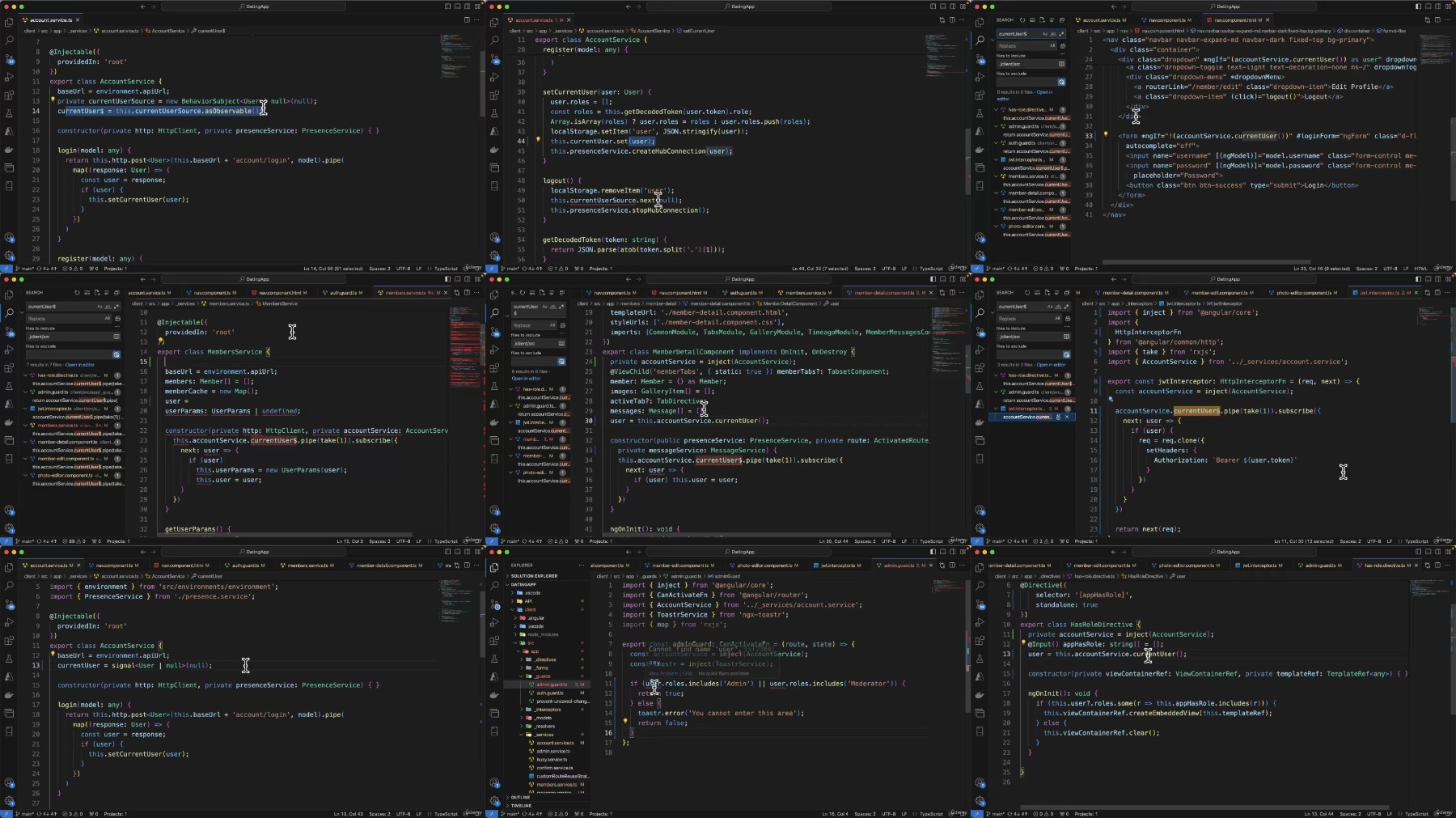
In this course all the lessons are demonstrated using Visual Studio Code, a free (and fantastic) cross platform code editor. You can of course use any code editor you like and any Operating system you like. as long as it’s Windows, Linux or Mac
Is this course for you?
This course is very practical, about 90%+ of the lessons will involve you coding along with me on this project. If you are the type of person who gets the most out of learning by doing, then this course is definitely for you.
Who this course is for:
Beginners to ASPNET Core and Angular who want to learn practical usage of these frameworks to build a compelling and functional application
Students who like to learn by doing rather than learning by theory
RapidGator
https://www.keeplinks.org/p27/6a660377b3bed
NitroFlare
https://www.keeplinks.org/p27/6a660934b690c
UsersDrive