


Cloudflare Essentials, Your Beginners Guide To Cloudflare
Published 3/2025
MP4 | Video: h264, 1920×1080 | Audio: AAC, 44.1 KHz
Your No-Hype Guide to Stop DDoS Attacks, Boost Site Speed, and Save on Hosting – All with FREE Cloudflare Tools!
What you’ll learn
Configure rate limiting to protect login pages from brute-force attacks and bot traffic
Transfer domains to Cloudflare Registrar for cost savings and faster DNS performance
Set up Web Application Firewall (WAF) rules to block malicious traffic and specific countries
Create redirect rules to manage site traffic efficiently without relying on WordPress plugins
Requirements
The desire to learn and act on what you learn is or should be number one for everyone.
Zero coding or engineering skills are required
Internet connection and a computer is pretty much the only requirements.
Description
Overview
Section 1: Introduction To Cloudflare and The Basics
Lecture 1 Introduction-Some House Keeping
Lecture 2 A Quick Update
Lecture 3 Basic Fundamentals of The Cloudflare Free Plan
Lecture 4 What is a CDN – Content Delivery Network?
Lecture 5 What is Cloudflare
Lecture 6 How Cloudflare Works
Lecture 7 Accessing Cloudflare
Lecture 8 Adding a Domain or Site to your Cloudflare Account
Lecture 9 The WordPress Plugin for Cloudflare Quick Connect
Section 2: Core Security Features
Lecture 10 Cloudflare’s Free SSL
Lecture 11 Cloudflare WAF – An Introduction
Lecture 12 Don’t Lock Yourself Out – How to Find & Whitelist YOUR IP Address
Lecture 13 WordPress Login Protection Rule
Lecture 14 Rules: Rate Limiting & Why It Matters
Lecture 15 How To Limit Access to Staging and Development Sites
Lecture 16 How to Block or Challenge Entire Countries from Hitting Your Website
Lecture 17 How To Make Sure The ‘Good Bots’ Get to Your Website
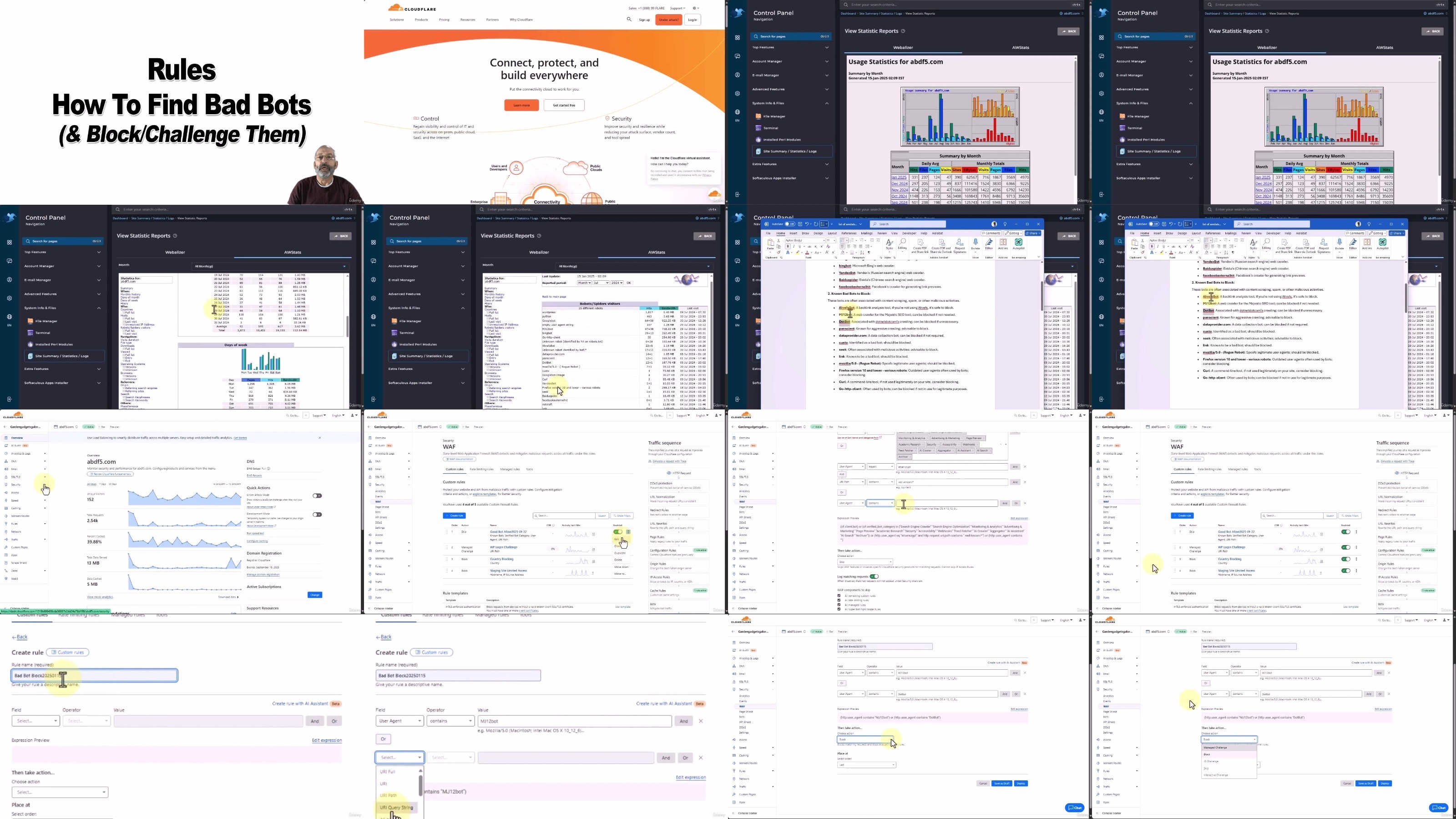
Lecture 18 How to Find The Bad Bots to Block or Challenge
Section 3: Performance and Optimization
Lecture 19 Caching Rules For a Faster Loading Website
Lecture 20 Compression Rules for a More Optimized Website
Lecture 21 Basic Site Settings For Speed & Caching
Section 4: Advanced Rules and Configuration
Lecture 22 An Introduction to Cloudflare Rules
Lecture 23 Configuration Rules and Replacing the Legacy Page Rules
Lecture 24 Simple Redirect Rule
Lecture 25 Transform Rules and Security Headers (Request and Response Headers)
Section 5: Account Management and Security
Lecture 26 Cloudflare Two-Factor Authentication (2FA)
Lecture 27 Adding Members or Additional Users to Your Cloudflare Account
Lecture 28 Adding Cloudflare Turnstile – The Captcha Killer
Section 6: Cloudflare Dashboard Overview and Navigation
Lecture 29 Cloudflare Dashboard Tour
Lecture 30 Cloudflare Site Overview Page
Lecture 31 Cloudflare DNS Overview Page
Lecture 32 Cloudflare The Domain Registrar
Anyone who wants to improve website security and performance without needing a computer science degree.,IT professionals looking to add Cloudflare skills to their resume.,Entrepreneurs who want to protect their online assets and save on hosting expenses.,This Course is NOT for: • Advanced Cloudflare users looking for highly specialized, enterprise-level configurations. This is a foundational course focused on practical, everyday use.
DDownload
https://www.keeplinks.org/p27/6889ee7210211
RapidGator
https://www.keeplinks.org/p27/6889eebc75925
NitroFlare
https://www.keeplinks.org/p27/6889ef7fb85ab