

Complete Guide To The Blackmagic Camera App
Published 1/2025
MP4 | Video: h264, 1920×1080 | Audio: AAC, 44.1 KHz
Learn how to master the Blackmagic Camera app and shoot professional quality video with an iPhone.
What you’ll learn
Learn to use the Blackmagic Camera app to shoot pro quality video
Learn the best settings for shooting slow motion video
Learn how and why to shoot Apple Log and use LUTs with the app
Learn how to record video and audio to an SSD
Requirements
Description
Overview
Section 1: Introduction
Lecture 1 Welcome & About The Course
Section 2: Getting To Know the App
Lecture 2 General Overview | App Interface & Controls
Lecture 3 General Overview | Screen Controls (Pt.1)
Lecture 4 General Overview | Screen Controls (Pt.2)
Lecture 5 General Overview | Screen Controls (Pt.3)
Section 3: App Menu Features & Settings
Lecture 6 Menu Features | Media Tab
Lecture 7 Menu Features | Chat & Settings Tabs
Lecture 8 Record Menu Settings
Lecture 9 Camera Menu Settings
Lecture 10 Audio Menu Settings
Lecture 11 Monitor Menu Settings
Lecture 12 Media & LUTs Menu Settings
Lecture 13 Presets Menu Settings
Lecture 14 Accessories & Other Menu Settings
Section 4: App "How To" Basics
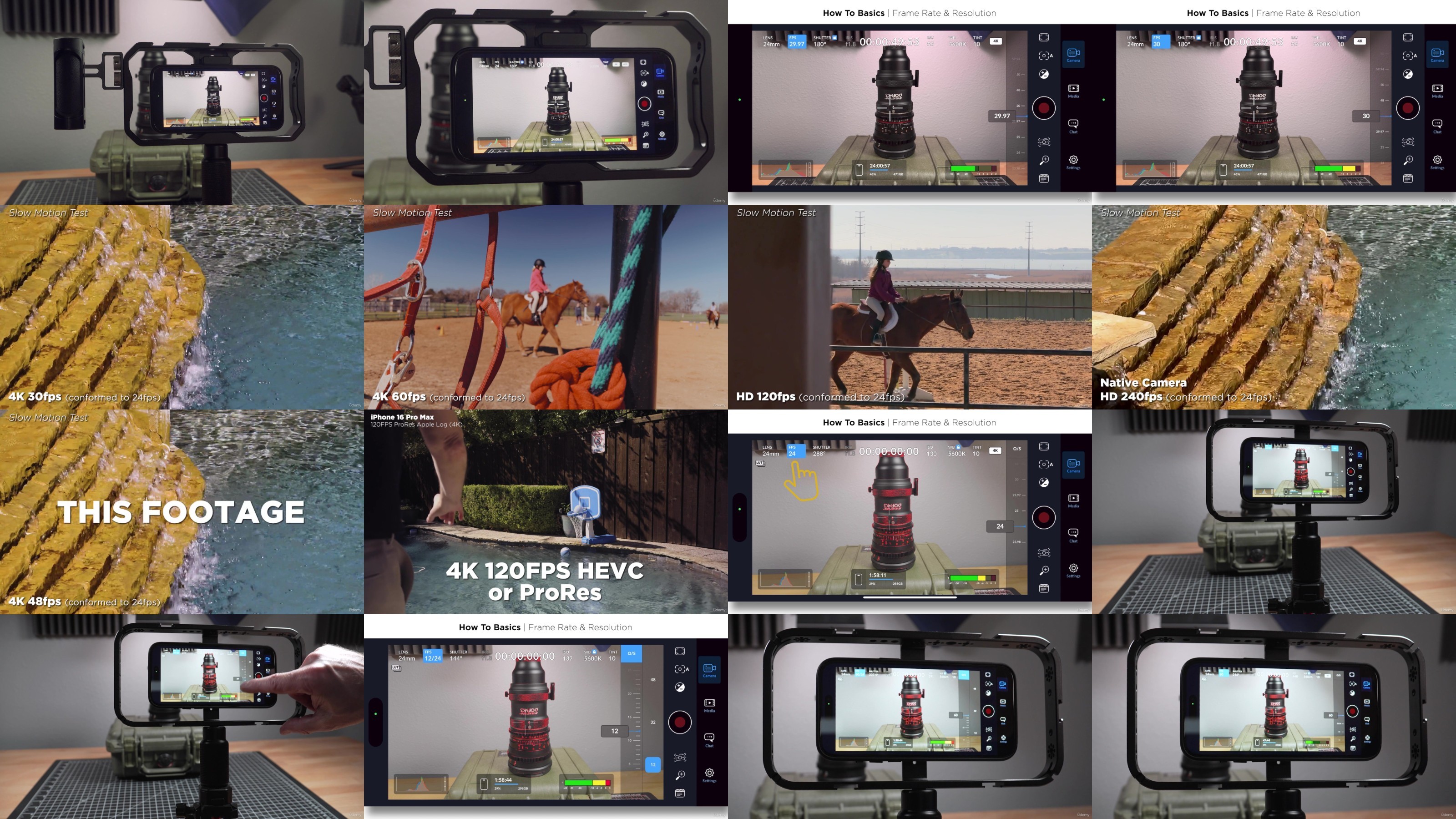
Lecture 15 Frame Rates, Resolution & Slowmo
Lecture 16 Setting Proper Exposure
Lecture 17 Best Shutter & ISO Settings
Lecture 18 Choosing the Best Codec
Lecture 19 Using HEVC & Apple Log for Social Media (iPhone 15/16)
Lecture 20 Which Stabilization To Use
Lecture 21 Zooming & Switching Cameras
Section 5: Advanced Features
Lecture 22 Advanced | HDMI Monitoring
Lecture 23 Advanced | Automated Focus Pulls (Rack focus)
Lecture 24 Advanced | Using Blackmagic Cloud
Lecture 25 Advanced | Using Wireless Camera Control
Lecture 26 Advanced | Recording via USB-C (iPhone 15/16)
Lecture 27 Advanced | Audio/Video Recording Accessories
Lecture 28 Advanced | DIY iPhone SSD Rig (iPhone 15/16)
Lecture 29 Advanced | Color Correcting Apple Log (iPhone 15/16)
Lecture 30 Additional Resources & Links
Section 6: Best Practices & Thank You
Lecture 31 Best Practices | Before, During & After The Shoot
Lecture 32 Connect and Share Your Work
Indie filmmakers, student filmmakers, YouTube creators, mobile journalists, documentary filmmakers, vloggers, corporate, real estate or social media video producers, etc.,Whether you’re a beginner just getting into iPhone video and using Blackmagic or are coming from another app like FiLMiC Pro,Really anyone who wants to create professional video with a iPhone (and even make money using it)
TurboBit
https://filecrypt.cc/Container/65C3CDCF5F.html
https://www.keeplinks.org/p27/67ae67a444a97
RapidGator
https://filecrypt.cc/Container/2E164ACC00.html
https://www.keeplinks.org/p27/67ae68eb3d10d
AlfaFile
https://filecrypt.cc/Container/45122C4823.html
https://www.keeplinks.org/p27/67ae690d84a37
FileFactory