Complete React Native App Developer Course
Published 1/2024
MP4 | Video: h264, 1920×1080 | Audio: AAC, 44.1 KHz
With React Native we will build multiple Android and IOS Apple apps such as Cloud, Maps, Photos, and Notification apps
What you’ll learn
Learn how to use one of the most populaor cross platform app development softwares React Native
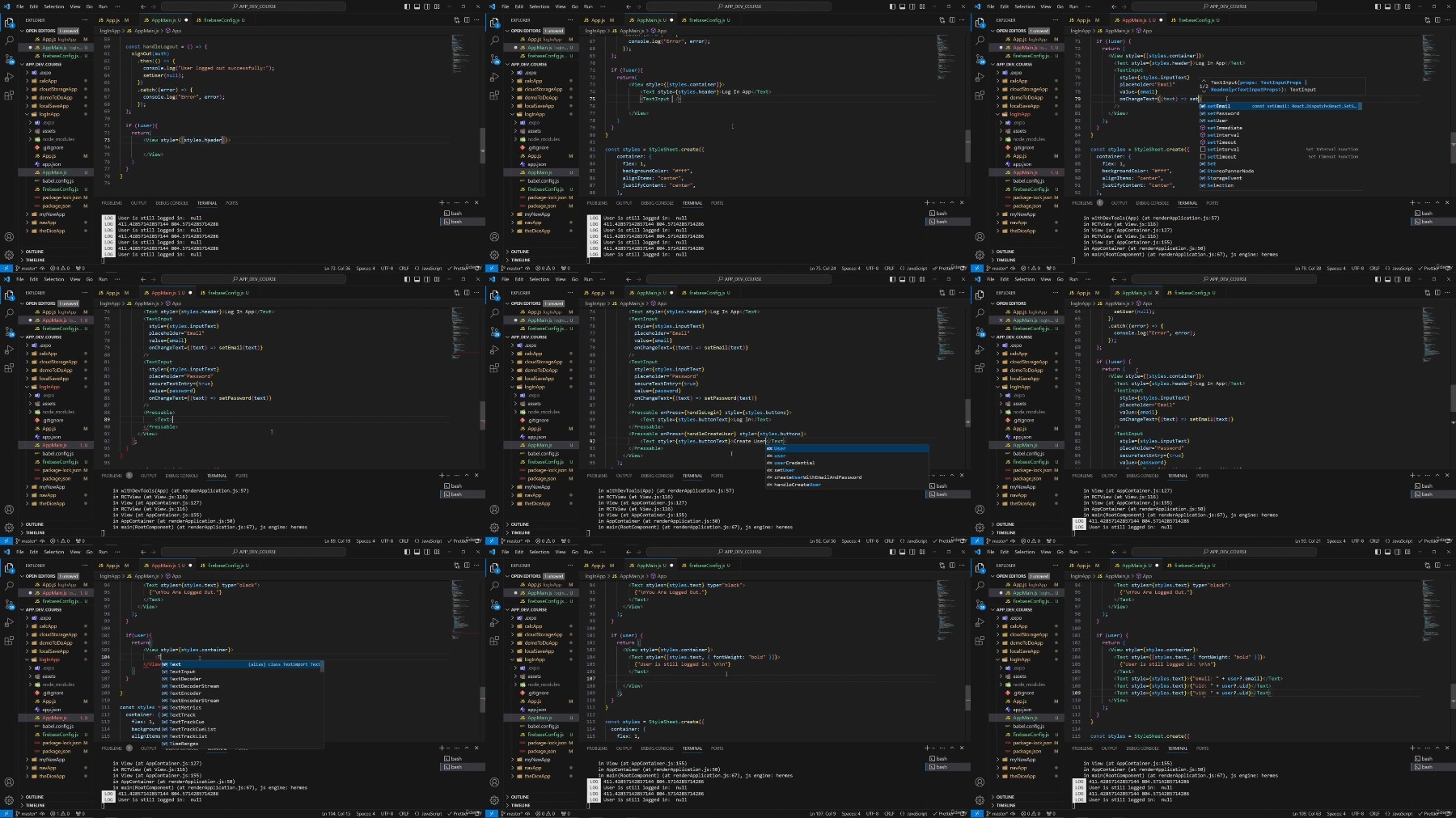
We will create 10 different apps, each one will help you gain an import skill for app development
Becuase you are using react native our app will work on both android devices and IOS Apple devices as well
Requirements
No programming experience needed, you will be walked through every step
Description
Overview
Section 1: Introduction
Lecture 1 Welcome
Lecture 2 Meet your teacher
Lecture 3 Source code
Lecture 4 Source Code Instruction
Section 2: Setup
Lecture 5 Download content
Lecture 6 Simulator
Section 3: Fundamentals
Lecture 7 Fundamentals: Introduction
Lecture 8 Fundamentals: App js file
Lecture 9 Fundamentals: Components
Lecture 10 Fundamentals: Logic
Lecture 11 Fundamentals: Structure
Lecture 12 Fundamentals: Style
Lecture 13 Fundamentals: Review
Section 4: Calculator App
Lecture 14 Calculator: Introduction
Lecture 15 Calculator: Imports
Lecture 16 Calculator: Functions
Lecture 17 Calculator: Container
Lecture 18 Calculator: Buttons
Lecture 19 Calculator: Unique buttons
Lecture 20 Calculator: Style
Lecture 21 Calculator: Review
Section 5: Navigation App
Lecture 22 Navigation: Introduction
Lecture 23 Navigation: Stack
Lecture 24 Navigation: Navigator
Lecture 25 Navigation: Home
Lecture 26 Navigation: Contact
Lecture 28 Navigation: Style
Lecture 29 Navigation: Review
Section 6: Local Storage App
Lecture 30 Local Storage: Introduction
Lecture 31 Local Storage: Components
Lecture 32 Local Storage: Functions
Lecture 33 Local Storage: Structure
Lecture 34 Local Storage: Style
Lecture 35 Local Storage: Review
Section 7: Cloud Storage App
Lecture 36 Cloud Storage: Introduction
Lecture 37 Cloud Storage: Imports
Lecture 38 Cloud Storage: Functions
Lecture 39 Cloud Storage: Structure
Lecture 40 Cloud Storage: Style
Lecture 41 Cloud Storage: Review
Section 8: Log In Authentication App
Lecture 42 Log In: Introduction
Lecture 43 Log In: API keys
Lecture 44 Log In: App js
Lecture 45 Log In: Main app page
Lecture 46 Log In: Check
Lecture 47 Log In: Functions
Lecture 48 Log In: Structure
Lecture 49 Log In: Style
Lecture 50 Log In: Review
Section 9: Notification App
Lecture 51 Notification: Introduction
Lecture 52 Notification: Imports
Lecture 53 Notification: Functions
Lecture 54 Notification: Structure
Lecture 55 Notification: Style
Lecture 56 Notification: Review
Lecture 57 Notification Bonus: Permissions
Section 10: Camera App
Lecture 58 Camera: Introduction
Lecture 59 Camera: Imports
Lecture 60 Camera: Functions
Lecture 61 Camera: Structure
Lecture 62 Camera: Style
Lecture 63 Camera: Review
Section 11: Import Photos App
Lecture 64 Import Photo: Introduction
Lecture 65 Import Photo: Imports
Lecture 66 Import Photo: Functions
Lecture 67 Import Photo: Structure
Lecture 68 Import Photo: Review
Section 12: Map App
Lecture 69 Map: Introduction
Lecture 70 Map: Structure
Lecture 71 Map: Review
Section 13: End of Course
Lecture 72 Congratulations!
This class is for anyone interested in becoming an app developer or to up your skills if you already have experience