

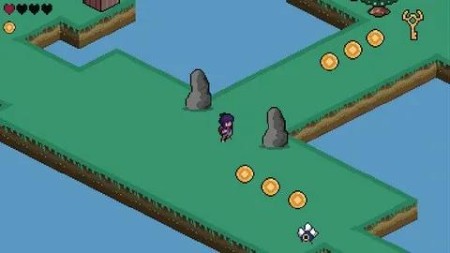
Create A 2D Isometric Game In Godot Engine 4.3
Published 12/2024
MP4 | Video: h264, 1920×1080 | Audio: AAC, 44.1 KHz
Learn how to make an 2D isometric game and how to use isometric movement and tilemap
What you’ll learn
Understanding how isometric work in 2D
A deep understanding of GDScript, the programming language of Godot
Learn how to create game object, levels, instance, using Vector and tilemap
Getting used to the fundamentals of game development
Requirements
No programming experience needed, although having some knowledge is always good
Description
Overview
Section 1: Player controller and animations
Lecture 1 Download godot and import the assets
Lecture 3 Create the player movement and a simple camera
Lecture 4 Create the player idle animation
Lecture 5 Creating the movement and attack animations and sword collision shapes
Lecture 6 Create the dead animations
Lecture 7 Create the animation tree for idle, move and sword animations
Lecture 8 Calling our animations through code
Lecture 9 Creating a state machine and input map for triggering our attack
Lecture 10 Moving while attacking
Lecture 11 Creating a crates and destroy it with our sword and using Ysort
Lecture 12 Creating a health system with static class
Lecture 14 Creating a spike trap and losing point of life
Lecture 16 Fixing direction sword issue when we are not moving
Section 2: Camera, Tilemap, terrain, background, coins
Lecture 17 Creating an isometric tilemap and saving it as a reusable resource
Lecture 18 Creating a isometric terrain with autotile
Lecture 19 Creating custom tile collision shape for the isometric tilemap
Lecture 20 Camera following the player
Lecture 21 Setting up limit to the camera
Lecture 22 Creating a houses and sorting the YSort
Lecture 23 Making the house transparent when the player move behind
Lecture 24 Creating rock and trees using Texture Region
Lecture 25 Adding coins to collect
Lecture 26 Display the number of coins collected in the GUI
Lecture 27 Creating water with animated tilemap
Section 3: Enemy, shader, key and doors, changing level, checkpoints
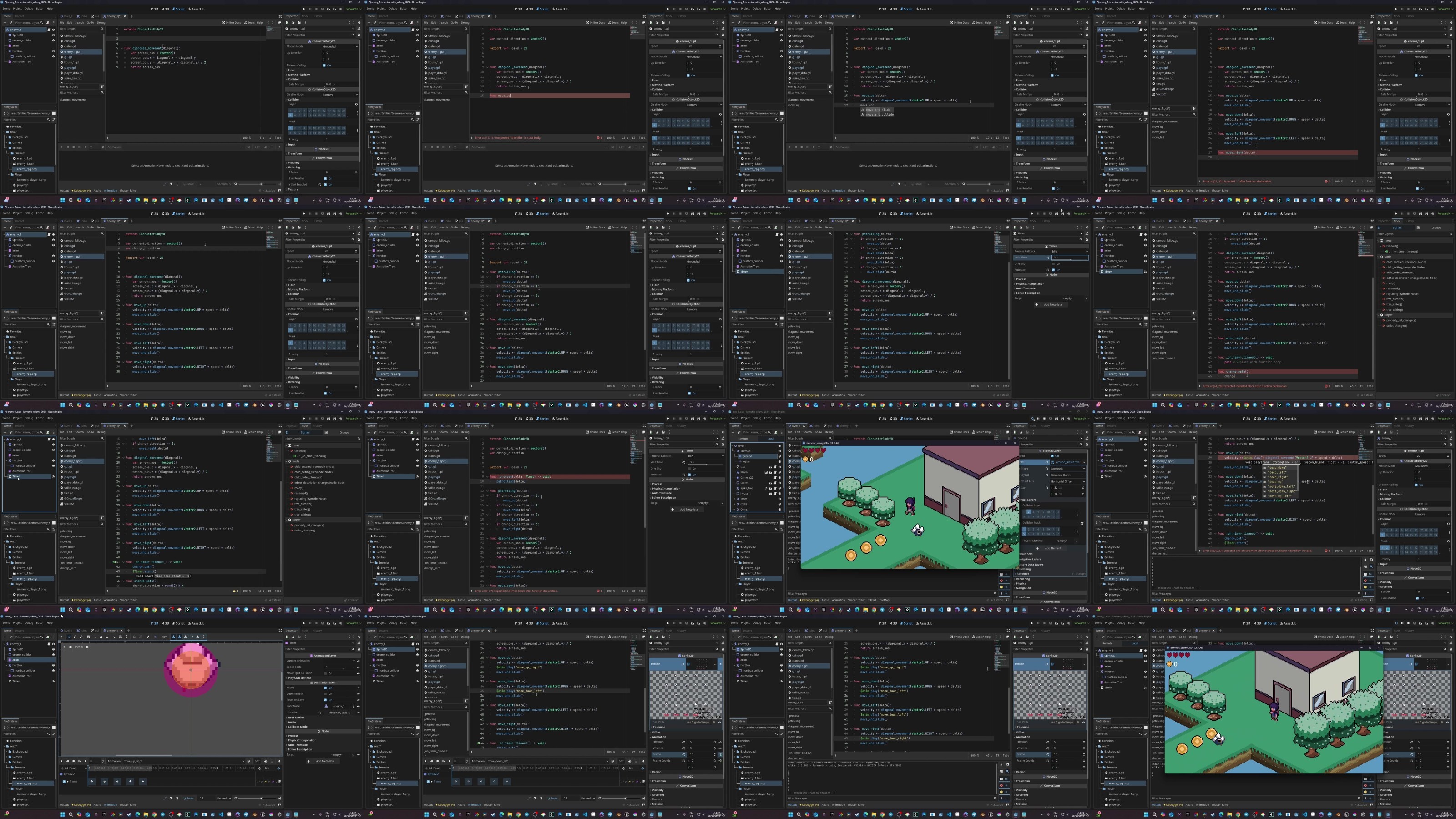
Lecture 28 Creating our enemy and its animations
Lecture 29 Making our enemy move and patrol randomly through code
Lecture 30 Killing the enemy and hurting the player
Lecture 31 Creating a shader for showing the damage of the player
Lecture 32 Instancing object when our enemy die (coins)
Lecture 33 Create a key that opens a door
Lecture 34 Create the door collider logic and the animation and create a label
Lecture 35 Opening the door with the key and creating a custom input to open the door
Lecture 36 Deactivating the area of the door and deleting the key once it has been used
Lecture 37 Spawning a key after all enemies have been killed and creating custom signal
Lecture 38 Changing levels and spawning the player at checkpoints
Lecture 39 Wrapping up: what to do next?
Beginner in Godot looking to learn how to make game development as well as more seasoned developer looking to learn how isometric game are working in 2D.
https://filecrypt.cc/Container/67AA9D4FCE.html
https://www.keeplinks.org/p27/677a3db88304b
https://filecrypt.cc/Container/9E656E5F11.html
https://www.keeplinks.org/p27/677a3f8b06d99