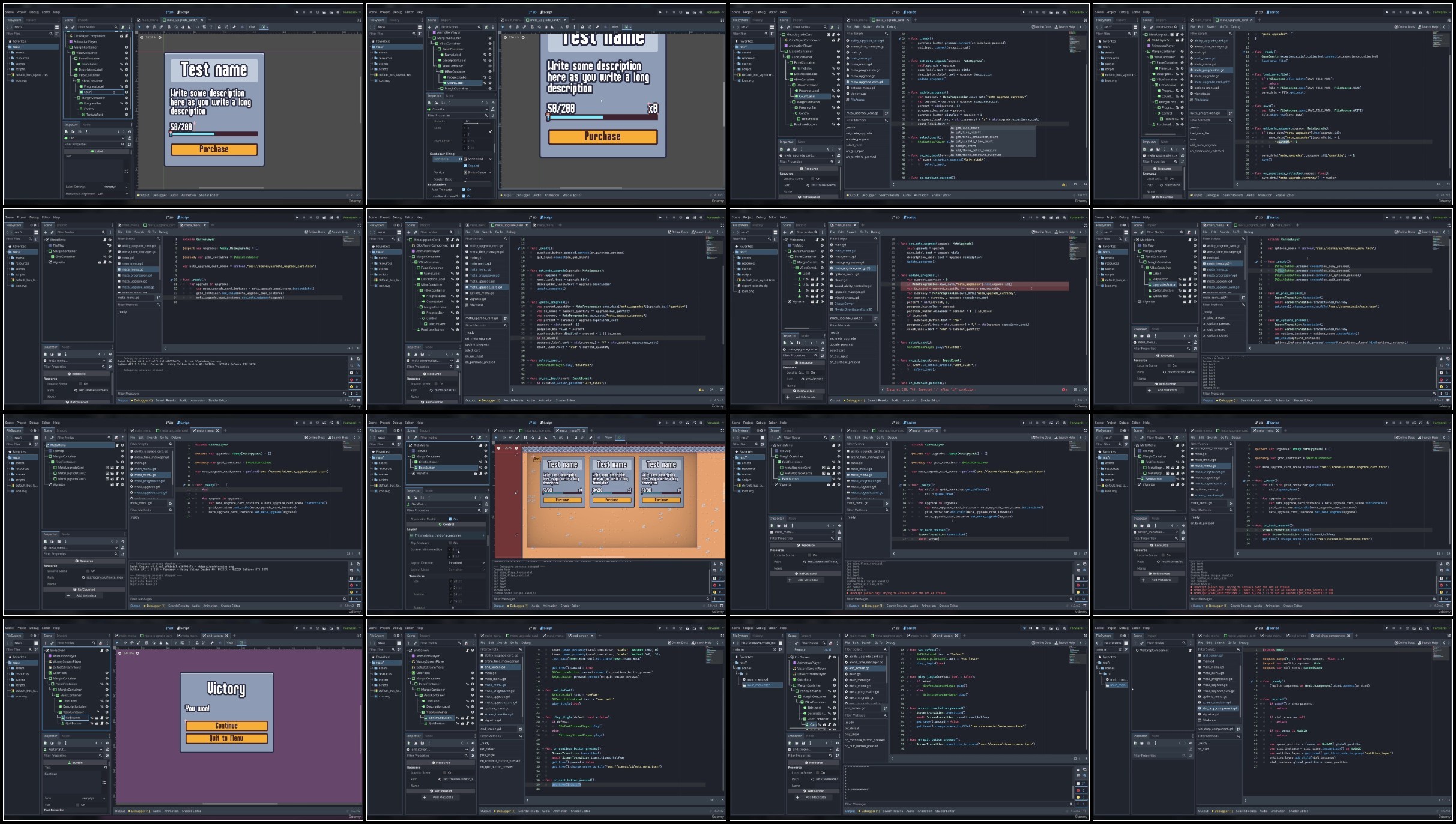
Create A Complete 2D Survivors Style Game In Godot 4
Published 2/2023
MP4 | Video: h264, 1280×720 | Audio: AAC, 44.1 KHz
What you’ll learn
Arena survival roguelike mechanics – auto attack abilities, enemy hordes, experience drops, and roguelike upgrades
Animations – using squash and stretch to make static sprites pop
Saving loading – save and load permanent player progression data
Requirements
Some programming knowledge
Description
Overview
Lecture 1 Godot Download and Setup
Lecture 2 Creating the Player
Lecture 3 Player Movement
Lecture 4 Creating a TileMap
Lecture 5 Game Camera
Lecture 6 Checkpoint
Section 2: Building the Foundation
Lecture 7 Creating a Rat Enemy
Lecture 8 Creating the First Sword Ability
Lecture 9 Introduction to AnimationPlayer
Lecture 10 Targeting Enemies With Sword Ability
Lecture 11 Destroying Enemies
Lecture 12 Project Settings Tweaks
Lecture 13 Spawning Enemies Automatically
Lecture 14 Improving the Game Feel
Lecture 15 Creating the Game Loop Foundation
Lecture 16 Experience Drops
Lecture 17 Experience Tracking
Lecture 18 Creating a Health Component
Lecture 19 Implementing Damage
Lecture 20 Creating an Experience Bar
Lecture 21 Using Custom Resources for Upgrades
Lecture 22 Upgrade UI Groundwork
Lecture 23 Enabling Upgrade Selection
Lecture 24 Making the Upgrade Functional
Lecture 25 Improving the Scene Tree Structure
Lecture 26 Adding Player Health
Lecture 27 Player Health Bar
Lecture 28 Creating the Victory Screen
Lecture 29 Creating the Defeat Screen
Section 3: Gameplay and Visual Improvements
Lecture 30 Increase Difficulty Over Time
Lecture 31 Improving the TileMap
Lecture 32 Preventing Invalid Spawning
Lecture 33 Creating an Axe Ability
Lecture 34 Enabling Acquisition of Axe Ability
Lecture 35 Prevent Abilities from Being Chosen Twice
Lecture 36 Animating the Player
Lecture 37 Animating the Enemy
Lecture 38 Animating Enemy Death
Lecture 39 Adding a Wizard Enemy
Lecture 40 Using a Weighted Table for Enemy Spawning
Lecture 41 Animating the Wizard
Lecture 42 Animating the Experience Vial Pickups
Lecture 43 Adding a Custom Font
Lecture 44 Adding Floating Damage Text
Lecture 45 Implementing a Flash on Enemy Hit
Lecture 46 Adding Ability Damage Upgrades
Lecture 47 Introduction to UI Theming
Lecture 48 Finalizing Upgrade Card Theme
Lecture 49 Animating the Upgrade Card
Lecture 50 Improving the Upgrade Selection Screen
Lecture 51 Applying a Style to the Experience Bar
Lecture 52 Animating Victory and Defeat Screens
Lecture 53 Applying Styles to the Buttons
Lecture 54 Creating a Player Move Speed Upgrade
Lecture 55 Adding a Vignette
Section 4: Sound Effects
Lecture 60 Adding Victory and Defeat Jingles
Lecture 61 Adding Music
Section 5: Final Touches
Lecture 62 Creating a Main Menu
Lecture 63 Creating an Options Menu
Lecture 64 Styling the Options Menu Sliders
Lecture 65 Creating a Pause Menu
Lecture 66 Adding a Scene Transition Effect
Lecture 67 Creating a Meta Progression System
Lecture 68 Saving and Loading Meta Progression Data
Lecture 69 Creating the Meta Upgrade Card
Lecture 70 Allowing Player to Purchase Meta Upgrades
Lecture 71 Improving the Meta Upgrade Card
Lecture 72 Adding a ScrollContainer to the Meta Upgrade Screen
Lecture 74 Fixing an Enemy Spawning Bug
Lecture 75 Conclusion
Beginner game developers with programming experience,Individuals looking for a complete 2D development guide for Godot 4,Intermediate programmers,Intermediate game developers