


Create A Complete Online Co-Op Multiplayer Game In Godot 4
Published 7/2025
MP4 | Video: h264, 1920×1080 | Audio: AAC, 44.1 KHz
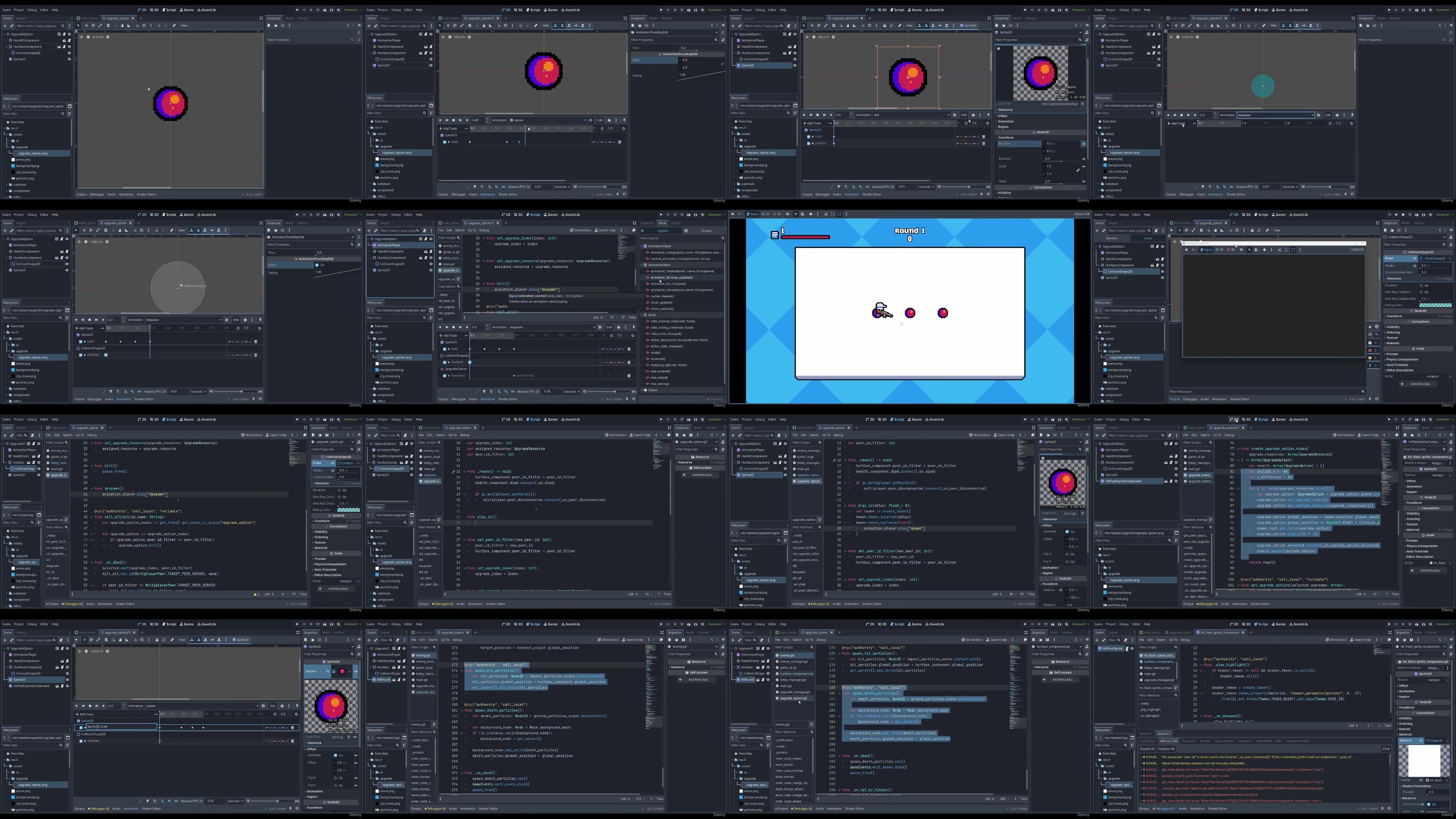
Learn how to create a complete 2D online cooperative multiplayer game in Godot 4.4+!
What you’ll learn
Server-authoritative architecture for online multiplayer games using Godot’s high-level networking tools.
Remote Procedure Calls (RPCs) to synchronize game state across clients and the server.
Twin-stick shooter controls that support cooperative multiplayer gameplay.
Compose game scenes using modular components to create a flexible and maintainable project structure.
Develop UIs using Godot’s Control nodes and UI theming system.
Gameplay systems including a multiplayer lobby, multiplayer connections, combat, & more!
Requirements
Familiarity with general programming concepts
Description
Overview
Section 1: Setting Up the Foundation
Lecture 1 Godot Setup and Orientation
Lecture 2 Creating a Basic Player Scene
Lecture 3 Adding Basic Movement and Input Handling to the Player
Lecture 4 Laying the Groundwork for Multiplayer Connection
Lecture 5 Writing Our First Multiplayer Code
Lecture 6 Basic State Synchronization and First RPC Call
Lecture 7 Replicating Players Across the Network
Lecture 8 Input Authority
Lecture 9 Synchronizing Player Positions
Lecture 10 Display Configuration
Lecture 12 Adding a Weapon to the Player
Lecture 13 Firing Bullets from the Weapon
Lecture 14 Synchronizing Bullets
Lecture 15 Creating Bullets at Proper Intervals
Lecture 16 Beginning Work on an Enemy
Lecture 17 Implementing Bullet Collision
Lecture 18 Adding Basic Enemy Health & Synchronization
Lecture 19 Adding an Arena
Lecture 20 Spawning Enemies
Lecture 21 Basic Enemy AI
Lecture 22 Adding Round Structure for Enemy Spawns
Lecture 23 Creating a Health Component
Lecture 24 Global Signals and Advancing Rounds
Lecture 25 Hurtbox and Hitbox Components
Lecture 26 Making Enemies Damage The Player
Lecture 27 Addressing Warnings
Section 2: Improving the Look of the Game
Lecture 28 Y-Sorting
Lecture 29 Proper Weapon Rotation & Player Flipping
Lecture 30 Adding an Animated Background
Lecture 31 Creating a Weapon Animation
Lecture 32 Synchronizing Weapon Animations
Lecture 34 Spawning Muzzle Flashes In Game
Lecture 35 Adding a Visual Timer and Round Counter
Lecture 36 Synchronizing Round Timer
Section 3: Adding More Mechanics
Lecture 37 Improving Enemies
Lecture 38 Adding an Enemy State Machine
Lecture 39 Adding Enemy Dash Attack
Lecture 40 Adding an Enemy Attack Indicator
Lecture 41 Synchronizing the State Machine
Lecture 42 Handling Player Death
Lecture 43 Handling Game Over
Lecture 44 Fixing Player Input Synchronizer
Lecture 45 Handling Peer Disconnection
Section 4: Adding Even More Polish
Lecture 46 Adding Hit Flash
Lecture 49 Adding Camera Shake
Lecture 50 Adding a Victory Condition
Section 5: User Interface
Lecture 51 Button Theming & Main Menu
Lecture 52 Creating a Multiplayer Menu
Lecture 53 Enhancing Multiplayer Menu
Lecture 54 Making Multiplayer Settings Configurable
Lecture 55 Handling Connection Errors
Lecture 56 Showing Player Names In-Game
Lecture 57 Player Health UI
Lecture 58 Fixing Single-Player Bug
Lecture 59 Making Health UI Functional
Lecture 60 Fixing Player Name Bug
Lecture 61 Creating a Pause Menu
Lecture 62 Making Pause Menu Functional
Lecture 63 Adding Ready-Up to Lobby
Section 6: Finalizing Game Mechanics
Lecture 66 Adding an Upgrade System with Custom Resources
Lecture 67 Synchronizing Upgrade Options to Clients
Lecture 68 Allow Clients to Select Upgrades
Lecture 69 Fixing Client Upgrade Authority
Lecture 70 Synchronizing Upgrade Option State
Lecture 73 Advancing Rounds After Upgrading
Lecture 74 Adding Visuals to Upgrades
Lecture 75 Showing Upgrade Tooltips
Section 7: Final Polish
Lecture 76 Animations for Player and Enemy
Lecture 77 Adding Acceleration to Player Movement
Lecture 78 Tweaking Enemy Attack Behavior
Lecture 79 Preventing Bullets from Hitting Multiple Targets
Lecture 80 Adding Invulnerability After Taking Damage
Lecture 81 Player Damage Feedback
Lecture 82 Adding a Custom Mouse Cursor
Lecture 83 Adding Sound Effects
Lecture 84 Adding Music
Lecture 85 Creating an Options Menu
Lecture 86 Exporting the Game
Lecture 87 Connecting Over the Real Internet
Lecture 88 Congratulations and Further Areas of Exploration
Aspiring game developers who want to make multiplayer games,Seasoned Godot developers with an interest in multiplayer,Beginner to intermediate Godot users looking for a complete, hands-on project,Programmers new to game development,Hobbyists and developers looking to learn Godot in a comprehensive way
RapidGator
https://www.keeplinks.org/p27/68b1fdea92ab7
NitroFlare
https://www.keeplinks.org/p27/68b1ff6a0b0e3
DDownload
https://www.keeplinks.org/p27/68b1fff42ffcc