


Create Awesome Graphics with ChatGPT
Instructor: Scott Bromander
What you’ll learn
- How to generate stunning images using ChatGPT 4o – from simple prompts to advanced creative direction
- How to craft effective, detailed prompts that control style, lighting, composition, and color with precision
- How to combine and refine multiple images using layering techniques, transparency, and prompt iteration
- How to apply AI-generated visuals to real-world projects like logos, posters, product mockups, and social media content
- How to integrate other creative AI tools – like Midjourney, Sora, and Redbubble – to expand your creative potential
Requirements
- No design experience or technical background required – this course is beginner-friendly and built to guide you step-by-step.
- A ChatGPT Plus subscription is strongly recommended, as nearly unlimited image generation with GPT-4o is only available to Plus and above users. The Free Tier only allows for limited creation.
- A stable internet connection and a desktop or laptop computer are recommended for the best experience.
Description
Unlock your creative potential with Create Awesome Graphics with ChatGPT 4o – the ultimate, hands-on guide to mastering image generation using the powerful tools built into ChatGPT 4o.
What You’ll Learn
- How to navigate the ChatGPT interface with ease
- Understanding how prompts work and what makes them effective
- Creating your very first images in ChatGPT 4o with guided examples
From there, we level up your skills by diving into advanced image prompting techniques, including:
- Directing color, lighting, and layout
- Using aspect ratios, camera angles, and composition like a pro
- Combining multiple images, adjusting transparency, and layering elements
Hands-On Projects and Real-World Examples
This course is packed with sample images, prompt templates, and step-by-step walkthroughs to help you practice as you go. You’ll create a wide range of visuals for both fun and professional use, including:
- Logos, product packaging, movie posters, and infographics
- Invitations, mockups, and custom illustrations
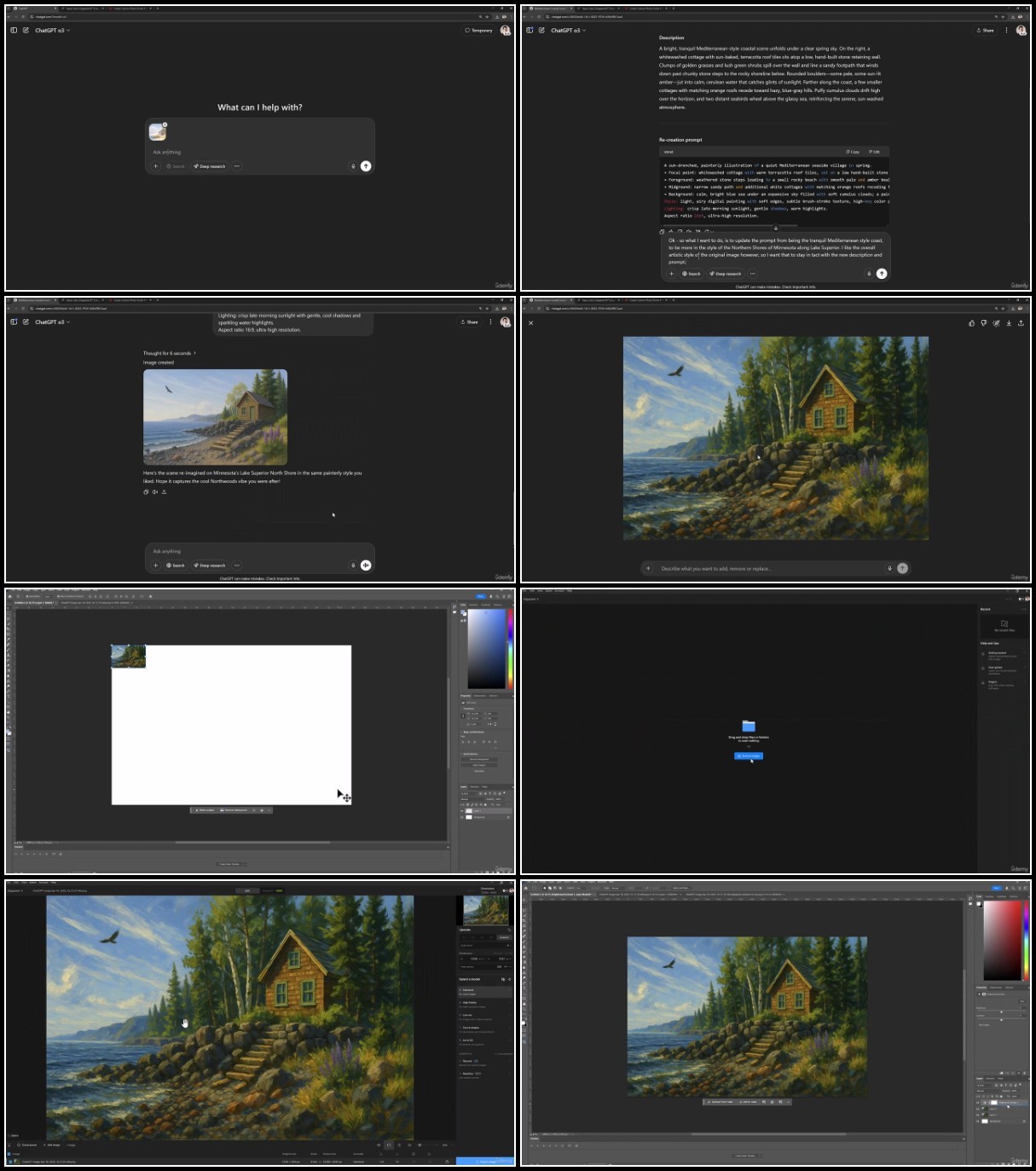
You’ll also gain experience in editing and enhancing your AI-generated images using tools like Photoshop, and learn how to take your creativity even further by integrating with tools like Midjourney and Sora.
Tools, Templates, and Prompts Galore
We don’t just tell you what to do – we give you the tools to do it:
- Downloadable sample images for inspiration and experimentation
- Assignments and practice exercises at the end of each section to apply what you’ve learned
By the End of This Course.
You’ll be able to confidently use ChatGPT 4o to:
- Generate stunning images with precision
- Customize outputs to match your personal style or brand needs
- Build a portfolio of AI-generated graphics that you’re proud to share
Who this course is for:
- You want to create custom graphics without needing advanced design software
- You’re a content creator, marketer, educator, or entrepreneur looking to ELEVATE your visuals
- You’ve played with ChatGPT and want to unlock its full creative potential
- You enjoy learning by doing – with hands-on projects and real-world examples
- You’re ready to turn your imagination into scroll-stopping visuals
DDownload
https://www.keeplinks.org/p27/68459ad7efbbf
RapidGator
https://www.keeplinks.org/p27/68459b4e07327
NitroFlare