Cuda Parallel Programming On Nvidia Gpus (Hw And Sw)
Published 10/2024
MP4 | Video: h264, 1280×720 | Audio: AAC, 44.1 KHz
Performance Optimization and Analysis for High-Performance Computing
What you’ll learn
Comprehensive Understanding of GPU vs CPU Architecture
learn the history of graphical processing unit (GPU) until the most recent products
Understand the internal structure of GPU
Understand the different types of memories and how they affect the performance
Understand the most recent technologies in the GPU internal components
Understand the basics of the CUDA programming on GPU
understand the most efficient ways for parallelization
Profiling and Performance Tuning
Leveraging Shared Memory
Requirements
C and C++ basics
Linux and windows basics
Computer Architecture basics
Description
Overview
Section 1: Introduction to the Nvidia GPUs hardware
Lecture 1 GPU vs CPU (very important)
Lecture 3 Architectures and Generations relationship [Hopper, Ampere, GeForce and Tesla]
Lecture 4 How to know the Architecture and Generation
Lecture 5 The difference between the GPU and the GPU Chip
Lecture 6 The architectures and the corresponding chips
Lecture 7 Nvidia GPU architectures From Fermi to hopper
Lecture 8 Parameters required to compare between different Architectures
Lecture 9 Half, single and double precision operations
Lecture 10 Compute capability and utilizations of the GPUs
Lecture 11 Before reading any whitepapers !! look at this
Lecture 12 Volta+Ampere+Pascal+SIMD (Don’t skip)
Section 2: Installing Cuda and other programs
Lecture 13 What features installed with the CUDA toolkit?
Lecture 14 Installing CUDA on Windows
Lecture 15 Installing WSL to use Linux on windows OS.
Lecture 16 Installing Cuda toolkits on Linux
Section 3: Introduction to CUDA programming
Lecture 17 Mapping SW from CUDA to HW + introducing CUDA.
Lecture 18 001 Hello World program (threads – Blocks)
Lecture 19 Compiling Cuda on Linux
Lecture 20 002 Hello World program ( Warp_IDs)
Lecture 21 003 : Vector addition + the Steps for any CUDA project
Lecture 22 004 : Vector addition + blocks and thread indexing + GPU performance
Lecture 23 005 levels of parallelization – Vector addition with Extra-large vectors
Section 4: Profiling
Lecture 24 Query the device properties using the Runtime APIs
Lecture 25 Nvidia-smi and its configurations (Linux User)
Lecture 26 The GPU’s Occupancy and Latency hiding
Lecture 27 Allocated active blocks per SM (important)
Lecture 29 All profiling tools from NVidia (Nsight systems – compute – nvprof .)
Lecture 30 Error checking APIs (look at chat GPU there is an example)
Lecture 31 Nsight Compute performance using command line analysis
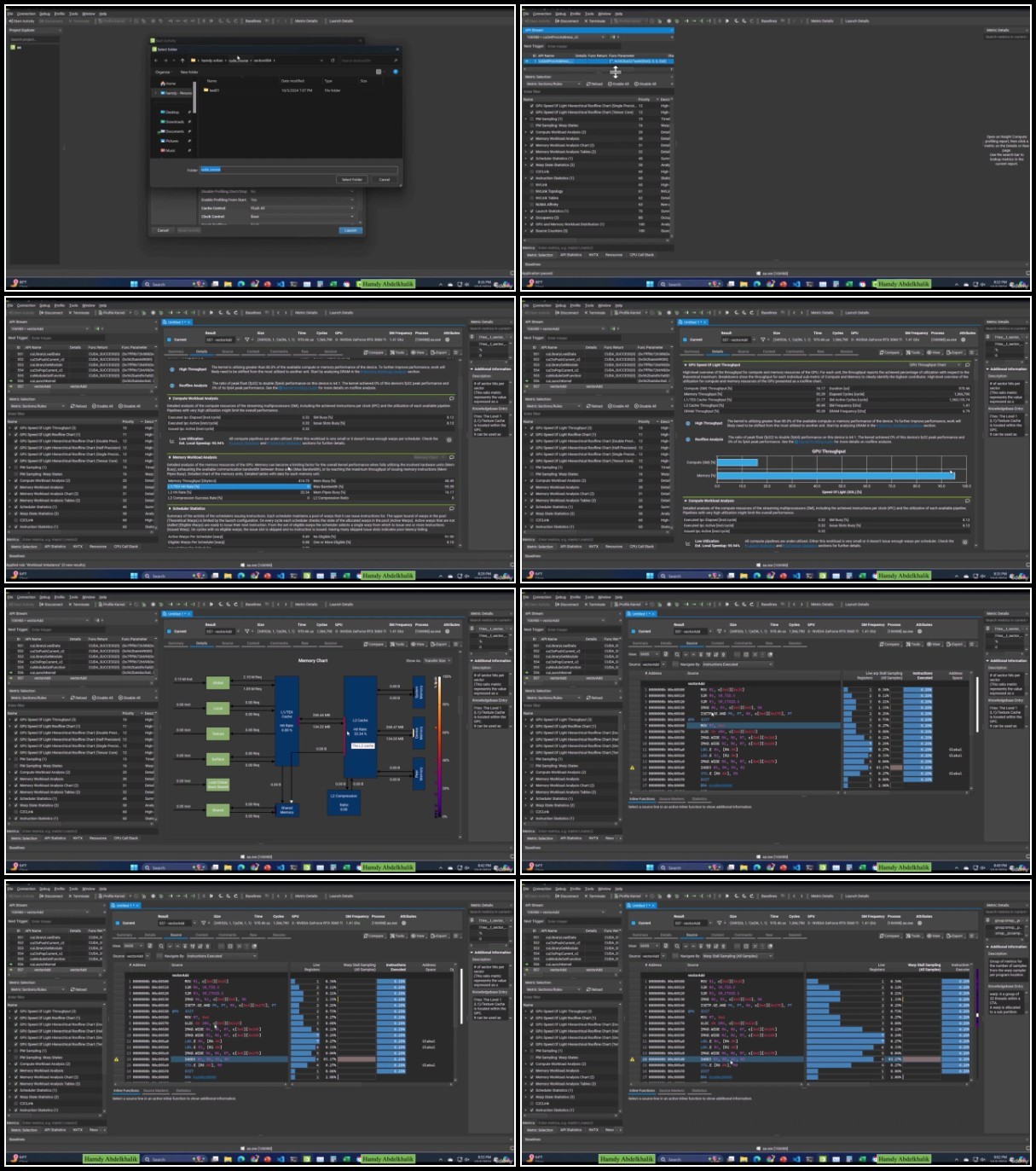
Lecture 32 Graphical Nsight Compute (windows and linux)
Section 5: Performance analysis for the previous applications
Lecture 33 Performance analysis
Lecture 34 Vector addition with a size not power of 2 !!! important
Section 6: 2D Indexing
Lecture 35 Matrices addition using 2D of blocks and threads
Lecture 36 Why L1 Hit-rate is zero ?
Section 7: Shared Memory + Warp Divergence + Shuffle Operations
Lecture 37 The shared memory
Lecture 38 Warp Divergence
Section 8: Debugging tools
Lecture 39 Debugging using visual studio (important) 1
For any one interested in GPU and CUDA like engineering students, researchers and any other one