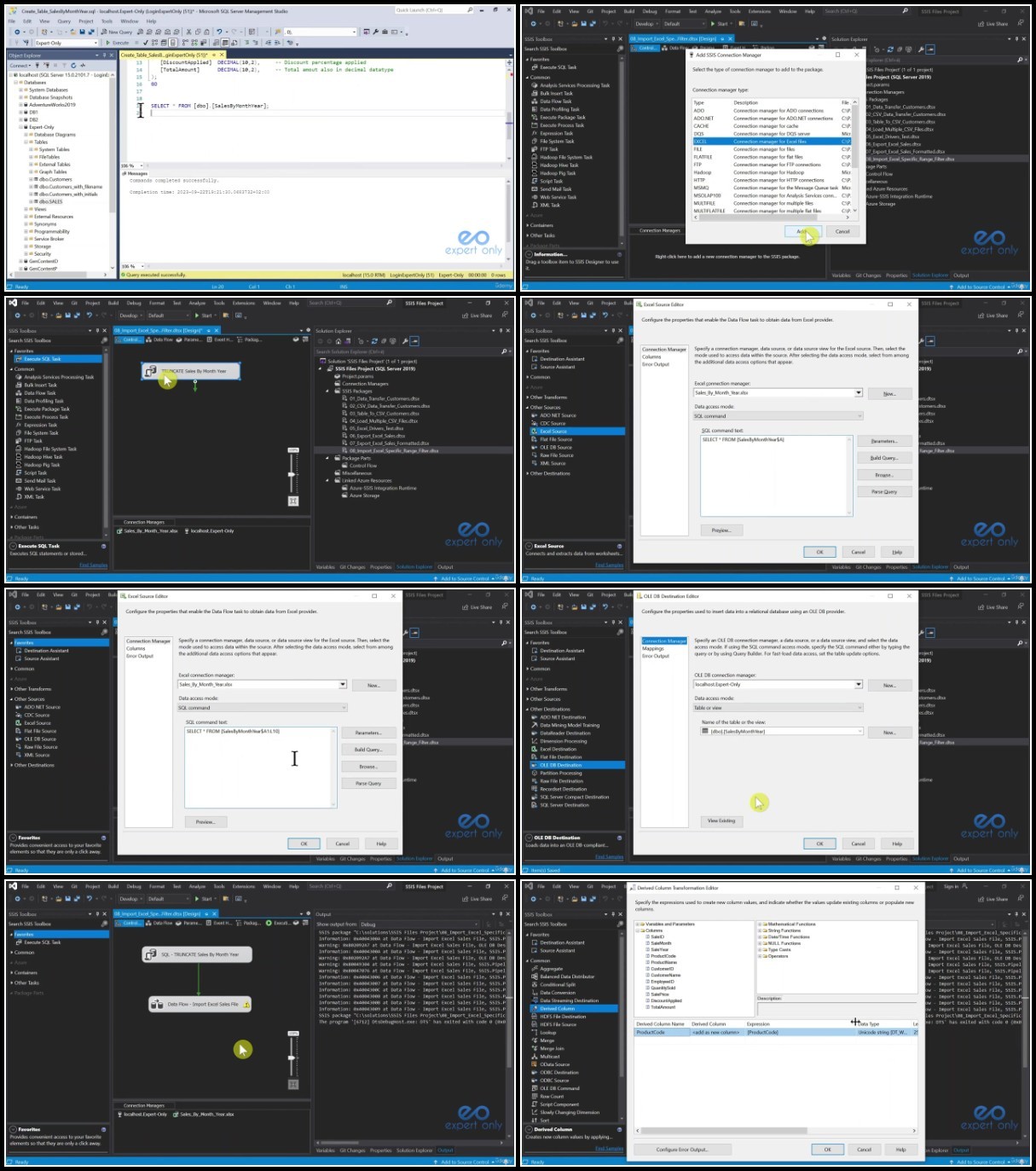
Data integration with SSIS – SQL Server Integration Services
Last updated 2/2024
Duration: 10h50m | .MP4 1280×720, 30 fps(r) | AAC, 44100 Hz, 2ch | 5.6 GB
Develop SSIS packages to transform and load data, real Data warehouse project with SSAS and Power BI introduction.
What you’ll learn
Install SQL Server, and SSIS
Check and run SQL Server services on Windows
Install Visual Studio and SSIS Projects
Install SSMS
Create SSIS projects and solutions with Visual Studio
Create your first SSIS package from scratch
Learn how to connect to SQL Server databases
Import and export CSV, Excel files and XML documents
Learn how to manage errors during data integration
Zip and Unzip Windows files and folders with SSIS
Import and export multiple files at once with dynamic SSIS packages
Learn best practice for integrating data using files
Install SSAS
Develop a simple Tabular Model
Install Power BI
Develop a simple Power BI report with graphs
Install SSAS Projects on Visual Studio
Understand High Level ETL and BI concepts
Requirements
All required Software installed during the training
Experience of T-SQL is preferable, but not mandatory (all SQL queries are provided).
Description
Unlock the Power of Data Integration with Our Comprehensive SSIS Course!
Embark today on a transformative journey into the realm of SQL Server Integration Services (SSIS) with our specially crafted course that caters to both novices and experienced professionals.
This course is Designed by a seasoned Microsoft BI and EPM Consultant with over 15 years of hands-on experience.
It is your gateway to mastering the essentials of SSIS, ensuring you can confidently handle data integration tasks with confidence.
Key Highlights
Seamless Setup and Configuration
Install SQL Server, SSIS, SSAS, SSMS, Visual Studio and also Power BI
Check and run SQL Server services on Windows
Hands-On Project Development
Create SSIS projects and solutions from scratch using Visual Studio
Develop your inaugural SSIS package with step-by-step guidance
Import and export CSV, Excel files, and XML documents effortlessly
No Prior SQL Experience Required
T-SQL familiarity is preferred but not mandatory – all SQL queries are provided
Advanced Techniques for Professionals
Import and export multiple files simultaneously with dynamic SSIS packages
Manage errors during data integration effectively
Versatile Audience
Tailored for both Experienced and Junior Developers, Data Engineers, and Consultants
Perfect for those new to SSIS or seeking a deeper understanding of its workings
Comprehensive Learning Path
Understand High-Level ETL and BI concepts
Learn best practices for integrating data using files
Practical Real-World Applications
Build a real BI and ETL project from authentic data files to a Data Warehouse
Bonus content on SSAS Tabular Model and Power BI
Create a straightforward Tabular Model in SSAS
Develop a simple Power BI report
Expand Your Toolkit
Zip and Unzip Windows files and folders effortlessly with SSIS and 7zip
Who this course is for:
You are a beginner or with minimal SQL Server or T-SQL experience. It will help, but it is not necessary.
This course is suitable for you if you are beginning from scratch or if you know previous versions of SSIS.
It is also for Experienced or Junior Developers, Data engineers or Consultants who wants to quickly learn SSIS basics and best practices.