


Deploy A Django Web App With Nginx And Amazon Ecs – 2022
Published 9/2022
MP4 | Video: h264, 1280×720 | Audio: AAC, 44.1 KHz
Create a Django web app with Docker and Nginx, and deploy it to Amazon ECS
What you’ll learn
How to deploy your website using Amazon ECS and Docker
How to use AWS for deployment
How to build a mini Django application
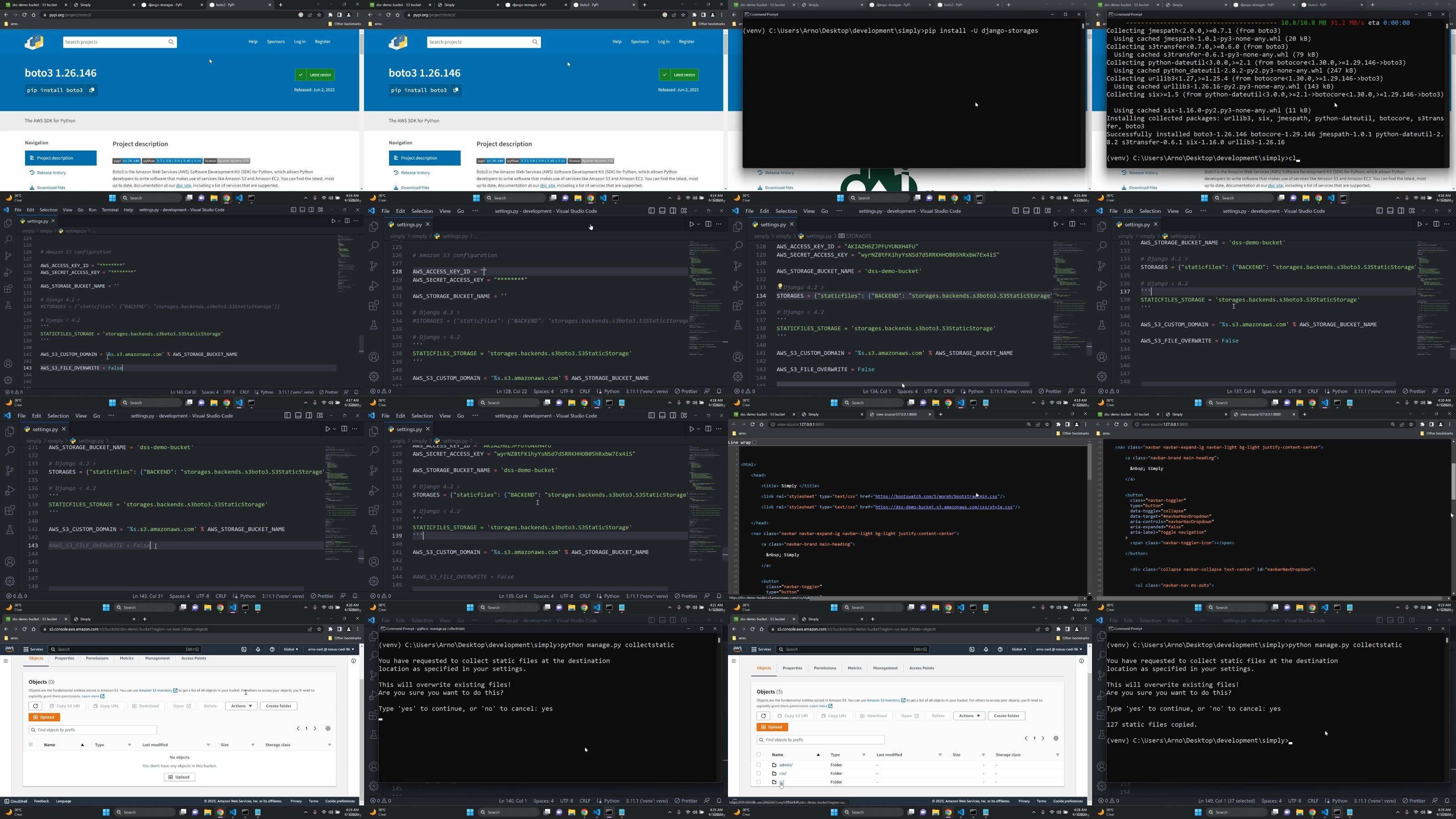
How to deploy your static files to Amazon S3
How to host your postgres database on Amazon RDS
Requirements
Basic knowledge of Python, Django and AWS is required (especially on EC2)
Knowledge on Docker would be helpful, but it isn’t mandatory for this course.
Description
Overview
Section 1: Course Introduction
Lecture 1 Course welcome!
Lecture 2 Thought process
Lecture 3 Course overview
Lecture 4 Just a quick note
Section 2: Resources
Lecture 5 Code and slides – download
Section 3: Baseline Installation and setup
Lecture 6 Python installation and setup
Lecture 7 Visual Studio Code installation and setup
Section 4: Create a Django web app
Lecture 8 Django project setup
Lecture 9 Django app setup
Lecture 10 Templates, URL’s and Views
Lecture 11 Configure static files
Lecture 12 Static Files – Manually refresh your static files by clearing the cache
Lecture 15 Create a profile model
Lecture 16 Configure Django to allow file uploads
Lecture 17 User registration
Lecture 18 User authentication
Lecture 19 Profile management: Updating our username and email
Lecture 20 Profile management: Deleting an account
Lecture 21 Upload and render a file in Django
Section 5: IAM users, Databases and static files
Lecture 22 Create an AWS account
Lecture 23 AWS Budgets – Create a designated budget
Lecture 24 AWS Identity and Access Management – Theory review
Lecture 27 Add ECR + ECS permissions [IMPORTANT]
Lecture 28 [OPTIONAL] – How to enable MFA for your root and IAM user account
Lecture 29 Amazon S3 – Theory review
Lecture 30 Deploy our static files to an Amazon S3 bucket
Lecture 31 Amazon RDS – Theory review
Lecture 32 Create and connect to an Amazon RDS postgres database
Lecture 33 Styling the admin page
Section 6: Domain name and SSL certificate
Lecture 34 AWS Route 53 – Theory review
Lecture 35 COST REMINDER!
Lecture 36 Register a domain name with Route 53
Lecture 37 Amazon Certificate Manager – Theory review
Lecture 38 Provision and assign an SSL certificate
Section 7: Docker
Lecture 39 What is Docker?
Lecture 40 Managing docker containers on AWS – Theory overview
Lecture 41 Running docker containers on Amazon ECS
Lecture 42 Installing and setting up Docker
Lecture 43 Examine Docker desktop
Lecture 44 Sign up for a Docker Hub account
Lecture 45 Nginx: A short introduction
Lecture 46 What is a reverse proxy?
Lecture 47 IMPORTANT NOTE!
Lecture 48 Creating our docker files – Theory overview
Lecture 51 Create a docker-compose file
Lecture 52 Build our docker images
Lecture 53 Running our docker container locally
Lecture 54 Stopping a docker container and clearing the cache
Lecture 55 Docker cleanup
Section 8: Deploy our web app to Amazon ECS
Lecture 56 Preparing for deployment
Lecture 57 Security tips!
Lecture 58 What is Docker ? – [REVIEW]
Lecture 59 Deployment Introduction
Lecture 60 COST REMINDER!
Lecture 61 Push our docker images to Amazon ECR
Lecture 63 IMPORTANT NOTE!
Section 9: Managing user sessions [OPTIONAL]
Lecture 65 Amazon ElastiCache – Theory review
Lecture 66 How to manage user sessions?
Lecture 67 What is a sticky session?
Lecture 68 How to enable sticky sessions
Lecture 69 Section cleanup
Section 10: Conclusion
Lecture 70 Thank you!
Lecture 71 Bonus lecture!
Mid – advanced python developers with a basic knowledge of Django,Developers who want to deploy their Django web application,Django + AWS deployment enthusiasts
DDownload
https://www.keeplinks.org/p27/6851d2dd558de
RapidGator
https://www.keeplinks.org/p27/6851d3265d43a
NitroFlare
https://www.keeplinks.org/p27/6851d39e907a3