E-Commerce Made Easy: Build & Optimize Your WordPress Store
Published 10/2024
MP4 | Video: h264, 1920×1080 | Audio: AAC, 44.1 KHz
Learn How to Set Up, Customize, and Manage Your E-Commerce Website using WordPress, WooCommerce and Elementor!
What you’ll learn
Setting up a domain and web hosting for free
Installing and configuring WordPress
Installing and customizing themes
Setting up essential plugins for e-commerce
Creating and managing product listings
Setting up and configuring WooCommerce
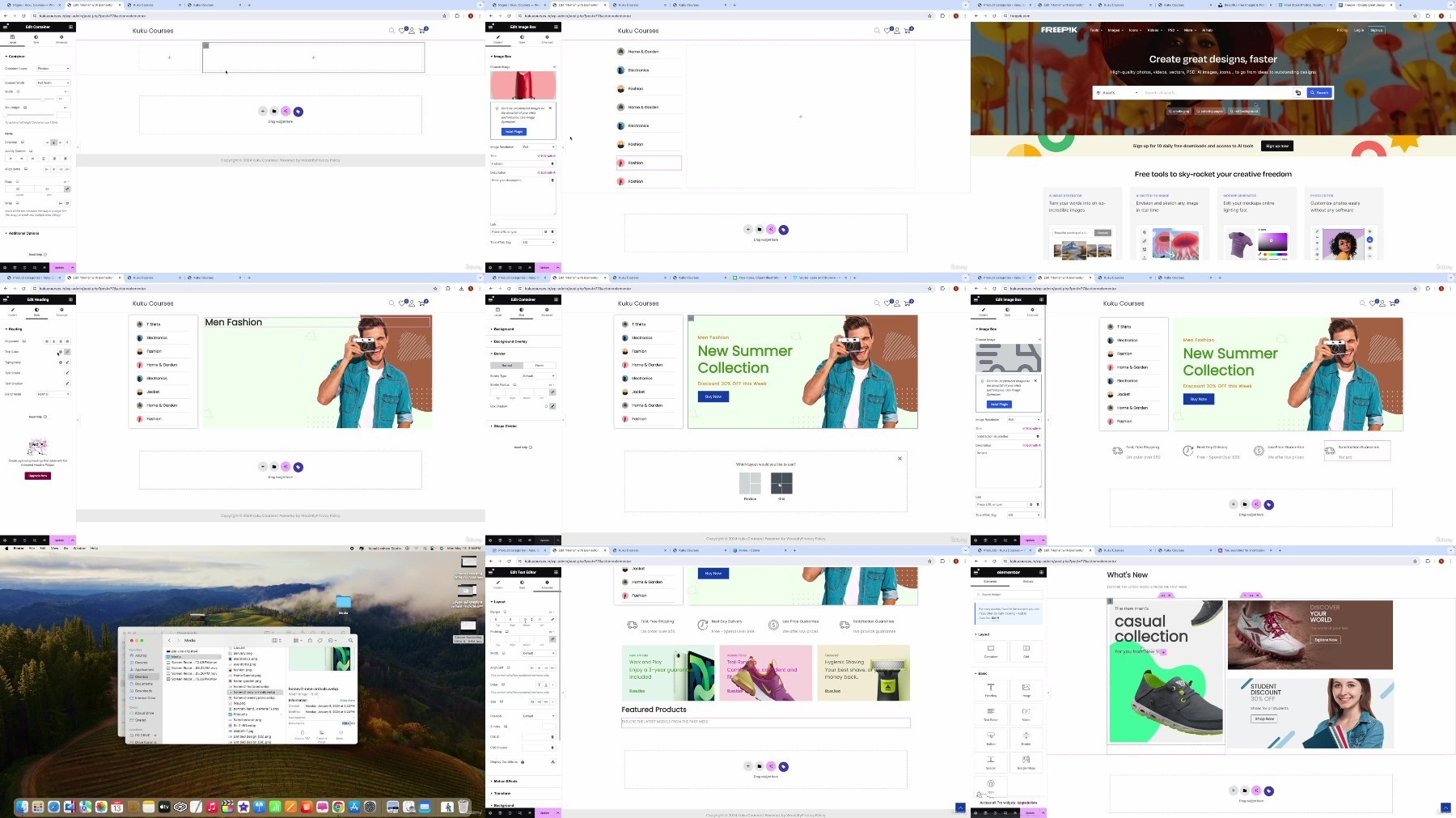
Customizing your website’s design using Elementor
Creating important pages and connecting them
Setting up email accounts and integrating email marketing tools
Managing orders and inventory
Analyzing website performance and optimizing for SEO
Requirements
Basic computer skills
A computer with internet access
A willingness to learn and implement new skills
No prior experience with WordPress or e-commerce needed
Description
Overview
Section 1: E-Commerce Made Easy: Build & Optimize Your WordPress Store
Lecture 1 E-Commerce Made Easy: Build & Optimize Your WordPress Store (Promo)
Lecture 2 Resource Download
Lecture 3 WordPress Setup Guide
Lecture 4 Installing Themes & Plugins
Lecture 5 Wishlist & WooCommerce Setup
Lecture 6 Creating Products in Store
Lecture 7 Website Pages Creation & Connection
Lecture 8 Home Page Customization
Lecture 9 Other Pages – Blog, Track, Contact
Lecture 10 Creating Menus & Footers
Lecture 11 Create Blogs & Shop Sidebars
Lecture 12 Final Customization & Working
Lecture 13 Bonus