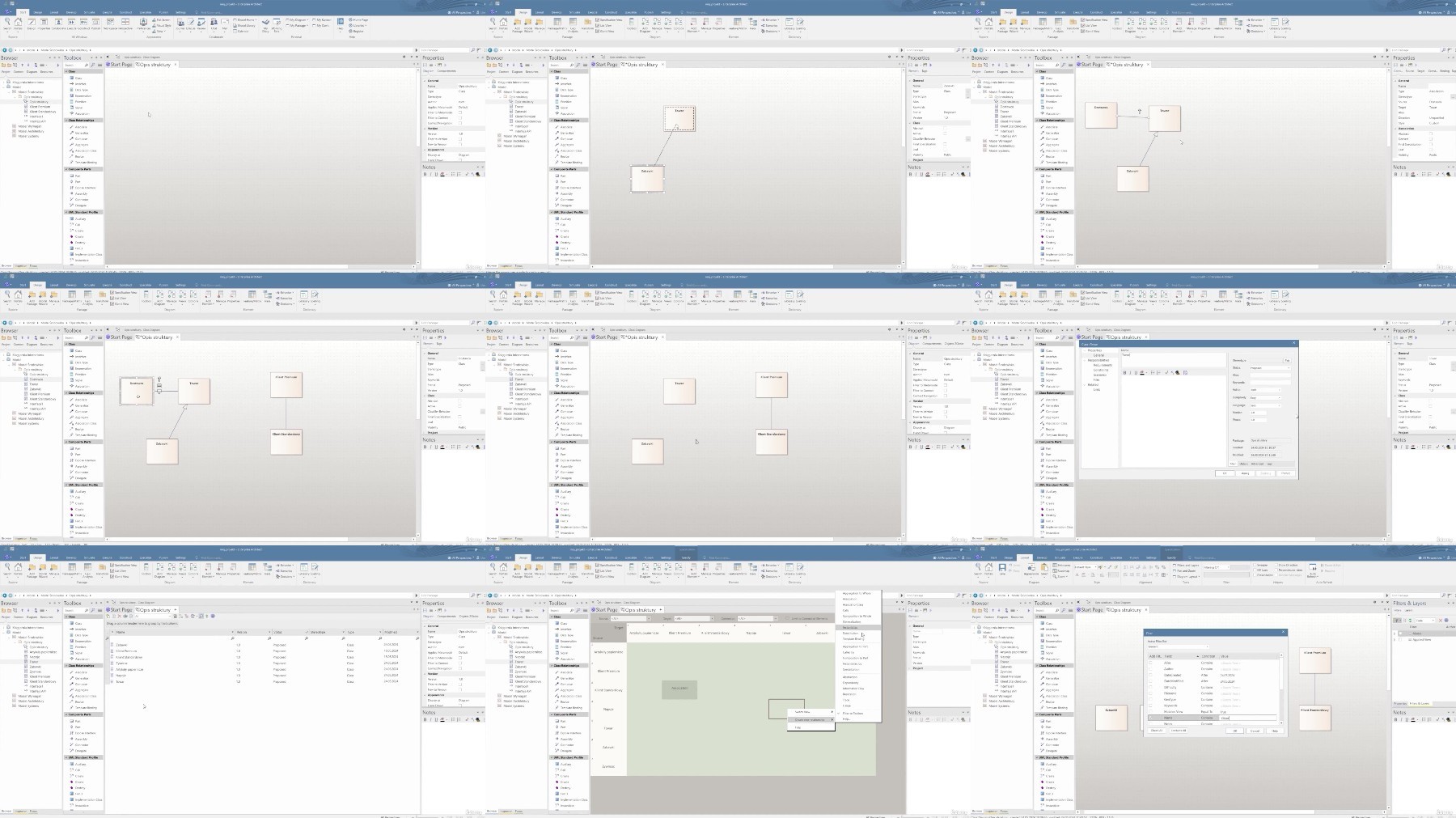
Enterprise Architect – The Modeling Tool
Published 9/2024
MP4 | Video: h264, 1920×1080 | Audio: AAC, 44.1 KHz
More than just diagrams – how to create models efficiently and effectively in Enterprise Architect
What you’ll learn
Be able to navigate the user interface efficiently and understand its structure
Organise the project structure by creating packages and diagrams, and work with diagrams, including adding, editing, deleting elements.
Use of alternative package and diagram views such as List View and Specification View
Creation of project navigation pages, making it easier to find your way around an extensive project.
Use of search functionality.
Creating model patterns and using them.
Documentation creation, model export and import.
Requirements
No prerequisites
Description
Overview
Section 1: Introduction
Lecture 1 Intro
Lecture 2 Modelling
Section 2: Working with Enterprise Architect
Lecture 3 User Interface
Lecture 4 Projects and packages
Lecture 5 Diagrams
Lecture 6 How to create clear diagrams?
Lecture 7 Search functionality in Enterprise Architect
Lecture 8 Handling complex models
Lecture 9 Documents
Lecture 10 Import/Export
Lecture 11 Patterns
Lecture 12 Using Help in EA
Section 3: Conclusion
Lecture 13 Course ending
The training is designed for business analysts, system designers, project managers, architects, developers and anyone else using Enterprise Architect