Published 10/2023
MP4 | Video: h264, 1920×1080 | Audio: AAC, 44.1 KHz
What you’ll learn
Class Object and Constructor, Named Constructor, Inheritance, Polymorphism, Abstraction, Mixin
Flutter Widgets – Layout Widgets, Multi Child Layout Widgets, Theme Widgets, Scrollable Widgets, Input Widgets, Drag and Drop Widgets, Code Refractoring
State Management with Provider
Navigation using Router (go_router)
Local Persistance using SQLite, Make Call, Send SMS & Email
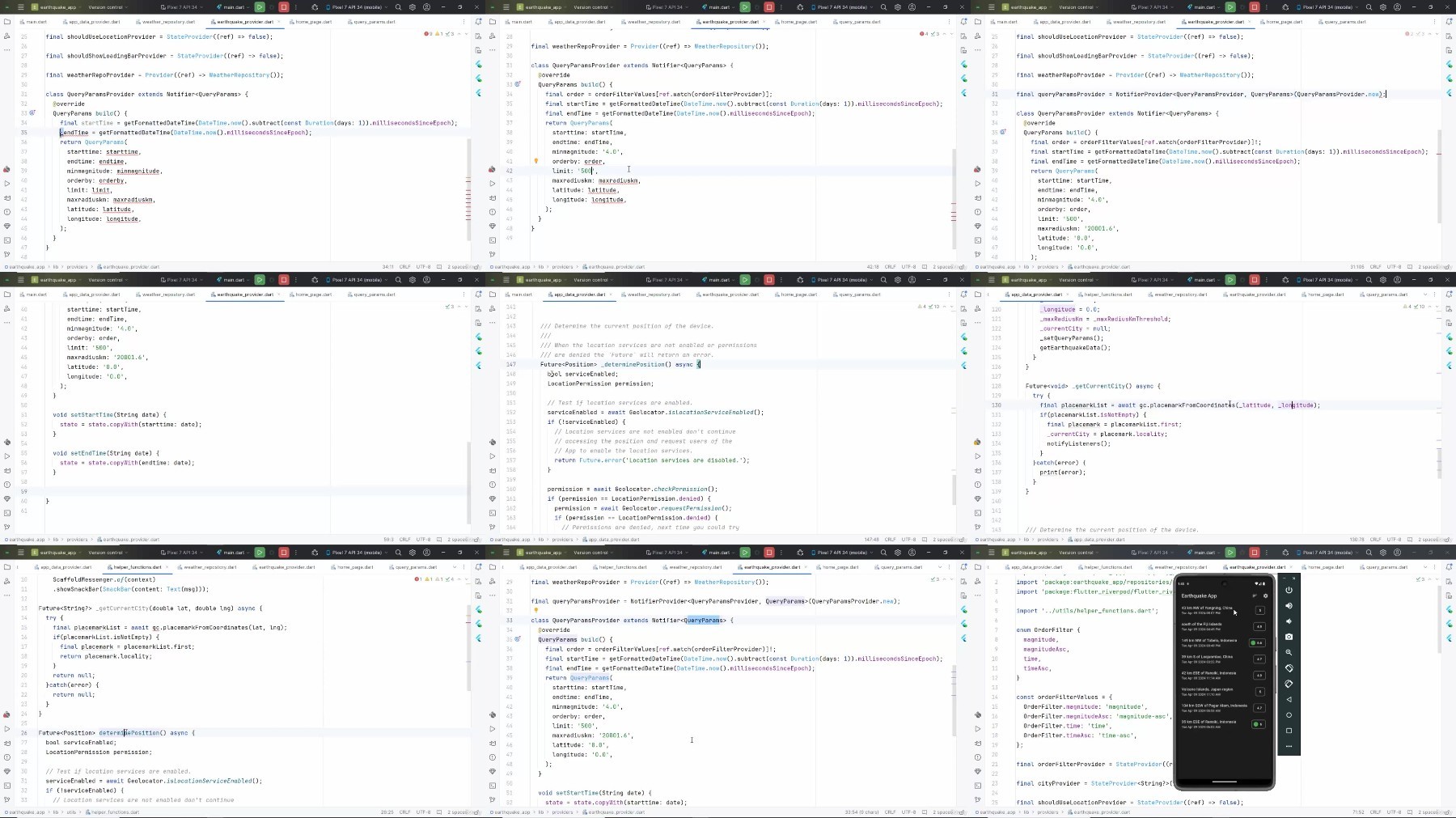
Flutter Networking – Consume REST API, Location Detection
Firebase – Authentication (Email Password & Google), Cloud Firestore, Storage, Cloud Messaging, Cloud Function
Requirements
Laptop/Desktop/MacBook
Stable Internet Connection
Basic knowledge on any programming language
No experience needed for Mobile Application Development platform(Native/Cross/Hybrid). You will learn from scratch.
Description
Overview
Section 1: Introduction
Lecture 1 Welcome to the course
Lecture 2 What is inside the course
Section 2: Setup SDKs and Tools
Lecture 3 Install Flutter SDK on Windows
Lecture 4 Download and Install Android Studio on Windows
Lecture 6 Install Android Emulator
Lecture 7 Create First Project and Run on Emulator
Lecture 9 Say Hello World!
Lecture 11 String Interpolation
Lecture 12 Var and Dynamic types
Lecture 13 Final and Const keywords
Lecture 15 If Else Statement
Lecture 16 Switch Statement and Expression
Lecture 17 Data Structure – List
Lecture 18 Data Structure – Map
Lecture 19 Data Structure – Set
Lecture 24 Class Object and Constructor
Lecture 25 Named Constructor
Lecture 27 Method Overriding
Lecture 29 Runtime Polymorphism
Lecture 31 Final and Static Components
Lecture 32 Asynchronous Components – Future and Async Await
Lecture 33 Wrap Up
Section 4: Flutter Basic Widgets
Lecture 34 Welcome to Flutter
Lecture 35 Hello Flutter – Our First App
Lecture 36 Quick Overview on Profect File Structure
Lecture 37 Center Widget – Put the text in Center
Lecture 38 MaterialApp – Our first theme widget
Lecture 39 Scaffold and AppBar
Lecture 40 Show Image from Network
Lecture 41 Column Widget and its Axis
Lecture 42 Row Widget and its Axis
Lecture 43 Design Practice
Lecture 44 Solution Code for Design Practice
Lecture 45 Code Refractoring
Lecture 46 Stack and Positioned Widget
Lecture 47 Another Design Challange
Lecture 48 Solution for Design Challange
Lecture 49 ListView vs Column
Lecture 50 Create ListView children dynamically
Lecture 51 ListView Builder Constructor
Lecture 52 GridView Builder Constructor
Lecture 53 Navigate using Material Page Route
Lecture 54 The Counter App from Scratch
Lecture 55 Introducing Stateful Widget
Lecture 56 Excercise on Stateful Widget
Lecture 57 Solution for Excercise on Stateful Widget
Lecture 58 Input Widgets – TextField
Lecture 59 Input Widgets – Checkbox
Lecture 60 Input Widgets – Radio
Lecture 61 Input Widgets – DropdownButton
Lecture 62 Assignment – ToDo App
Lecture 68 Wrap Up
Section 5: State Management with Provider
Lecture 69 State Management Overview
Lecture 70 Ephemeral and App State
Lecture 71 Add Provider Library
Lecture 72 Replace setState with Provider in Counter App
Lecture 73 Few observations
Lecture 74 Your Assignment
Lecture 75 Assignment Solution (Codes only)
Section 6: Project-Word Hurdle
Lecture 76 Project Overview
Lecture 77 Project and Library Setup
Lecture 78 Word Hurdle Page Overview
Lecture 79 Create Hurdle Provider
Lecture 80 Create the Hurdle Board
Lecture 81 Create KeyboardView
Lecture 82 Create VirtualKey Widget
Lecture 83 Collect the 5 letters
Lecture 84 Show letters on Hurdle Board
Lecture 85 Delete letters from Hurdle Board
Lecture 86 Check Input for Validation
Lecture 87 Check result and show dialog
Lecture 88 Mark letters on Hurdle Board
Lecture 89 Reset the Game
Lecture 90 Wrap up – A few suggestions
Lecture 91 Download full project
Section 7: Navigation using Go Router
Lecture 92 Flutter Navigation Overview
Lecture 93 Setup project with Go Router package
Lecture 94 Navigate to different routes
Lecture 95 Navigate using Name
Lecture 96 Pass arguments as path parameters
Lecture 97 Pass arguments as extra
Lecture 98 Customize Error Page and Redirect Routes
Lecture 99 Router and Navigator Together
Lecture 100 Wrap Up
Section 8: Project-Virtual Card Holder
Lecture 101 Project Overview
Lecture 102 Project and Library Setup
Lecture 103 Create Home Page
Lecture 104 Add BottomNavigationBar to HomePage
Lecture 105 Create Scan Page and add Camera Buttons
Lecture 106 Capture and Select Image
Lecture 107 Scan Text from Image
Lecture 108 Add LongPressDraggable Widget and make each line draggable
Lecture 109 Create Drop Target Widget
Lecture 110 Drop items on DropTarget Widget
Lecture 111 Add a Next Button
Lecture 112 Create Form page and Pass Contact Object
Lecture 113 Assign values to TextFormFields
Lecture 114 Modify ContactModel Class
Lecture 115 Create Database and Contact Table
Lecture 116 Write insert and query methods
Lecture 117 Save Contact and show in a list
Lecture 118 Update list after insert
Lecture 119 Bux Fixed
Lecture 120 Write Delete method
Lecture 121 Delete a Contact
Lecture 122 One more SILLY bug fixed
Lecture 123 Update Contact Favorite
Lecture 124 Show Favorite Contacts
Lecture 125 Migrate Database
Lecture 126 ContactDetailsPage with FutureBuilder
Lecture 127 Make Call and Send SMS
Lecture 128 Your Assignment
Lecture 129 Wrap Up
Lecture 130 Download Full Project
Lecture 132 About USGS API
Lecture 133 Project and Library Setup
Lecture 136 Make Get Request
Lecture 138 Show Alert Color with Chip Widget
Lecture 140 Selet Date and Change Date Parameters
Lecture 141 Detect Device Current Location
Lecture 142 Convert coordinates to Placemark
Lecture 143 Wrap Up
Lecture 144 Download full project
Section 10: Firebase Project – Admin App
Lecture 145 Module Overview
Lecture 146 Firebase Overview
Lecture 147 Create Firebase Project
Lecture 148 Add Flutter project to Firebase
Lecture 149 Create Login and Dashboard Page
Lecture 150 Enable Authentication Service and Create a User
Lecture 151 Redirect to Login or Dashboard Page
Lecture 152 Login with Email and Password
Lecture 153 Logout from App
Lecture 154 Create Firestore Database
Lecture 155 Create Admins Collection and Document
Lecture 156 Validate Admin Authorization
Lecture 157 Create Dashboard Items
Lecture 158 Create Brand Data Class and define database methods
Lecture 159 Create Brand Page and Telescope Provider
Lecture 160 Save Brands
Lecture 161 Telescope Data Overview
Lecture 162 Download Telescope resources
Lecture 163 Add Freezed Package
Lecture 164 Create ImageModel using freezed
Lecture 165 Create Telescope Model using freezed
Lecture 166 Declare Constants and Properties
Lecture 167 Add Telescope Page – Select Image and Brand
Lecture 168 Add Telescope Page – Build RadioGroup
Lecture 169 Add Telescope Page – Build Form Fields
Lecture 170 Add Telescope Page – Create methods for uploading image
Lecture 171 Add Telescope Page – Create Telescope instance
Lecture 172 Add Telescope Page – Create methods to save telescope
Lecture 173 Add Telescope Page – Save Telescope to Firestore
Lecture 174 ViewTelescopePage – Show telescopes
Lecture 175 Telescope Details Page Overview
Lecture 176 Add and show additional images
Lecture 177 Delete image from Storage
Lecture 178 Add telescope description
Lecture 179 Update Description
Lecture 180 Update Telescope Price
Section 11: Firebase Project – User App
Lecture 181 Create User App and add Components
Lecture 182 Add User app to Firebase project
Lecture 183 Define Custom Theme for App
Lecture 184 Login Page with Segmented Button
Lecture 185 Create Login and Registration Section
Lecture 186 Login and Registration Section in Action
Lecture 187 Complete the Login Page Design
Lecture 188 Create AppUser Model using JsonConverter
Lecture 189 Create AuthService DbHelper and UserProvider
Lecture 190 Register and Login User
Lecture 191 Add and Configure Router
Lecture 192 Generate SHA1 key from Android Studio
Lecture 193 Sign in with Google Account
Lecture 194 Self Service – Copy from Admin and paste to User app
Lecture 195 Add Navigation Drawer
Lecture 196 Show Telescope in GridView
Lecture 201 Code Challange – Build Checkout Page OrderModel and OrderProvider
Lecture 202 CheckoutPage Code
Lecture 204 Modify saveOrder method
Lecture 205 Place our first Order
Lecture 206 Set user address to delivery address form
Lecture 207 Create RatingModel
Lecture 208 Rate the Telescope
Lecture 209 Send Notification – What we want to do
Lecture 210 Setup Cloud Functions
Lecture 211 Write our first Cloud Function
Lecture 212 Deploy Function
Lecture 213 Place order and check the log
Lecture 214 Receive message at different app state
Lecture 215 Setup message handler in Admin app
Lecture 216 Test Notification in Admin App
Lecture 217 Wrap Up
Lecture 218 Download Resources
Section 12: Congratulations
Lecture 219 Where to go from here
For every self paced learners, who wants to learn Flutter, build beautiful mobile apps and upgrade their skills to the next level