

![Flutter & Dart The Complete Guide [2023 Edition]](https://i125.fastpic.org/big/2025/0629/3c/bc00e45440cccbb090a10e46747b8b3c.jpg "Flutter & Dart The Complete Guide [2023 Edition]")
Last updated 2023-04-12
Duration: 68:44:05 | .MP4 1280×720, 30 fps(r) | AAC, 44100 Hz, 2ch | 21.5 GB
A Complete Guide to the Flutter SDK & Flutter Framework for building native iOS and Android apps
What you’ll learn
Build engaging native mobile apps for both Android and iOS
Use features like Google Maps, the device camera, authentication and much more!
Learn how to upload images and how to send manual and automated push notifications
Requirements
Basic programming language will help but is not a must-have
You can use either Windows, macOS or Linux for Android app development – iOS apps can only be built on macOS though
NO prior iOS or Android development experience is required
Description
April 2023: This course was completely updated (re-recorded from the ground up) and is now better than ever!
The old course content (sections marked as LEGACY) will be kept around until May 8th (to ensure existing students have a smooth update path).
—
Join the most comprehensive & bestselling Flutter course and learn how to build amazing iOS and Android apps!
Thanks to Flutter, you don’t need to learn Android/ Java and iOS/ Swift to build real native mobile apps!
Because of its ease of use and flexibility, Flutter is an extremely popular solution for building native mobile apps for Android & iOS.
Of course, you’ll learn Flutter not only in theory but by building multiple, realistic demo apps, allowing you to apply what you learned on real examples.
With Flutter, you’ll be able to write code only once and ship your apps both to the Apple AppStore and Google Play.
You can use the rich widget suite Flutter provides to add common UI elements like buttons, switches, forms, toolbars, lists and more. Or you simply build your own widgets – Flutter makes that a breeze, too. This course covers it all!
Here’s what’s included in the course:
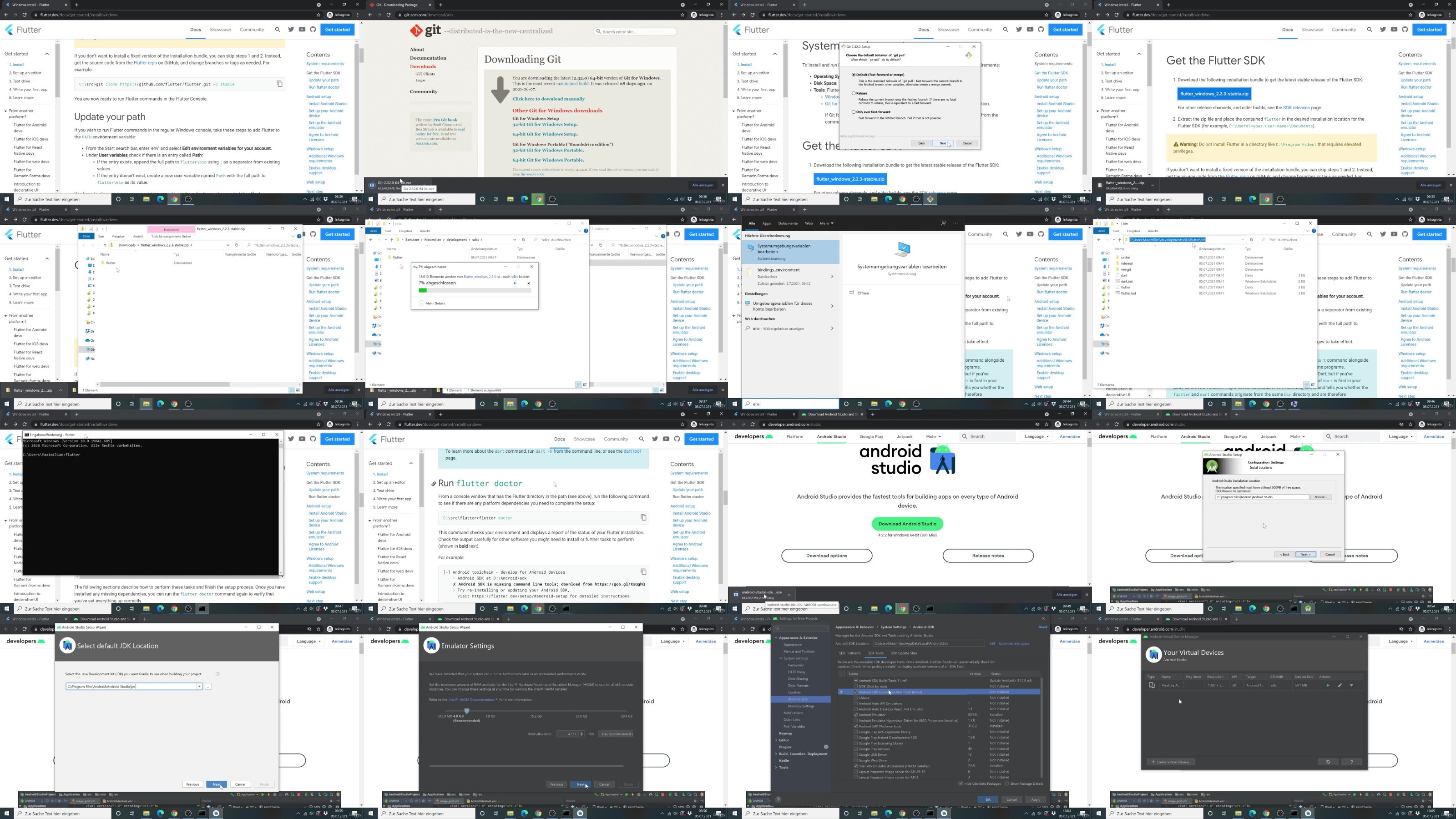
Detailed setup instructions for both macOS and Windows
An overview of the built-in widgets and how you may add your own ones
Debugging tipps & tricks
Page navigation with tabs, side drawers and stack-based navigation
State management solutions
Handling and validating user input
Connecting your Flutter app to backend servers by sending HTTP requests
User authentication
Adding Google Maps
Using native device features like the camera
Adding beautiful animations & page transitions
Image upload
Push Notifications – manual approach and automated
And more!
This course is for you if .
You’re interested in building real native mobile apps for the two most popular mobile platforms – iOS and Android
You want to explore the full set of features Flutter offers
Don’t want to spend hours learning two completely different languages
Course prerequisites:
Basic programming language knowledge will help but is not required
You DON’T need to know iOS (Swift/ObjectiveC) or Android (Java)
Who this course is for:
Beginner and experienced developers who are interested in diving into mobile app development using one language for both platforms
Experienced iOS or Android developers who want to build cross-platform (iOS + Android) apps with one single programming language
DDownload
https://www.keeplinks.org/p27/6861276d4bfd6
RapidGator
https://www.keeplinks.org/p27/68612c4905b87
NitroFlare
https://www.keeplinks.org/p27/6861310d9abb3