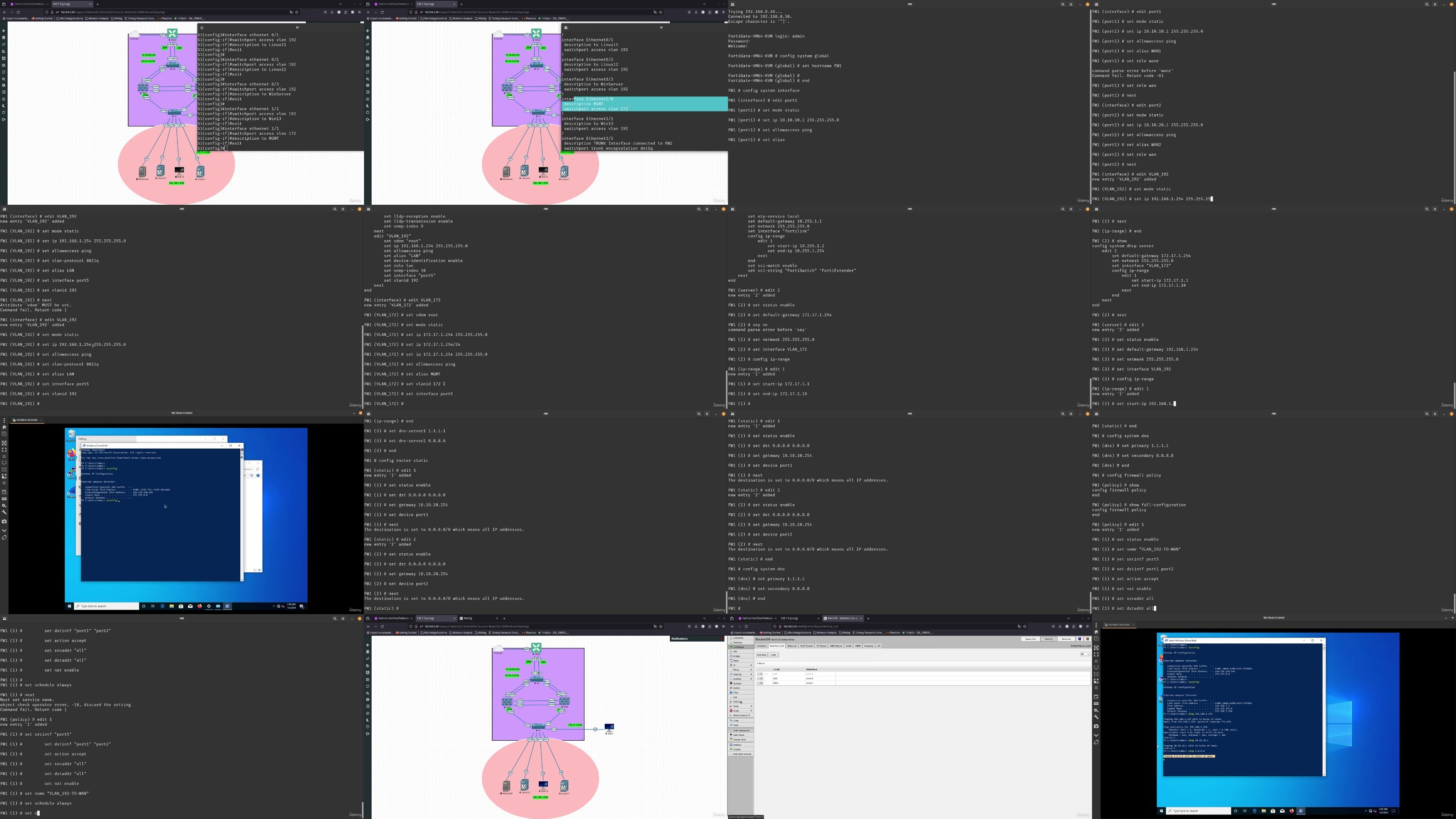
Fortinet Professional (Fcp) Fortigate & Fortianalyzer
Published 2/2024
MP4 | Video: h264, 1920×1080 | Audio: AAC, 44.1 KHz
Fortigate & FortiAnalyzer Fortinet Certified Professional Course
What you’ll learn
Fortigate Deployment and System Configuration
Configure different methods of firewall authentication
Fortigate Static & Dynamic Routing
Explain how to deploy and configure FSSO
Configure and implement different SSL VPN modes to provide secure access to your private network
Configure firewall policy NAT and central NAT
Fortigate initial configuration
Aspiring Network Engineers
Network Engineers trying to Learn FortiAnalyzer
Student Pursuing FortiAnlyzer Administration Certification
Student trying to Learn FortiAnlyzer
Requirements
Beginner Network and Security
Description
Overview
Section 1: Lab Setup
Lecture 5 Integration Pack Install – Linux
Lecture 6 Uploading and Setting Cisco Switches
Lecture 7 Adding The WAN Router mikrotik
Lecture 9 Uploading and Testing Fortimanager
Lecture 10 Uploading and Testing FortiAnalyzer
Lecture 11 Uploading and Testing FortiAuthenticator and Other Images
Section 2: Fortigate – Interfaces, VLAN, DNS And More Labs
Lecture 12 Initial Lab Configuration
Lecture 13 Virtual LAN (VLAN) LAB
Lecture 14 Zone LAB
Lecture 15 Redundant Interfaces LAB
Lecture 16 Agregate Interfaces LAB
Lecture 17 Adding Windows 10 – Putty + Wireshark + Firefox 1 – 2
Lecture 18 Adding Windows 10 – Putty + Wireshark + Firefox 2 – 2
Lecture 19 Administrative Access
Lecture 20 Software Switch
Lecture 21 Virtual Wire Pair Lab
Lecture 22 One-Armed Sniffer Lab
Lecture 23 FortiGate DNS Server
Lecture 24 Fortigate as a DHCP Server
Lecture 25 Fortigate Using DHCP Relay
Section 3: Fortigate – Static, Default, & Dynamic Route + NAT
Lecture 26 Initial Lab Configuration – FW1 Config
Lecture 27 Initial Lab Configuration – WAN Config
Lecture 28 Static & Default Route – 1-2
Lecture 29 Static & Default Route – 2-2
Lecture 30 ECMP (Equal-Cost Multi-Path Routing)
Lecture 31 Health Link Monitoring for WAN Interfaces
Lecture 32 Policy Routing Lab
Lecture 33 Dynamic Routing Protocol RIP
Lecture 34 Dynamic Protocol Routing OSPF
Lecture 35 Dynamic Routing Protocol BGP 1-2
Lecture 36 Dynamic Routing Protocol BGP 2-2
Lecture 37 Source NAT Overload Use Outgoing Interface Address
Lecture 38 Source NAT Overload With IP Pool
Lecture 39 Source One-To-One NAT Dynamic & Static
Lecture 40 Source Port Block Allocation NAT
Lecture 41 Central SNAT
Lecture 42 Central DNAT
Lecture 43 Static virtual IP
Section 4: FortiGate – Firewall Policies & Profiles
Lecture 44 Firewall Policies Intro
Lecture 45 User Only Allowed Policy
Lecture 46 MAC Address-Based Policies
Lecture 47 Deploying Active Directory
Lecture 48 Create Users and Groups
Lecture 49 Connect Fortigate with AD Via LDAP
Lecture 50 Authenticating With LDAP Users in Policy
Lecture 51 Fortigate LDAP Authentication
Lecture 52 Install FSSO Agent on AD Server
Lecture 53 Join Windows 10 To AD
Lecture 54 Connect FSSO Agent with Fortigate
Section 5: Fortigate – VPN, sd-wan, HA, & Troubleshooting
Lecture 55 IPsec Site To Site VPN Via Wizard
Lecture 56 IPsec Site To Site VPN Via Custom Wizard
Lecture 57 IPsec Site To Site VPN Policy-Based
Lecture 58 SSL VPN Web Mode
Lecture 59 SSL Tunnel Mode VPN
Lecture 60 IPSEC VPN Tunnel With Forticlient
Lecture 61 Software-Defined SD-WAN Zones
Lecture 62 Software-Defined SD-WAN Rules
Lecture 63 Backup, Revisions & Restore
Lecture 64 Intro To CLI
Lecture 65 Configuring Fortigate Via CLI From Scratch
Section 6: FortiAnalyzer – Intro
Lecture 66 Describe the purpose of FortiAnalyzer
Lecture 67 Describe the FortiAnalyzer operating modes
Lecture 68 Understand logging in a Fortinet Security Fabric environment
Lecture 69 Describe FortiAnalyzer Fabric
Lecture 70 Understand Fabric connectors
Lecture 71 Describe the log file workflow
Section 7: FortiAnalyzer – System Settings
Lecture 74 Setting up FortiAnalyzer
Lecture 75 Setting up FortiAnalyzer Lab
Lecture 76 Configure network settings
Lecture 77 Changing administrative access
Lecture 78 Static routes & Packet capture
Lecture 79 Task Monitor
Lecture 80 File Management
Section 8: FortiAnalyzer – Device Management
Lecture 81 Managing devices
Lecture 82 Fixing TLS Issue with Analyzer and Fortigate
Lecture 83 Adding FortiAnalyzer From Fortigate
Lecture 84 Adding devices using FortiAnlyzer wizard
Lecture 85 Configuring FW2
Lecture 86 Adding FW2 to FortiAnalyzer
Lecture 87 Configuring HA For FW2
Lecture 88 Adding an HA cluster to FortiAnalyzer
Section 9: FortiAnalyzer – Administration and Management
Lecture 89 Changing the host name
Lecture 90 Configuring the system time
Lecture 91 Updating the system firmware
Lecture 92 Backing up & Restoring FortiAnalyzer
Lecture 93 Configuring the operation mode – Collector
Lecture 94 Configuring the operation mode – Analyzer
Lecture 95 Configuring log forwarding 1
Lecture 96 Configuring log forwarding 2
Lecture 97 Viewing message details
Lecture 98 Customizing displayed columns
Lecture 99 Customizing default columns
Lecture 100 Filtering messages
Lecture 101 Monitoring event logs from FortiGate devices
Lecture 103 Downloading log messages
Section 10: FortiAnalyzer
Lecture 104 Trusted hosts
Lecture 105 Monitoring administrators & Disconnecting administrators
Lecture 106 Managing administrator accounts
Lecture 107 Administrator profiles
Lecture 108 Configuring Window server Active Directory
Lecture 109 Authentication – LDAP
Lecture 110 Admin Settings
Lecture 111 Configuring HA options
Lecture 112 Manage HA
Students Persuing the Fortinet Certified Professional FCP and NS4,Student Pursuing FortiAnlyzer Administration Certification FCP