


Gcp – Google Cloud Associate Data Practitioner Certification
Published 5/2025
MP4 | Video: h264, 1920×1080 | Audio: AAC, 44.1 KHz
Prepare for Google Cloud Data Practitioner | BigQuery, Dataproc, Dataform, Cloud Composer, Looker Studio, Dataflow
What you’ll learn
Understand the core services and tools used in Google Cloud for data management, analytics, and orchestration
Design and implement data pipelines using BigQuery, Cloud Composer, Dataflow, Dataform, and Dataproc
Perform data preparation, transformation, and ingestion using Cloud Data Fusion and BigQuery
Analyze and visualize data using BigQuery, Looker Studio, and BigQuery ML
Understand the differences and use cases of data storage options like BigQuery, Cloud Storage, Firestore, Cloud SQL, Bigtable, and Spanner
Apply ETL, ELT, and ETLT concepts in real-world cloud data workflows
Build, schedule, and monitor data workflows using Cloud Composer (Apache Airflow)
Gain hands-on experience through labs aligned with the official certification exam guide
Prepare effectively for the Google Cloud Associate Data Practitioner certification exam
Requirements
No prior Google Cloud experience is required
A basic understanding of data concepts (such as tables, rows, queries) is helpful
Willingness to explore cloud tools and perform hands-on practice
A Google Cloud free-tier account for running labs and exercises
Description
Overview
Section 1: Introduction
Lecture 1 Course Introduction
Lecture 3 Data Manipulation Methods
Lecture 4 Choose Appropriate Data Transfer Tool
Lecture 5 Different Data File Formats
Lecture 6 Choose Appropriate Extraction Tool
Lecture 7 Select Appropriate Storage Solution
Lecture 8 Choose Appropriate Data Storage Location Type
Lecture 9 Structured, Unstructured, and Semi-Structured Data
Lecture 15 [Hands-On] Transfer Objects from One GCP Bucket to Another
Lecture 16 [Hands-On] Transfer Objects from Azure Cloud Storage to GCP Bucket
Lecture 17 [Hands-On] Transfer Objects from AWS S3 to GCP Bucket
Lecture 18 [Hands-On] Data Ingestion into BigQuery Using bq CLI
Lecture 25 Data visualization using Python Notebook
Lecture 26 BigQuery Data Transfer Service: Dataset Copy
Lecture 27 BigQuery Data Transfer Service: Google Cloud Storage
Lecture 28 ML Use Cases using BigQuery ML and AutoML
Lecture 29 Plan a Machine Learning Project
Lecture 30 Analyse and Visualize Data with Looker
Lecture 31 Complete ML Project with BigQuery
Lecture 33 Selecting a Data Transformation Tools
Lecture 34 Use Cases for ELT and ETL
Section 5: [Hands-on] Google Cloud Composer
Lecture 35 Create Cloud Composer Environment
Lecture 36 Create and Run Basic DAG Pipeline
Lecture 37 ETL DAG – GCS to BigQuery Pipeline
Section 6: [Hands-on] Google Cloud Dataproc
Lecture 38 Create Dataproc Cluster
Lecture 39 Explore Hadoop Distributed File System (HDFS)
Lecture 40 Interact with Hive
Lecture 41 PySpark Jobs on Dataproc
Lecture 42 Run PySpark Job on Dataproc using User Interface (UI)
Lecture 43 Run PySpark Job on Dataproc via Jupyter Notebook
Section 7: [Hands-on] Google Cloud Dataflow
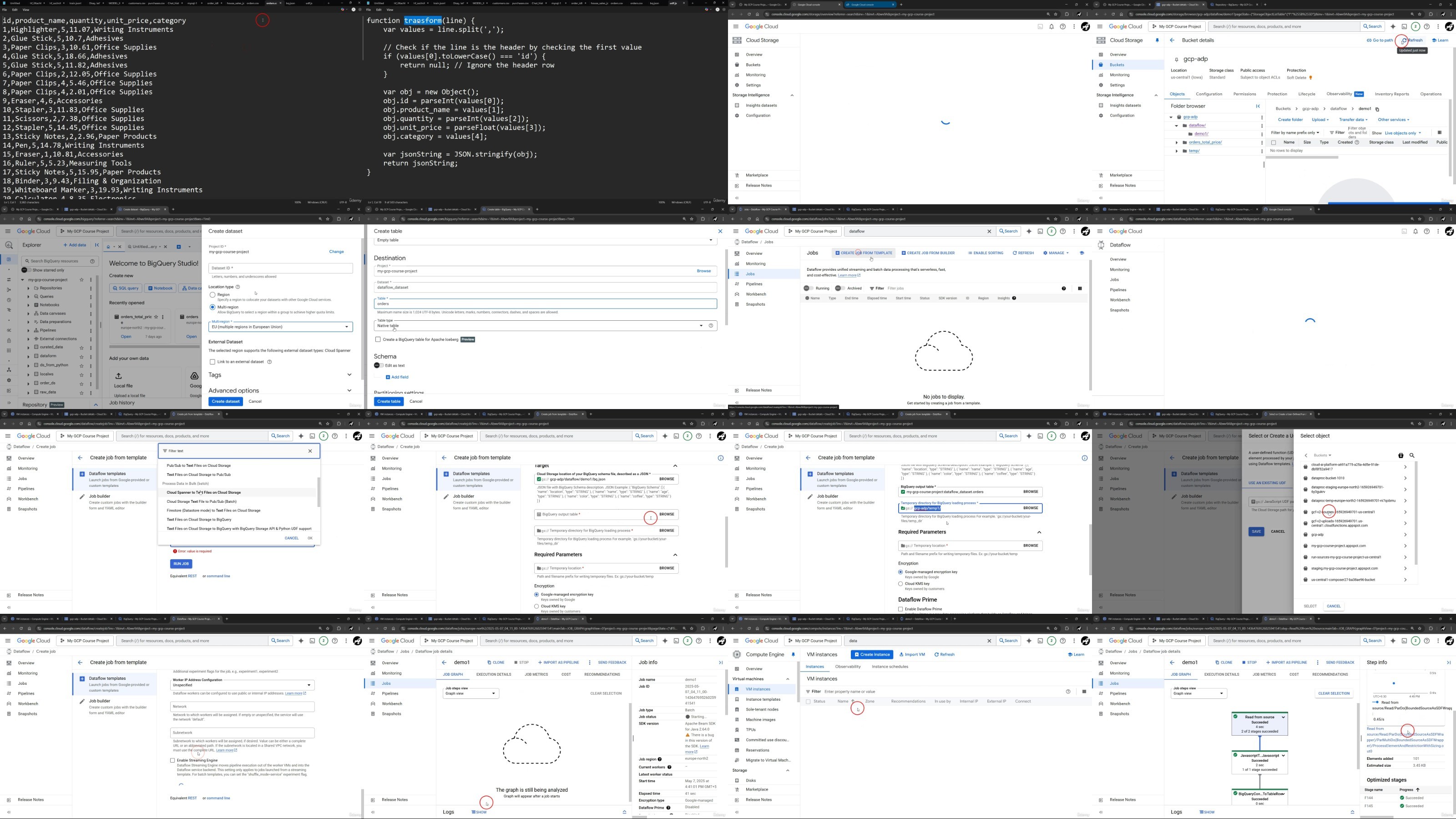
Lecture 44 Using Dataflow Templates to Load Data from GCS to BigQuery
Lecture 45 Create an ETL Pipeline with Dataflow Job Builder
Lecture 47 Principles of Least Privileged Access using IAM
Lecture 48 Different Types of Roles: BigQuery and Storage
Lecture 51 Google Cloud Storage Classes
Lecture 52 Configure Rules to Delete Objects in BigQuery & Cloud Storage
Lecture 53 High Availability & Disaster Recovery in Cloud Storage & Cloud SQL
Lecture 54 Introduction to Cloud Key Management Service (Cloud KMS)
Section 9: Thank You
Lecture 55 Congratulations
DDownload
https://www.keeplinks.org/p27/686188b9b2b1f
RapidGator
https://www.keeplinks.org/p27/686189833e4e2
NitroFlare
https://www.keeplinks.org/p27/68618afd6bc8d