

Geometry Nodes In Blender 4: Create Complex 3D Models
Published 1/2024
MP4 | Video: h264, 1920×1080 | Audio: AAC, 44.1 KHz
Learn to create complex 3D models procedurally with Geometry Nodes
What you’ll learn
Learn the core concepts used in Geometry Nodes; data types, boolean math for selection, fields and attributes etc.
Discover how to manipulate geometry, meshes and curves directly in the Geometry Node editor while learning about the most vital nodes and workflows.
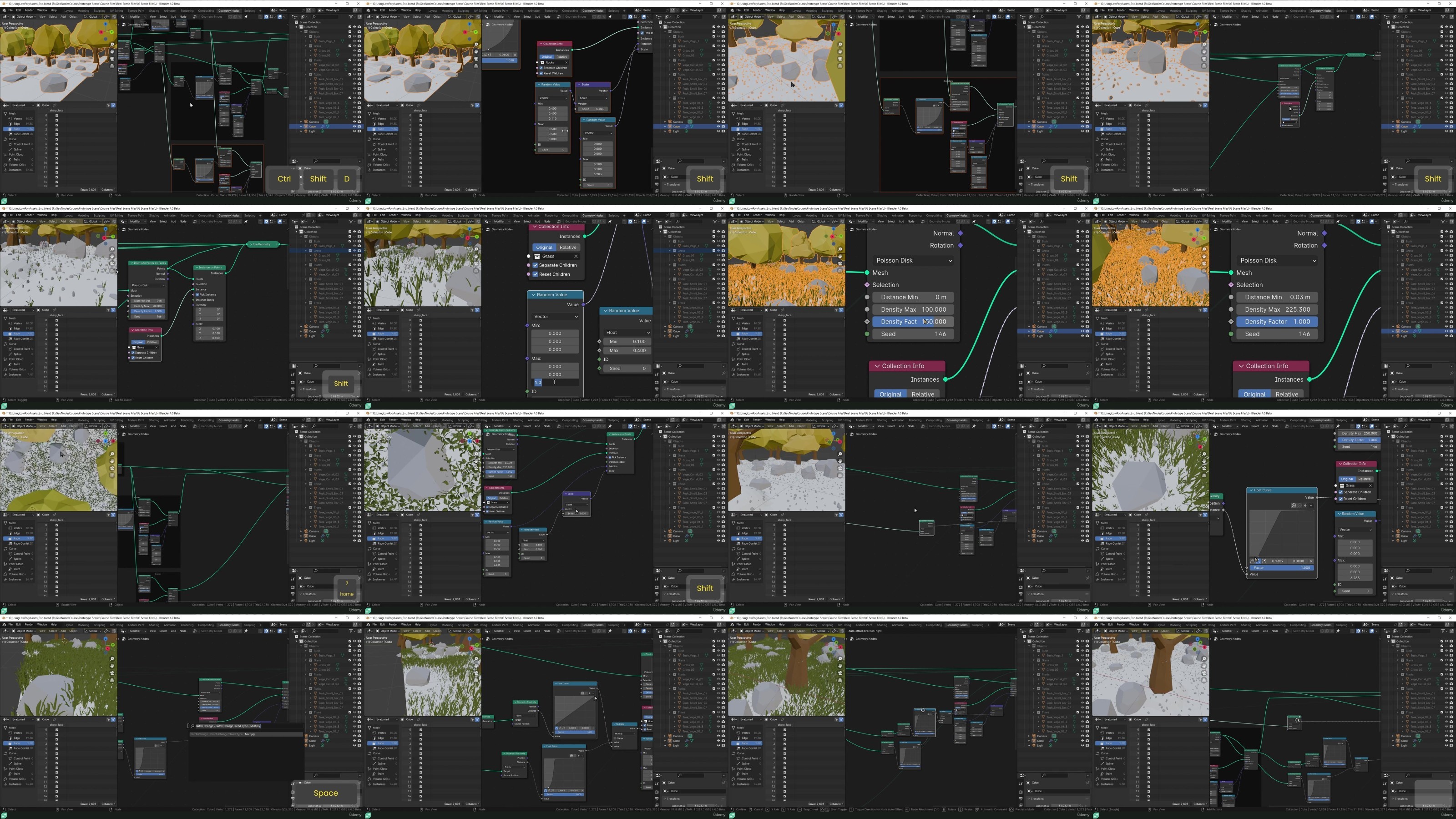
Create a Modifer that can be used to populate any mesh with a low-poly forest, complete with trees, rocks, bushes and grass.
Data types used in Blender, how to identify and use them, and how fields and attributes are used in Geometry Nodes
Manipulate geometry, primitive meshes and curves directly in Geometry Nodes in a non-destructive workflow.
Basic concepts and more advanced workflows for populating scenes with instances of simple or more complex geometr
Use curves to create your own objects that can be used in your scenes.
Fundamentals of Geometry nodes in Blender.
Requirements
You’ll need a basic knowledge of Blender and the ability to run Blender 4.0 (or a later version of Blender).
Description
Overview
Section 1: Introduction & Setup
Lecture 1 Course Introduction
Lecture 2 Downloading & Installing Blender 4
Lecture 3 Setting Up Blender for Geometry Nodes
Section 2: Geometry Node Basics
Lecture 4 Section Introduction – Geometry Node Basics
Lecture 5 The Spreadsheet
Lecture 6 Data Types
Lecture 7 Socket Types – Floats & Integers
Lecture 8 Socket Types – Boolean & Vector
Lecture 9 Fields & Attributes
Section 3: Instancing Geometry
Lecture 10 Section Introduction – Instancing Geometry
Lecture 11 Adding & Manipulating Primitives
Lecture 12 Adding Materials & Smooth Shading
Lecture 13 Distribute Points On Faces
Lecture 14 Instance On Points
Lecture 15 Instance On Points – Challenge Solution
Lecture 16 Instancing Collections
Lecture 17 Controlling Density
Lecture 18 Manipulating Instances Using Distance Fields
Lecture 19 Combining Distance Fields
Lecture 20 Adding Low Poly Trees & Boulders
Lecture 21 Adding Low Poly Pebbles & Grass
Lecture 22 Challenge Solution – Tidying Up The Node Tree
Lecture 23 Base Mesh Displacement & Shading
Lecture 24 Replacing The Base Mesh
Lecture 25 Setting Up Switches
Lecture 26 Setting Up Simple Lighting
Lecture 27 Using Vertex Groups for Density
Lecture 28 Setting Random Colors Per Instance
Lecture 29 Final Adjustments to The Node Tree
Lecture 30 Setting Up The Render
Lecture 31 Final Render
Section 4: Using Curves
Lecture 32 Bezier Splines
Lecture 33 Using Bezier Splines in Geometry Nodes
Lecture 34 Curve Primitives in Geometry Nodes
Lecture 35 Fill & Fillet Curve Nodes
Lecture 36 More Curve Operations
Lecture 37 Resample Curve Node
Lecture 38 Reshaping Curves
Lecture 39 Creating a Blade of Grass
Lecture 40 Creating a Grass Shader
Lecture 42 Creating Grass Clumps
Section 5: More To Come
Lecture 43 More To Come
You want to learn a powerful new tool for non-destructive, procedural modelling.,You want to create models that may be difficult or time-consuming using traditional modelling.,You want to create your own modifiers, operators and mesh editing tools.,You want to learn geometry nodes from scratch, with a focus on the most essential tools, nodes and workflows.
RapidGator
https://www.keeplinks.org/p27/68be426665c2f
NitroFlare
https://www.keeplinks.org/p27/68be43784ad1d
DDownload
https://www.keeplinks.org/p27/68be445c31c3a