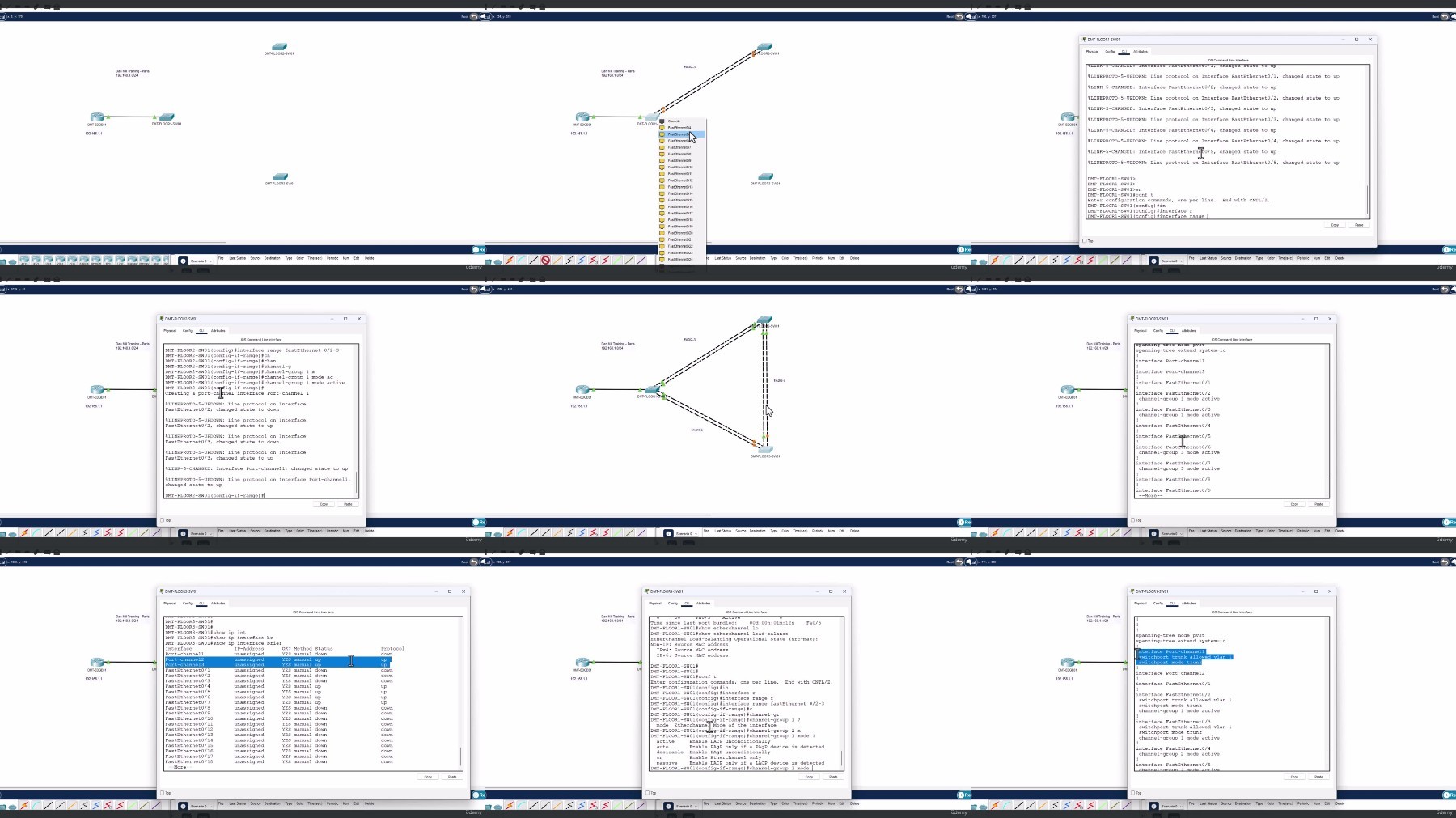
Hands On Cisco Packet Tracer: Switching Labs
Published 10/2024
MP4 | Video: h264, 1920×1080 | Audio: AAC, 44.1 KHz
Master Switching Protocols with Practical Labs in Cisco Packet Tracer. Gain Hands on Experience!
What you’ll learn
Understand the role and importance of switching in network communication.
Learn the basics of configuring Cisco Switches.
Master the configuration and operation of key switching protocols, including Spanning Tree, Port Channels and VLANs.
Explore the use of security mechanisms to secure your environment.
Apply the skills learned in real-world, hands-on labs that simulate professional networking environments.
Requirements
Students should have a basic understanding of networking concepts like IP addressing, subnets, and what a router does.
A computer (Windows, macOS, or Linux) that can run Cisco Packet Tracer for performing the labs.
An eagerness to get hands-on with networking and practice through real-world labs.
Description
Overview
Section 1: Introduction
Lecture 1 Introduction
Lecture 2 What is Cisco Packet Tracer?
Lecture 3 Why Learn Cisco?
Lecture 4 CCNA vs CCST
Lecture 5 Cisco Network Engineers
Section 2: Cisco Packet Tracer Labs – Devices General Setup
Lecture 6 Initial Lab Setup
Lecture 7 Lab Setup
Lecture 8 NTP
Lecture 9 Login Banners
Lecture 10 Console Passwords
Lecture 11 Save Running-Config
Lecture 12 AAA Authentication
Section 3: Cisco Packet Tracer Labs – Discovery Protocols
Lecture 13 CDP and LLDP
Section 4: Cisco Packet Tracer Labs – VLANs
Lecture 14 VLANs
Lecture 15 Trunk and Access Ports
Lecture 16 Native VLANs
Lecture 17 Routing Between VLANs (Router on a Stick)
Lecture 18 Layer 3 Switches vs Router on a Stick
Lecture 19 Voice VLAN and Cisco CUCME (Cisco Unified Communications Manager Express)
Section 5: Cisco Packet Tracer Labs – Spanning Tree
Lecture 20 Rapid Spanning Tree (RSTP)
Lecture 21 RSTP and Portfast
Section 6: Cisco Packet Tracer Labs – Port Channels
Lecture 22 Port Channels
Section 7: Cisco Packet Tracer Labs – Switch Security
Lecture 23 Port Security
Lecture 24 BPDUGuard Default
Lecture 25 802.1x (Dot1X)
Lecture 26 Cisco CML Demo: IP DHCP Spoofing
Lecture 27 Cisco CML Demo: IP ARP Poisoning
Lecture 28 Cisco CML Demo: CoPP
Section 8: Cisco Packet Tracer Labs – QoS
Lecture 29 QoS
Section 9: Extra Content: More Labs!
Lecture 30 Secret Tip to Cisco Packet Tracer
Section 10: Course Conclusion
Lecture 31 Conclusion
Lecture 32 Discounts on all of my courses!
Those new to networking who want to gain hands-on experience with switching protocols and practical networking skills.,Students preparing for entry-level networking certifications like CCNA or CCST.,Individuals from non-networking backgrounds looking to switch to networking careers and seeking practical, hands-on training.