


Indesign Masterclass: From Basics To Advanced Design Skills
Published 2/2025
MP4 | Video: h264, 1920×1080 | Audio: AAC, 44.1 KHz
What you’ll learn
Master InDesign’s essential tools to create professional print and digital layouts with precision and efficiency
Utilize AI features, text formatting, and typography best practices to enhance design quality and readability
Design interactive PDFs, manage linked content, and apply object, paragraph, and character styles for seamless workflow
Requirements
Basic computer literacy is required; prior experience with design software is helpful but not necessary as this course covers both fundamental and advanced InDesign skills
Description
Overview
Section 1: Introduction to the Adobe InDesign Masterclass
Lecture 1 Introduction to Adobe InDesign
Lecture 2 Essential Steps to Set Up a New InDesign Document
Lecture 3 Customizing workspace in InDesign
Section 2: Document Setup & Layout Fundamentals
Lecture 4 How to Use Columns Effectively in InDesign
Lecture 5 Create a Master Page with an Editable Text Region
Lecture 6 Adding a Name For The Restaurant
Lecture 7 Creating Text for Sidebar
Section 3: Placing & Managing Content in InDesign
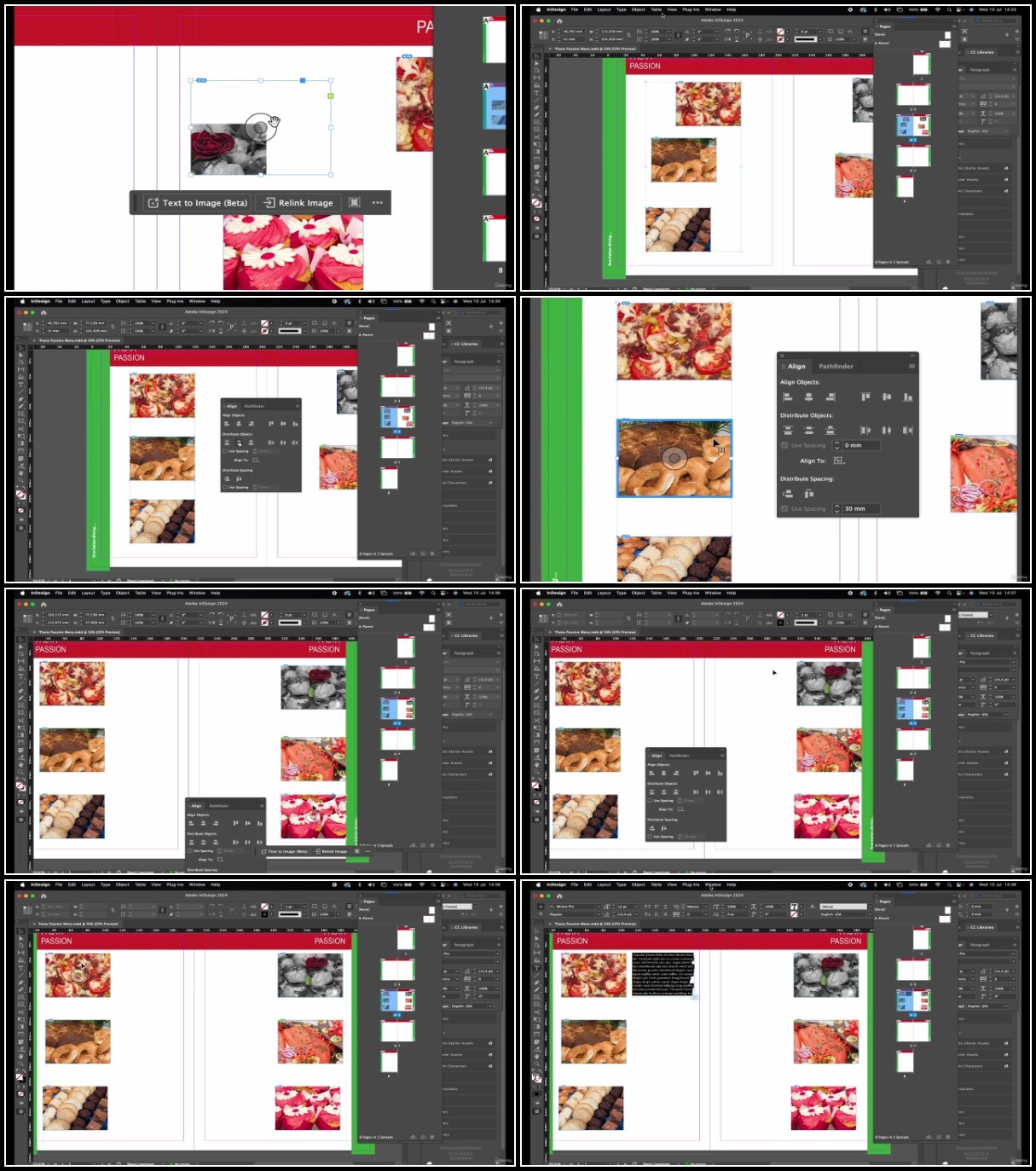
Lecture 8 Adding and Transforming Graphics
Lecture 9 Aligning Objects and Wrap Text Around Them
Lecture 10 Changing Shapes of the Corner
Lecture 11 Releasing Content from Parent Pages
Lecture 12 Using AI: Text-to-Image Feature
Section 4: Page Numbering, Shapes & Logos
Lecture 13 How to Add Page Numbers in InDesign
Lecture 14 Creating Shapes and Using the Gridify Tool in InDesign
Lecture 15 Designing a Simple Logo for Our Project
Lecture 16 Using Compound Paths in InDesign with AI
Section 5: Working with Text & Typography
Lecture 17 Creating Type on a Circular Path
Lecture 18 Text Threading and Managing Overset Text
Lecture 19 Placing Large Text Documents into InDesign
Lecture 20 Using AI for Text Wrap
Lecture 21 Creating a Clipping Path in Photoshop for InDesign
Section 6: Advanced Typography & Text Formatting
Lecture 22 Typography Best Practices: What Makes Good Typography?
Lecture 23 Mastering Text Formatting Controls in InDesign
Lecture 24 Using Kerning for Better Text Formatting
Lecture 25 Adjusting Vertical & Horizontal Scale for Text
Lecture 26 Converting Text into Outlines
Section 7: Color, Styles & Design Workflow
Lecture 27 Using the Paste Into Command for Text
Lecture 28 Adding and Managing Color in InDesign Document
Lecture 29 Using Adobe CC Libraries for Better InDesign Workflow
Lecture 30 Using Step and Repeat for Text Formatting
Lecture 31 Formatting Text with Spanning, Splitting & Tabs
Section 8: Mastering Paragraph, Character & Object Styles
Lecture 32 Creating Paragraph and Character Styles
Lecture 33 Reusing Paragraph and Character Styles Efficiently
Lecture 34 Creating and Applying Object Styles in InDesign
Section 9: Working with Linked Content & Packaging Files
Lecture 35 Managing Linked Content in Adobe InDesign
Lecture 36 Best Practices for Respecting Linked Content Workflow
Lecture 37 Creating a Packaged InDesign Document
Section 10: Creating Interactive PDFs in InDesign
Lecture 38 Step-by-Step Guide to Creating an Interactive PDF in InDesign
Lecture 39 Advanced Techniques for Designing Interactive PDFs
This course is ideal for graphic designers, marketers, publishers, and beginners seeking to master Adobe InDesign for print and digital media projects
TurboBit
https://filecrypt.cc/Container/F9C743BC6E.html
https://www.keeplinks.org/p27/67b39bb280858
RapidGator
https://filecrypt.cc/Container/F571231E9F.html
https://www.keeplinks.org/p27/67b39d8d4b01b
AlfaFile
https://filecrypt.cc/Container/6980E7F9DE.html
https://www.keeplinks.org/p27/67b39da094462
FileFactory