Interior Lighting & Walkthrough In 3Ds Max & V-Ray
Published 10/2024
MP4 | Video: h264, 1280×720 | Audio: AAC, 44.1 KHz
Create Photorealistic Visuals & Walkthrough with 3ds Max, V-Ray and Chaos Vantage
What you’ll learn
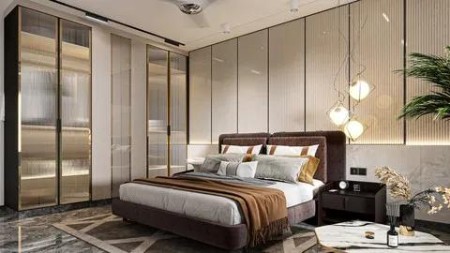
Photorealistic Renders Using 3ds Max & V-Ray
Modelling in 3ds Max
Realistic Materials in 3ds Max & V-Ray
Lighting & Rendering Using V-Ray
Post Production Using Photoshop
Walkthrough in Chaos Vantage
Requirements
Basics Knowlege of 3ds Max & V-Ray
Description
Overview
Section 1: 1. Introduction to the Course
Lecture 1 1. Welcome to Course
Section 2: 2. Installing Essential Scripts & Plugins
Lecture 2 1. Installing Scripts
Section 3: 3. Modelling in 3ds Max
Lecture 3 1. Modelling Walls
Lecture 4 2. Modelling Ceiling
Lecture 5 3. Modelling Wall Panels
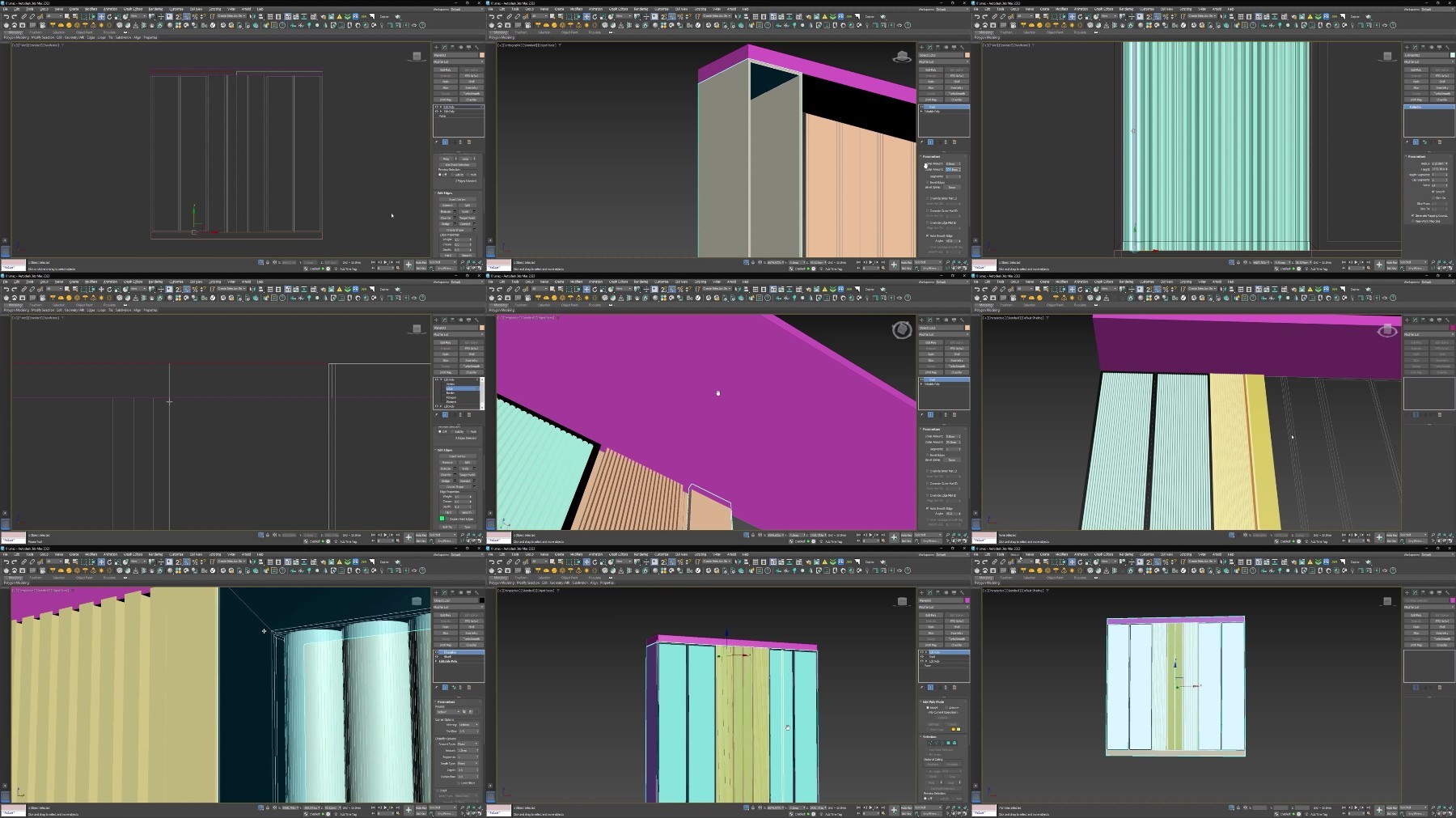
Lecture 6 4. Modelling Wardrobe
Lecture 7 5. Modelling TV Panel
Section 4: 4. Materials in 3ds Max & V-Ray
Lecture 8 1. Bed Material 01
Lecture 9 2. Bed Material 02
Lecture 10 3. Bed Base Material
Lecture 11 4. Adding Materials
Lecture 12 5. Merging All Models in Scene
Section 5: 5. Lighting in 3ds Max Interior Scene
Lecture 13 1. Adding Camera
Lecture 14 2. Lighting Pt-1
Lecture 15 3. Lighting Pt-2
Lecture 16 4. Test Rendering
Section 6: 6. Final Rendering & Post Production
Lecture 17 1. Final Render Settings
Lecture 18 2. Post Production In Photoshop
Section 7: 7. Walkthrough & Rendering
Lecture 19 1. Exporing V-Ray Scene
Lecture 20 2. Walkthrough In Chaos Vantage
Lecture 21 3. Post Production In After Effects
Create Photorealistic Visuals & Walkthrough with 3ds Max, V-Ray and Chaos Vantage