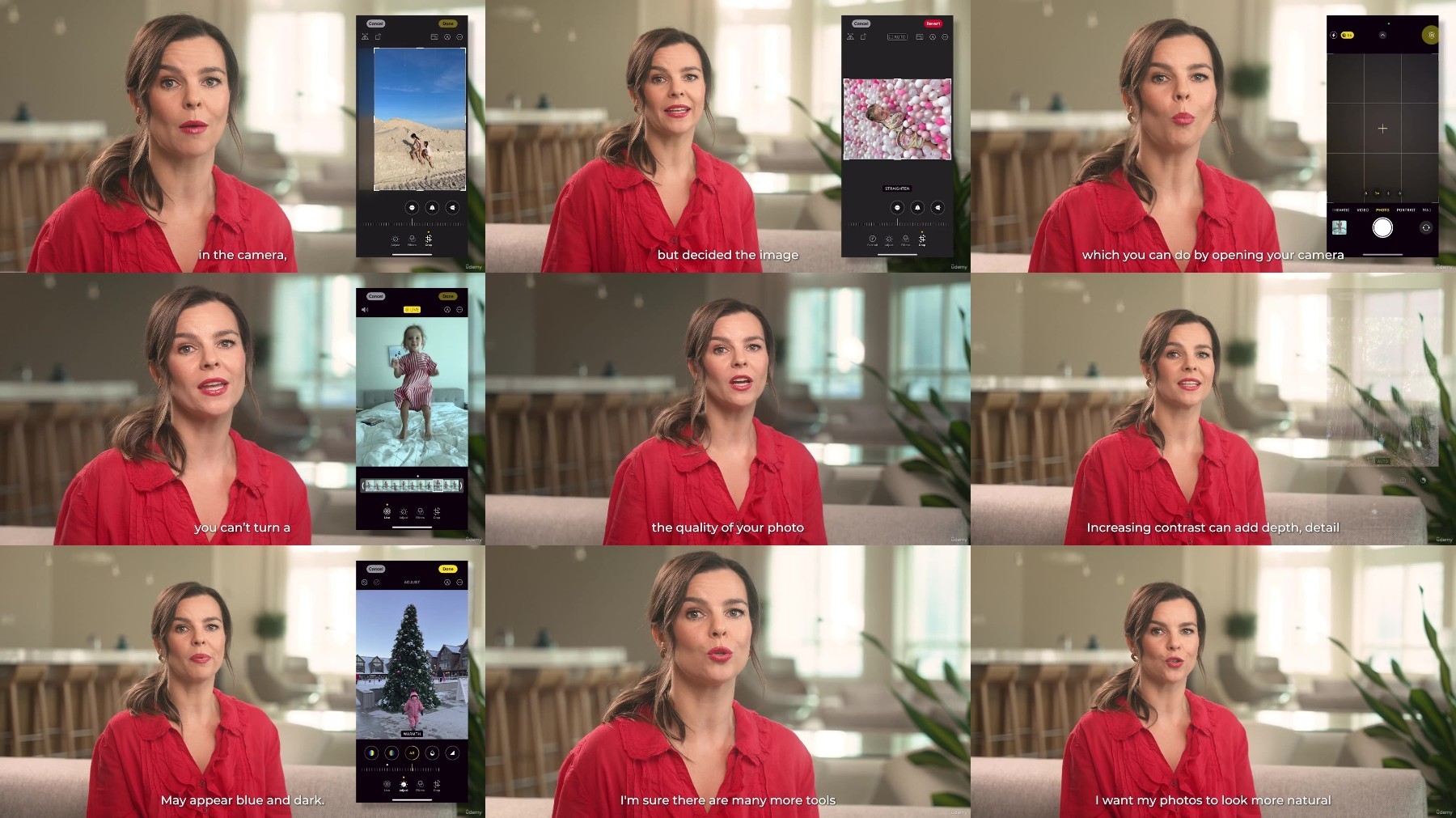
Iphone Photography Course For Parents
Published 10/2024
MP4 | Video: h264, 1920×1080 | Audio: AAC, 44.1 KHz
Learn to take beautiful and emotional photos of kids that will amaze your friends and family
What you’ll learn
Simple theory about fundamental of photography – such as light, composition, angles. As well as iPhone settings
How to get emotions out of your child. Practical tips for each age group – newborn to teenagers
How to take photos of siblings, photos with pets. Importance of being you on photos with your kids. Selfie, timer.
How to declutter your phone storage, organize photos. Editing secrets. Where to print. Backups. Online security and social media
Requirements
iPhone
Description
Overview
Section 1: Introduction
Lecture 1 Introduction
Section 2: Chapter 1
Lecture 2 Phone Settings
Lecture 3 Light
Lecture 4 Composition & Angles
Lecture 5 Light & Shadows
Lecture 6 Extra
Section 3: Chapter 2
Lecture 7 Emotions
Lecture 8 0-3 months (Newborns)
Lecture 9 3-6 months
Lecture 10 6-9 months
Lecture 11 9-12 months
Lecture 12 Toddlers
Lecture 13 3-5 years old (Preschoolers)
Lecture 14 6-9 years old (School Age)
Lecture 15 10-13 years old (Preeteens)
Lecture 16 13-18 years old (Teenagers)
Section 4: Chapter 3
Lecture 17 Siblings
Lecture 18 Photos with You & your kids
Lecture 19 Selfie
Lecture 20 Timer
Lecture 21 Photos with Pets
Section 5: Chapter 4
Lecture 22 Organizing Photos (Decluttering)
Lecture 23 Editing
Lecture 24 Printing Photos & Photo Albums
Lecture 25 Online Security & Social Media
Lecture 26 Bakups
Lecture 27 Extra
Lecture 28 Conclusion
This course is designed specifically for busy parents