Javascript & React Js Codecamp | Build Games & 15+ Projects
Published 2/2025
MP4 | Video: h264, 1920×1080 | Audio: AAC, 44.1 KHz
A Hands-On Coding Course | JavaScript and React JS Games Development Course | Build Games and 15+ Projects from Scratch
What you’ll learn
Build Snake Game from Scratch to Finish
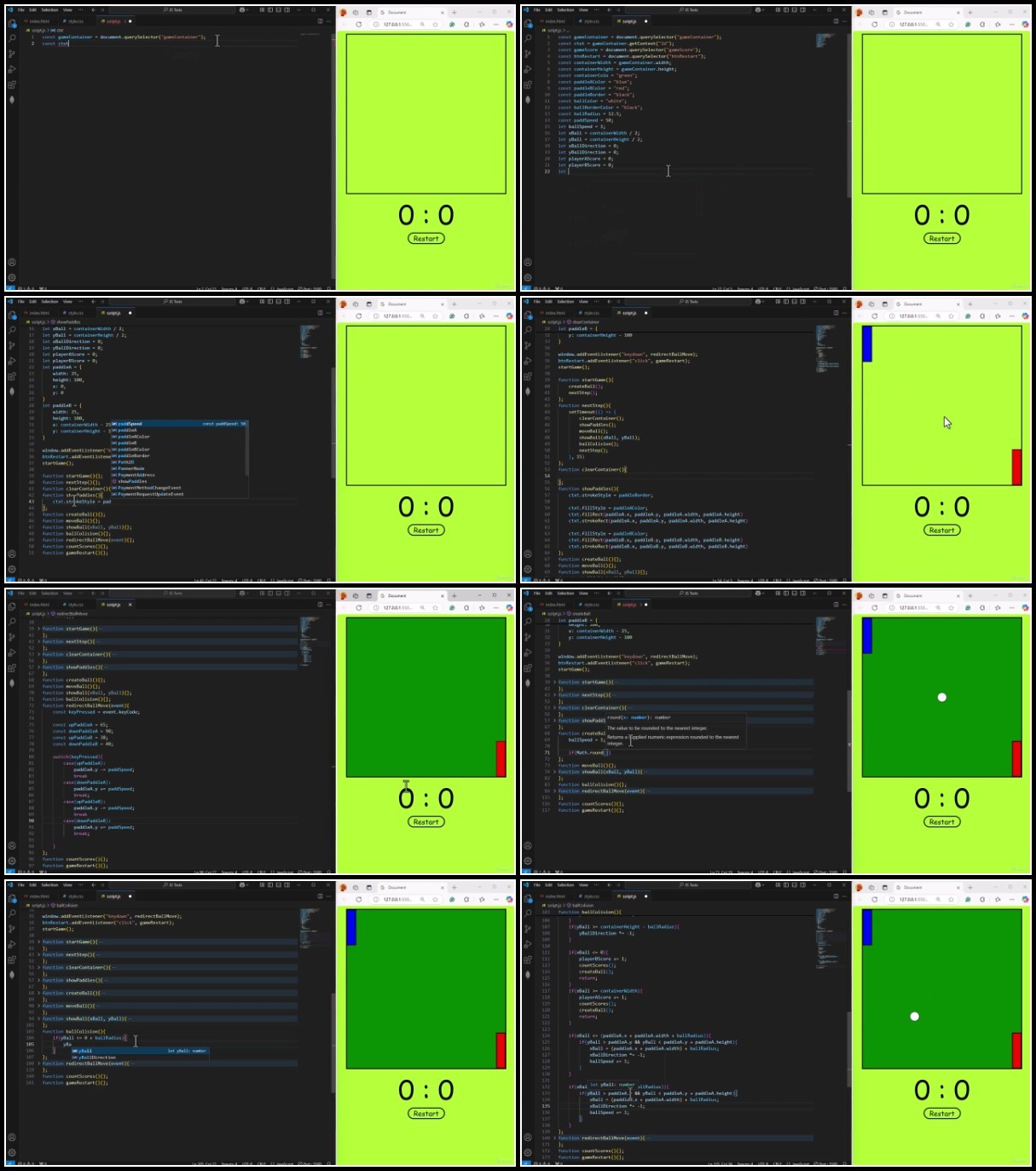
Build Game of Pong from Scratch to Finish
Build Tic Tac Toe Game from Scratch to Finish
Build Rock Paper Scissor Game from Scratch to Finish
Build Temperature Converter from Scratch to Finish
Build Weather Application with API from Scratch to Finish
Build Image Slider from Scratch to Finish
Build Advance Calculator from Scratch to Finish
Build Digital Clock from Scratch to Finish
Build Stopwatch from Scratch to Finish
Build Simple Interest Calculator from Scratch to Finish
Build Password Generator System from Scratch to Finish
Build Dice Roller App from Scratch to Finish
Build Number Guessing System from Scratch to Finish
Build Color Picker App from Scratch to Finish
Build Digit Counter from Scratch to Finish
Build Random Number Generator from Scratch to Finish
Work on hands-on projects like a To-Do List, Movie Search App, E-Commerce Website, and more!
Create Check Boxes and Radio Button Apps
Functions & Objects – Learn function declarations, arrow functions, object-oriented programming, and ES6 classes.
Working with the DOM – Select, manipulate, and update HTML elements dynamically with JavaScript.
Event Handling – Handle user interactions like clicks, keyboard inputs, and form submissions.
Asynchronous JavaScript – Master callbacks, promises, async/await, and API data fetching.
JavaScript in Action – Build real-world projects like a to-do list, weather app, calculator, snake game, pong game and many more projects
Debugging & Best Practices – Learn common JavaScript errors, debugging techniques, and performance optimization.
Understand the fundamentals of React JS and why it’s the most popular JavaScript library for building user interfaces.
Learn JSX, Components, Props, and State Management to create dynamic web applications.
Master React Hooks (useState, useEffect, useContext, and more) to manage application logic.
Implement React Router for seamless navigation between pages.
Handle forms, user input, and event handling with real-world examples.
Fetch data from APIs using Fetch and Axios to build interactive applications.
Learn global state management with Context API and Redux.
Style React applications using CSS Modules, Tailwind CSS, and Bootstrap.
Plan, structure, and build large-scale React applications.
Deploy your React projects on Netlify and Vercel for real-world use.
Requirements
Basic knowledge of HTML and CSS (No prior JavaScript and React experience needed).
A computer (Windows, macOS, or Linux) with an internet connection.
A modern web browser (Google Chrome recommended).
A code editor (VS Code preferred, setup instructions included).
Willingness to learn and practice through hands-on coding exercises.
Enthusiasm for building modern web applications using React JS!
A willingness to learn by doing with real-world coding exercises.
Description
Overview
Section 1: Introduction to JavaScript
Lecture 1 Setup of Development Environment | Visual Code Studio
Lecture 2 Project Setup and Live Server Installation
Lecture 3 Setup of Development Environment | Atom Code Editor
Lecture 4 Your first JavaScript Code
Lecture 5 JavaScript Code Structure
Lecture 6 Introduction to Console and getElementById
Section 2: JavaScript Fundamentals and Syntax
Lecture 7 Comments in JavaScript
Lecture 9 Arithmetic Operators
Lecture 10 How to Accept User Input in JavaScript
Lecture 11 Type Conversion in JavaScript
Lecture 12 Constants in JavaScript
Lecture 13 Implement JavaScript Constants in HTML Documents
Lecture 14 Build a Digit Counter in JavaScript
Lecture 15 Math Objects in JavaScript
Lecture 16 How to create a Random Number Generator in JavaScript
Section 3: Decision Making Statements in JavaScript
Lecture 17 If Statement in JavaScript
Lecture 18 Else is Statement in JavaScript
Lecture 19 Implement Decision Making Statements on HTML Document
Lecture 20 Checkbox and Radio Buttons in JavaScript
Lecture 21 Ternary Operator in JavaScript
Lecture 22 Switch Statement
Section 4: String Methods and Operators in JavaScript
Lecture 23 String Methods in JavaScript
Lecture 24 String Slicing in JavaScript
Lecture 25 Method Chaining in JavaScript
Lecture 26 Logical Operators in JavaScript
Section 5: Loop Systems in JavaScript
Lecture 27 While Loop in JavaScript
Lecture 28 do-while Loop in JavaScript
Lecture 29 For Loop in JavaScript
Lecture 30 Random Number Guessing in JavaScript
Section 6: Functions and Methods in JavaScript
Lecture 31 Functions in JavaScript
Lecture 32 Check even numbers and validate email address in JavaScript
Lecture 33 Arrays in JavaScript
Lecture 34 Spread Operator in JavaScript
Lecture 35 Rest Parameter in JavaScript
Lecture 36 How to Build a Dice Roller in JavaScript
Lecture 37 Random Password Generator in JavaScript
Lecture 38 Callback Function in JavaScript
Lecture 39 forEach Method in JavaScript
Lecture 40 Map Method in JavaScript
Lecture 41 Filter Method in JavaScript
Lecture 42 Reduce Method in JavaScript
Lecture 43 Function Expression in JavaScript
Lecture 44 Arrow function in JavaScript
Section 7: Objects and Classes in JavaScript
Lecture 45 Objects in JavaScript
Lecture 46 This in JavaScript
Lecture 47 Constructors in JavaScript
Lecture 48 Class in JavaScript
Lecture 49 Static Keyword in JavaScript
Lecture 50 Inheritance in JavaScript
Lecture 51 Super Keyword in JavaScript
Section 8: Getters and Setters in JavaScript
Lecture 52 Getters and Setters In JavaScript
Lecture 53 Example of Getters and Setters
Section 9: Arrays and Destructing in JavaScript
Lecture 54 Destructuring in JavaScript
Lecture 55 Nested Objects in JavaScript
Lecture 56 Arrays of Objects in JavaScript
Lecture 57 Array Sorting in JavaScript
Section 10: Advanced working with functions
Lecture 58 Date Objects in JavaScript
Lecture 59 Closure in JavaScript
Lecture 60 setTimeout Function in JavaScript
Lecture 61 Console.time function in JavaScript
Lecture 62 Format Currency in JavaScript
Lecture 63 Build a Compound Interest Calculator
Lecture 64 Build a Digital Clock in JavaScript
Lecture 65 Build a Stopwatch in JavaScript
Section 11: JavaScript Modules and Error Handling
Lecture 66 JavaScript ES6 Modules
Lecture 67 Synchronous and Asynchronous JavaScript
Lecture 68 Error Handling in JavaScript
Lecture 69 Build a Calculator in JavaScript
Section 12: Document Object Model – DOM in JavaScript
Lecture 70 DOM – Document Object Model in JavaScript
Lecture 71 Element Selectors in JavaScript
Lecture 72 DOM Navigation – firstElementChild and lastElementChild Selector
Lecture 73 DOM Navigation – Children, Parent, Next and Previous Element Siblings
Lecture 74 Add-Change HTML Elements in JavaScript
Section 13: Event Listening in JavaScript
Lecture 75 Mouse Events in JavaScript
Lecture 76 Key Events in JavaScript
Lecture 77 Hide and Show HTML Elements in JavaScript
Section 14: NodeList and ClassList in JavaScript
Lecture 78 Nodelist in JavaScript
Lecture 79 ClassList in JavaScript
Lecture 80 Build a Rock Paper Scissor game in JavaScript
Lecture 81 Build Image Slide in JavaScript
Section 15: Callback Hell, Promises, Async and Await Functions in JavaScript
Lecture 82 Callback Hell in JavaScript
Lecture 83 Promises in JavaScript
Lecture 84 Async and Awaits Functions in JavaScript
Section 16: JSON – JavaScript Object Notation
Lecture 85 How to create and fetch json file in JavaScript
Section 17: Cookies in JavaScript
Lecture 86 Cookies – Set and Clear Cookies in JavaScript
Lecture 87 How to get and return cookie values in JavaScript
Section 18: API – Application Programming Interface
Lecture 88 Fetch Data from an API in JavaScript
Section 19: JavaScript Windows Properties
Lecture 91 Introduction to JavaScript Windows Properties
Lecture 92 Build Tic Tac Toe Game in JavaScript
Lecture 93 Building a Snake Game in JavaScript – Theory
Lecture 94 Build a game of Snake in JavaScript – Practical
Lecture 95 Build a game of Pong in JavaScript
Lecture 96 Build a Temperature Converter in JavaScript
Section 20: Introduction to React JS
Lecture 97 Download and Installation of Node JS
Section 21: Your First React JS App
Lecture 98 How to create React App
Lecture 99 Writing our first JSX code in React
Lecture 100 Understanding React JS Fragment
Section 22: Functional Component in React JS
Lecture 101 Mastering Functional Component in React JS
Lecture 102 How to add CSS Styling in React
Lecture 103 How to create a Card Component in React
Section 23: Props in React JS
Lecture 104 Introduction to Props in React JS
Lecture 105 Mastering Props, PropTypes and defaultProps in React JS
Section 24: Conditional Rendering in React JS
Lecture 106 Conditional Rendering using If-Else Statment
Lecture 107 Conditional Rendering using Tenary operator
Lecture 108 Conditional Rendering using Logical Operator
Lecture 109 Multiple Conditional Rendering in React JS
Lecture 110 Add CSS Styling to Conditional Rendering in React JS
Section 25: List Rendering in React JS
Lecture 111 Introduction to List Rendering in React JS
Lecture 112 How to Render Multi-Array List in React JS using Key
Lecture 113 Sorting and Filtering List in React JS
Section 26: Event Handling in React JS
Lecture 114 Create AlertBox using Event Handler in React JS
Lecture 115 Event Parameters in React JS
Section 27: React Hooks – useState, useEffect
Lecture 116 Introduction to useState Hook in React Hooks
Lecture 117 Create Digit Counter using useState Hook in React JS
Lecture 118 Form Input using onChange Event Handler in React JS
Lecture 119 Build Ecommerce Form using onChange Event Handler in React JS
Lecture 120 Build a Color Picker App in React JS
Lecture 121 Updater Function in React JS
Absolute Beginners & Dummies – If you’re new to JavaScript and React, this course will guide you step by step.,Self-Taught Programmers – Learn structured and professional JavaScript and React development practices.,JavaScript Developers – Upgrade your skills by learning the most in-demand frontend library.,Web Developers & UI Designers – Create dynamic, interactive web applications.,Anyone Who Wants to Build Modern Web Apps – React JS is a must-have skill for web development!,Self-Taught Programmers – Fill in the gaps and strengthen your JavaScript knowledge with structured lessons and projects.,Aspiring Web Developers – Master JavaScript to build dynamic and interactive web applications.,Computer Science Students – Enhance your understanding of JavaScript programming with hands-on exercises.,Freelancers & Entrepreneurs – Learn how to build functional websites and web apps for clients or your own business.