


Jenkins From Zero To Advanced
Published 2/2025
MP4 | Video: h264, 1920×1080 | Audio: AAC, 44.1 KHz
Master Continuous Integration and Delivery with Jenkins: From Configuration to Full Automation
What you’ll learn
Understanding Jenkins Basics
Install and Configure Jenkins
Create and Manage Automation Pipelines
Integrating Jenkins with Development Tools
Creating and Managing Jobs in Jenkins
Integration with Version Control Systems
Requirements
Basic Programming Knowledge
Basic knowledge of Version Control Systems
Basic knowledge of Terminal or Command Line
Computer with Administrator Permissions and 4 GB of RAM
Stable Internet Connection
Description
Overview
Section 1: Introduction
Lecture 1 Introduction to the course
Lecture 2 Course content
Lecture 3 Reviews
Section 2: Introduction to Jenkins and essential concepts
Lecture 4 Introduction to Jenkins
Lecture 5 DevOps. Important concepts
Lecture 6 Continuous integration, delivery and deployment (CI/CD)
Lecture 7 Jenkins Architecture and Components
Section 3: Downloading Jenkins. Installation Types
Lecture 8 Introduction to the section
Lecture 9 Installation Options
Lecture 10 Options for taking the course
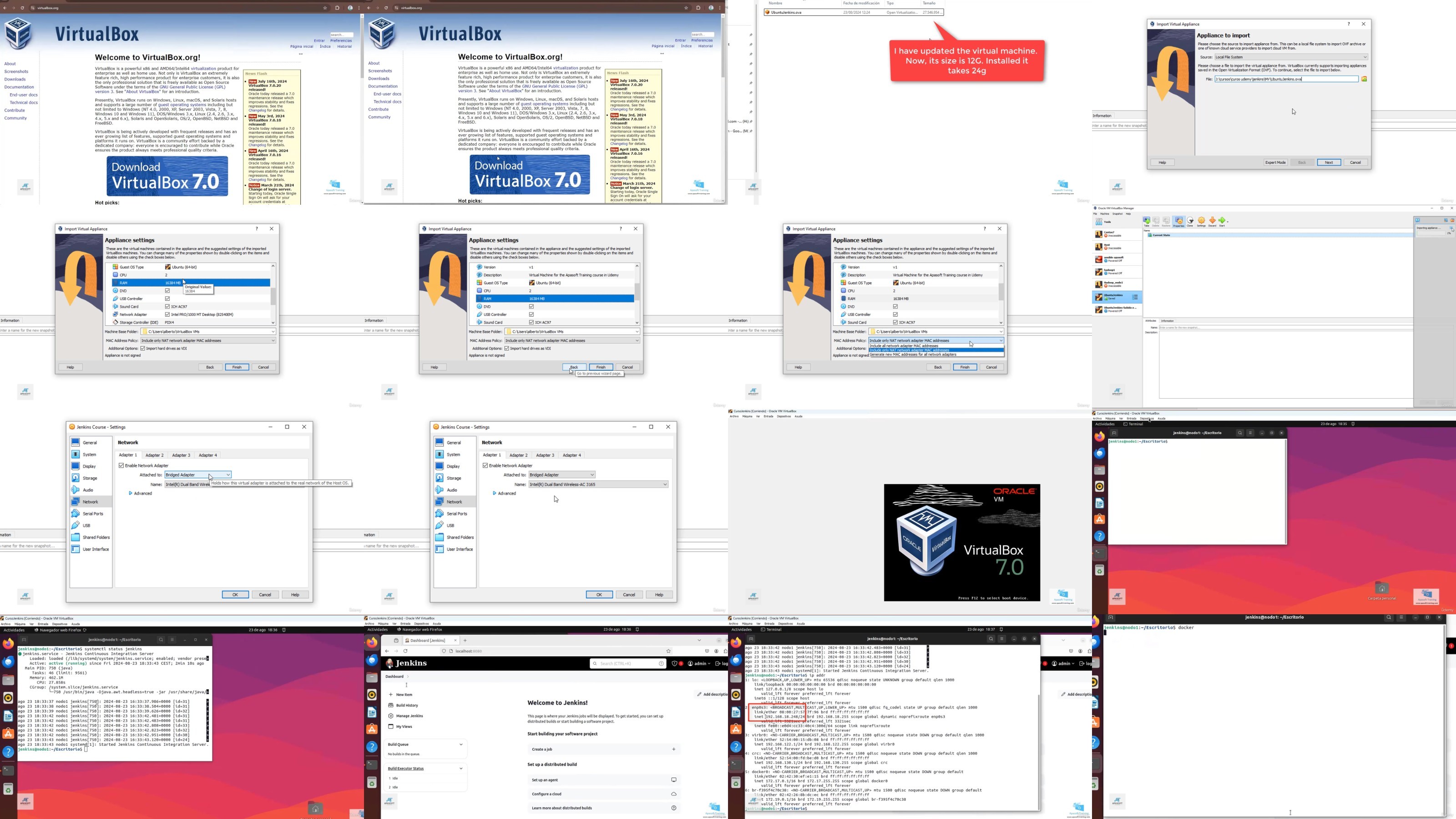
Lecture 11 Ubuntu virtual machine prepared for the course
Lecture 12 Requisitos hardware y software
Lecture 13 Install on Linux Ubuntu
Lecture 14 Install on windows
Lecture 15 Install from a WAR file
Lecture 16 Install in Docker
Lecture 17 Finish the installation process
Section 4: First steps
Lecture 18 Introduction to the section
Lecture 19 Web Console Review
Lecture 20 Types of Jobs/Projects
Lecture 21 Change Jenkins URL
Lecture 22 Practice. Changing the user’s theme and email
Section 5: Plugins
Lecture 23 Introduction to the section
Lecture 24 Plugin concepts. View the ones installed
Lecture 25 Plugin Repository
Lecture 26 Install a plugin
Lecture 27 Uninstall a plugin. Where plugins are stored
Lecture 28 Other options for installing plugins
Lecture 29 Update a plugin
Lecture 30 Plugin Practices. Installing Mercurial Version Control
Section 6: Freestyle Projects
Lecture 31 Introduction to the section
Lecture 32 A simple first job
Lecture 33 Run a job and view its output
Lecture 34 Modify a job. Add steps
Lecture 35 View errors in a job
Lecture 36 Plugin review. Adding Subversion to our Jenkins
Lecture 37 Another more complex job
Lecture 38 An important concept about Jenkins jobs
Lecture 39 Practice. Compile and launch a program in Java language
Lecture 40 Working with a GIT repository. Compiling and running a JAVA program
Lecture 41 Workspaces. Jobs work area
Lecture 42 Continuous Integration Lab with a Python Application
Lecture 43 NOTE: Install Docker on the Jenkins server for the next lab
Lecture 44 Lab with Docker. Setting up a WEB application with Nginx
Lecture 45 Post-Build Actions
Lecture 46 Other Builds Options
Lecture 47 Practice with GIT and Python. Temperature converter
Lecture 48 Practice with POST-BUILDS. Archiving files generated in the build
Section 7: Implementing Build Triggers in our Jobs
Lecture 49 Introduction to the section
Lecture 50 Build triggers. Types
Lecture 51 Remote build triggers
Lecture 52 Build Triggers. Chaining projects
Lecture 53 Build Triggers. Using version control repositories
Lecture 54 Other build triggers
Lecture 58 Introduction to the section
Lecture 59 Parameters
Lecture 60 Parameters. Example with Java and Github
Lecture 61 Other types of parameters
Section 9: An example with Maven and Java. Setting up the tools. Tools
Section 10: Folders and views
Lecture 66 Introduction to the section
Lecture 67 Create a folder
Lecture 68 Add items to a folder
Lecture 69 Views. Global views
Lecture 70 Views. User views
Lecture 71 Folders and Views Practice
Section 11: Pipelines
Lecture 72 Introduction to the section
Lecture 73 Introduction to pipelines
Lecture 76 Add stages and steps
Lecture 77 Commands with multiple lines
Lecture 78 Pipelines Reference and Syntax
Lecture 79 Lab. Deploying a Java Application to a Pipeline
Lecture 80 Using a Jenkinsfile from a GIT repository
Lecture 81 Step and Directive Generator
Lecture 82 Calling a Git repository with the "git" command
Lecture 83 Lab. Deploying a Maven Application
Lecture 84 Replay of a pipeline
Lecture 85 Relaunching a build from a specific stage
Lecture 86 Practice with Pipelines
Section 12: Directives and sections
Lecture 87 Introduction to the section
Lecture 88 Tools Directive: Indicate the versions to use of Maven, JDK, etc.
Lecture 89 Using Visual Studio Code for Jenkinsfiles
Lecture 91 String interpolation
Lecture 94 Directive to create parameters
Lecture 97 Sección POST. Capturando la salida de nuestras pipelines y etapas
Lecture 100 Other steps in our POST section. Delete the Workspace
Lecture 102 WHEN Directive. Setting conditions
Lecture 103 WHEN Directive Lab. Deploying a WEB application in Apache or Nginx
Lecture 104 Adding parameters to the previous lab
Lecture 105 Nested WHEN. Laboratory. Presentation
Lecture 106 Nested WHENs. Hands-on Lab. Deploying to Different Environments
Lecture 107 Directiva TRIGGERS. Introducción
Lecture 108 TRIGGERS. Laboratory with a PollSCM type trigger
Lecture 109 OPTIONS Directive. Configuring our Pipeline options
Lecture 110 Approving Scripts in Pipelines
Section 13: Parallelism
Lecture 111 Introduction to the section
Lecture 112 Introduction to parallelism
Lecture 113 Parallelism in steps
Lecture 114 Parallelism in stages.
Lecture 115 Practice. Parallelism in stages.
Lecture 116 Errors in Parallelism
Section 14: Visual plugins. Blue Ocean y Pipeline Graph View
Lecture 117 Introduction to the section
Lecture 118 Plugins Blue Ocean y Pipeline Graph View
Lecture 119 Install Blue Ocean
Lecture 120 Blue Ocean Environment Review
Lecture 123 Working with the Pipeline Graph View plugin
Section 15: Credentials
Lecture 124 Introduction to the section
Lecture 125 Credentials. Introduction
Lecture 126 Create a credential
Lecture 129 Accessing GitHub using Tokens
Lecture 132 Using GIT credentials inside the Jenkinsfile
Lecture 136 Using the credentials() helper to retrieve credentials
Lecture 137 Using parameters to retrieve credentials
Section 16: Agents and nodes in Jenkins. SSH type agents
Lecture 138 Introduction to the section
Lecture 139 Jenkins architecture review. Master, slaves and agents
Lecture 140 What kind of environments can I use to do the labs in this section?
Lecture 141 Environment prepared with docker to make these sections
Lecture 142 slave requirements
Lecture 145 Node options
Lecture 146 Practice. Create a second node/agent
Lecture 147 Create a node with SSH Host Key: Known hosts file verification
Lecture 148 Create a node with SSH Host Key: Manually provided key verification strategy
Lecture 149 Create a node with SSH Host Key: Manually trusted key verification strategy
Lecture 150 Crear un agente con credenciales SSH de clave privada
Section 17: Agents and nodes in Jenkins. INBOUND type agents. (formerly JNLP)
Lecture 151 Introduction to the section
Lecture 152 Introduction to INBOUND agents
Lecture 155 Create a TCP agent
Lecture 156 Create a Windows Agent
Section 18: Working with nodes and agents
Lecture 157 Introduction to the section
Lecture 158 How to launch a freestyle job on a node
Lecture 159 How to launch freestyle jobs using labels
Lecture 160 Agent clause in Pipelines
Lecture 161 Execute a pipeline on a given node
Lecture 162 Using labels to run a pipeline on an agent
Lecture 163 Using stage-level agents
Lecture 164 Parallel stages on different nodes. Compiling C programs in parallel
Section 19: Using Docker as Agents
Lecture 165 Introduction to the section
Lecture 166 Docker Agents. Introduction
Lecture 167 Install the Docker Pipeline Plugin
Lecture 168 Configuring Docker Nodes
Lecture 169 Creating a node/agent to run Docker images
Lecture 170 Creating an example with Docker. Working with Ubuntu
Lecture 171 Deploying a Node.js application
Lecture 172 Using Docker images at every stage. Sharing resources
Section 20: Multibranch Pipelines
Lecture 175 Introduction to the section
Lecture 176 Introduction to Multibranch Pipelines
Lecture 179 Pull Requests on GitHub
Lecture 180 WHEN BRANCH condition
Section 21: Organization Folder
Lecture 181 Introduction to the section
Lecture 182 Introducción a las Pipeline de tipo Organization Folder
Lecture 183 Required Plugins
Lecture 184 Create a Github App
Lecture 185 Create a private key and install the application
Lecture 186 Create credentials in Jenkins
Lecture 187 Create an Organization Folder
Lecture 188 Make changes to see the functionality of the Organization Folder
Section 22: End of the course
Lecture 189 Farewell to the course
Lecture 190 EXTRA class
Software Developers,DevOps Engineers,System Administrators,IT Professionals Interested in Process Automation,Anyone interested in learning Jenkins and improving their professional profile
TurboBit
https://filecrypt.cc/Container/37D8DF0C48.html
https://www.keeplinks.org/p27/67add134b583d
RapidGator
https://filecrypt.cc/Container/80FFC7C155.html
https://www.keeplinks.org/p27/67add9962b2ed
AlfaFile
https://filecrypt.cc/Container/000CE140C1.html
https://www.keeplinks.org/p27/67add9b89b422
FileFactory