


Published 12/2024
MP4 | Video: h264, 1920×1080 | Audio: AAC, 44.1 KHz
Master Linux debugging tools and methodologies covering both userspace and kernel space
What you’ll learn
Gain hands-on experience with a wide range of Linux debugging tools and methodologies which covers both userspace and kernel space
Understand techniques to identify and fix memory issues, performance bottleneck and system errors for more robust and efficient software development.
Acquire specialized skills to debug the Linux based application, including analysis of coredumps, using GDB and binutils
Build a strong foundation in debugging real-world issues and advance your career in Linux development, embedded systems, DevOps, or kernel engineering.
Requirements
Basic understanding of the Linux operating system and familiarity with the Linux command line are recommended.
Description
Overview
Lecture 1 Introduction
Section 2: Linux Operating System Architecture
Lecture 2 Linux OS Architecture
Lecture 3 32-bit User space address
Lecture 4 32-bit Kernel space address
Lecture 5 64-bit User space address
Lecture 6 64-bit Kernel space address
Lecture 7 Memory Management Unit
Lecture 8 Page fault handling
Lecture 9 Virtual address mapping
Lecture 10 Process and Threads
Lecture 11 ELF file format
Lecture 12 Shared Libraries
Lecture 13 Scheduling in Linux
Lecture 14 System Calls and Exceptions
Lecture 15 Interrupts
Lecture 16 Deferred Interrupt handling
Lecture 17 References
Section 3: Basic Linux Analysis and Observability Tools
Lecture 18 Basic Linux Analysis and Observability Tools Introduction
Lecture 19 Pseudo filesystems in Linux
Lecture 20 Monitoring tools in Linux
Lecture 21 Process Monitoring tools
Lecture 22 Memory Monitoring tools
Lecture 23 CPU and I/O Monitoring tools
Lecture 24 Network Monitoring tools
Lecture 25 References
Section 4: Application Debugging
Lecture 26 Introduction
Lecture 27 Binutils
Lecture 28 GDB introduction
Lecture 29 GDB command line options
Lecture 30 GDB commands cheat-sheet
Lecture 31 Remote debugging with GDB
Lecture 32 Extending GDB with Python
Lecture 33 Debugging shared libraries
Lecture 34 Libsegfault library
Lecture 35 Core dumps and analysis with GDB
Lecture 36 References
Section 5: Memory Issues in Linux Applications
Lecture 37 Memory Management and common memory issues
Lecture 38 Memory debugging tools – Static Code Analysis and Valgrind
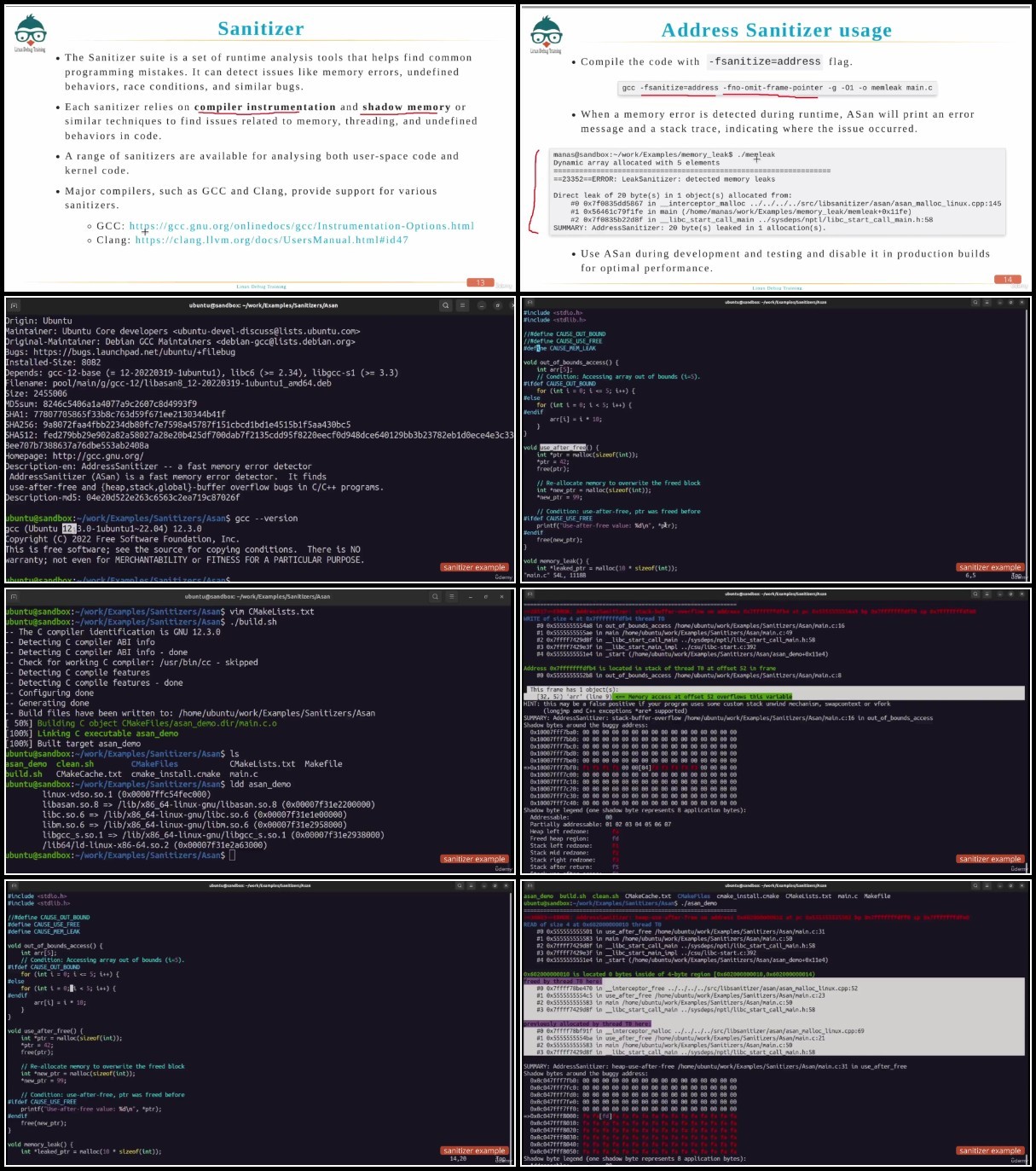
Lecture 39 Sanitizer – Address Sanitizer (ASan)
Lecture 40 Sanitizer – Memory Sanitizer, Thread Sanitizer and Undefined Behavior Sanitizer
Lecture 41 Libefence
Lecture 42 Best practices for Memory Management
Lecture 43 Closing remarks
Linux application developers,Linux Kernel developers,Embedded System engineers,System administrator,DevOps Engineers,Site reliability engineers (SREs),Students and Enthusiasts
TurboBit
https://filecrypt.cc/Container/D6FF07CCBC.html
https://www.keeplinks.org/p27/679e6b4c7cdea
RapidGator
https://filecrypt.cc/Container/7189983A7F.html
https://www.keeplinks.org/p27/679e6d1d3a705
AlfaFile
https://filecrypt.cc/Container/8F2402A193.html
https://www.keeplinks.org/p27/679e6d2b549b1