Linux Mastery 2024: Secure Your Dream It Job With Confidence
Published 10/2024
MP4 | Video: h264, 1920×1080 | Audio: AAC, 44.1 KHz
The Ultimate Linux Administration Course for Corporate Jobs and RHCSA, RHCE, LFCS, LPIC, and CompTIA Linux+ Certificates
What you’ll learn
Install, configure, and manage Linux systems with ease.
Gain advanced skills to troubleshoot everyday Linux issues.
Learn 300+ essential Linux system administration commands.
Become proficient in CentOS, RedHat (versions 7, 8, and 9), and more.
Write powerful shell scripts from basic to advanced level.
Master Linux file permissions, user management, networking, and more.
Manage Linux servers in real corporate environments.
Prepare for certifications including RHCSA (EX-200), CompTIA Linux+, and LPIC-1, LPIC-2, and LPIC-3.
Requirements
A computer with at least 4G of RAM.
Desire to reach your goals and dreams.
Description
Overview
Section 1: Introduction
Lecture 1 What will you get from this Course..?
Lecture 2 LINUX Introduction..
Lecture 3 The Linux Kernel.
Lecture 4 Keyboard keys used in Linux.
Lecture 5 Linux v/s Windows
Lecture 6 The Shell.
Lecture 7 Who uses Linux.
Lecture 8 Linux Distributions.
Lecture 9 The Utilities.
Section 2: Setup your Linux Play Ground – Oracle VM, Cent-OS, RedHat and Ubuntu Linux.
Lecture 10 What is Virtual Box.
Lecture 11 Best ways to install Linux
Lecture 12 Create your First Virtual Machine.
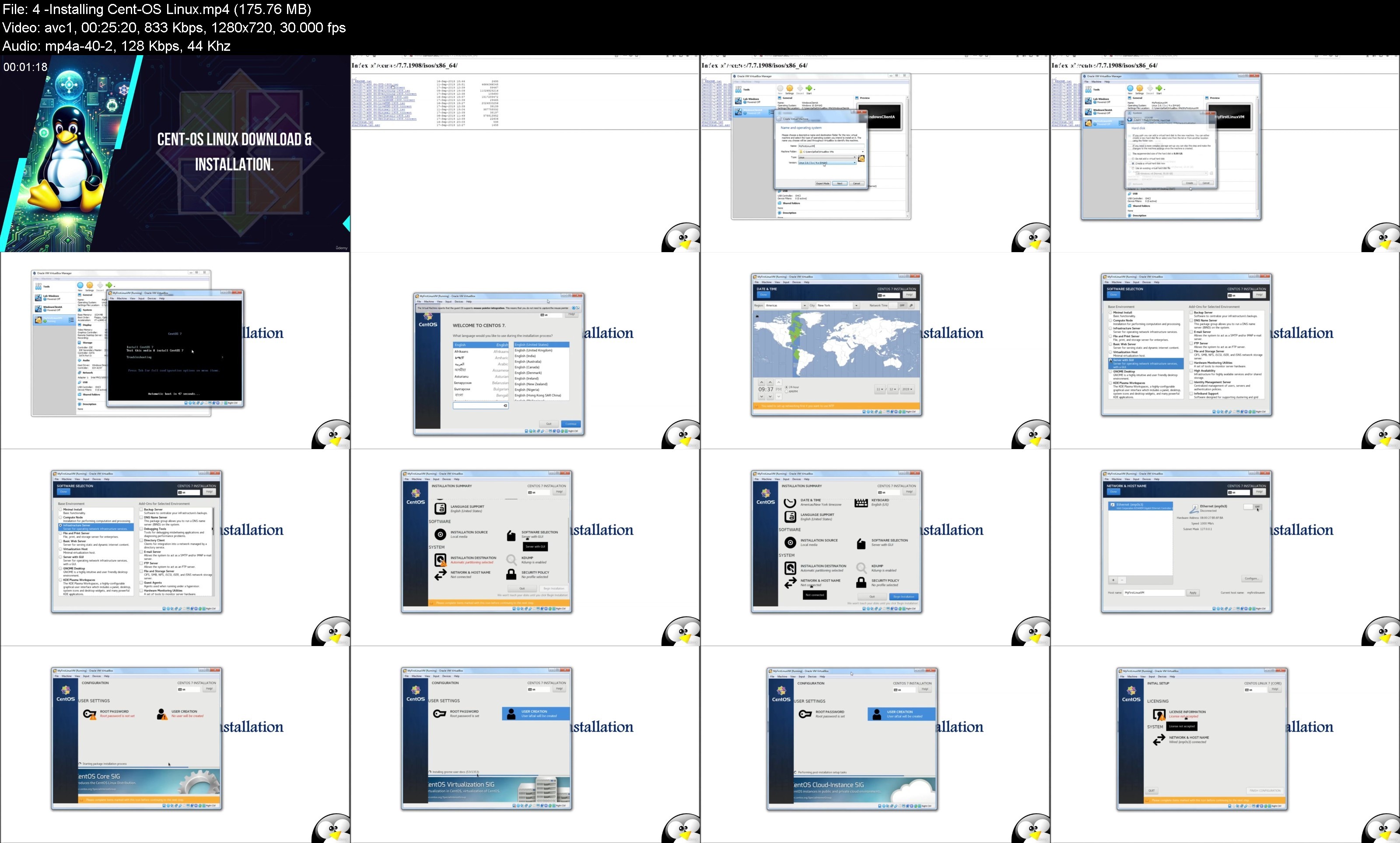
Lecture 13 Installing Cent-OS Linux.
Lecture 14 Installing Oraccle VirtualBox
Lecture 15 First step for every Hacker – Install RedHat Linux.
Lecture 16 Installation for best used Linux by learners – Ubuntu Linux.
Lecture 17 Linux Desktop GUI – Gnome & KDE.
Lecture 18 Take a Snapshot of VM.
Lecture 19 Learn to manage your Virtual Machine.
Section 3: System Access and File System
Lecture 20 Command Prompts and Getting Prompts Back.
Lecture 21 Access to Linux Systems.
Lecture 22 Installing Putty.
Lecture 23 Command Prompts and Getting Prompts Back.
Lecture 24 Connect Linux VM via Putty.
Lecture 25 Important things to remember in Linux.
Lecture 26 Introduction to Linux File System.
Lecture 27 Filesystem Structure & description.
Lecture 28 Travel Between Files (cd, ls, pwd etc)
Lecture 29 Absolute and Relative Paths.
Lecture 30 Directory Listing Attributes.
Lecture 31 Creating Files & Directories (touch, cp, vim,)
Lecture 32 Play with Linux File System.
Lecture 33 Linux File Types.
Lecture 34 Linux File Types.
Lecture 35 Finding Files and Directories (find, locate)
Lecture 36 Listing Folders and Files in a Directory
Lecture 37 Difference between Find & locate commands.
Lecture 38 Locate v/s Find Commands.
Lecture 39 Changing password.
Lecture 40 Change Password in linux.
Lecture 41 Wild Cards (, , ^ [])
Lecture 42 Everything about Wild Cards.
Lecture 43 Hard & Soft links.
Lecture 44 Soft & Hard Links.
Section 4: Linux Fundamentals.
Lecture 45 Linux Command Syntax
Lecture 46 Understanding Linux Command Line Structure
Lecture 47 Permissions File & Directories (chmod).
Lecture 48 Linux File Permissions Made Simple.
Lecture 49 File Permission using Numeric Module.
Lecture 50 File Permissions Using Numeric Mode in Linux.
Lecture 51 File Ownership (chown, chgrp).
Lecture 52 File Permissions Overview.
Lecture 53 Access Control List.
Lecture 54 Access Control List [ACL].
Lecture 55 Help Command.
Lecture 56 Help Command Notes.
Lecture 57 Tab Completion & Up Arrow Keys.
Lecture 58 Adding Text to Files.
Lecture 59 Standard Output to a Files (tee Command)
Lecture 60 Pipes ().
Lecture 61 File management Commands (cp, rm, mv, mkdir)
Lecture 62 File Display Commands (cat, less, more)
Lecture 63 Linux Filters – Text Processing Commands #1.
Lecture 64 cut – Text Processors Commands #2.
Lecture 65 awk – Text processors Commands #3.
Lecture 66 grep – Text Processors Commands #4.
Lecture 67 sortuniq – Text processors Commands #5.
Lecture 68 wc – Text Processors Commands #6.
Lecture 69 Compare Files (diff, cmp).
Lecture 70 Compress & Extract (tar, gzip, gunzip).
Lecture 71 Truncate File Size (truncate)
Lecture 72 Combining & Spliting Files.
Lecture 73 Linx vs Windows Command.
Section 5: System Administration.
Lecture 74 Linux File Editor (vi).
Lecture 75 Difference between vi and vim Editors.
Lecture 76 sed Command.
Lecture 77 User Account Management (useradd, groupadd, usermod, userdel, groupdel).
Lecture 78 Switch Users and Sudo Access (su, sudo)
Lecture 79 Monitor Users (who, last, w, id)
Lecture 80 Talking to Users (users, wall, write)
Lecture 81 Linux Directory Service – Account Authentication.
Lecture 82 Difference between Active Directory, LDAP, IDM, WinBIND, OpenLDAP etc.
Lecture 83 System Utility Commands (date, uptime, hostname, uname, which, cal, bc)
Lecture 84 Processes and Jobs (systemctl, ps, kill, top, crontab, at).
Lecture 85 Additional cronjobs (hourly, daily, weekly, monthly)
Lecture 86 Process Management (bg, fg, nice)
Lecture 87 System Monitoring Commands (df, dmesg, iostat 1, netstat, free, top)
Lecture 88 System Logs Monitor (varlog).
Lecture 89 System Maintenance Commands (shutdown, init, reboot, halt)
Lecture 90 Changing System Hostname (hostnamectl)
Lecture 91 Finding System Information (uname, dmidecode)
Lecture 92 Finding System Architecture (arch)
Lecture 93 Terminal Control Keys.
Lecture 94 Terminal Commands (clear, exit, script).
Lecture 95 Recover Root Password (single user mode)
Lecture 96 SOS Report.
Section 6: Shell Scripting.
Lecture 98 Linux Kernel.
Lecture 99 What is a Shell.
Lecture 100 Types of Shells.
Lecture 101 Shell Scripting.
Lecture 102 Basic Shell Scripts.
Lecture 103 Input and Output of Script.
Lecture 104 if-then Scripts.
Lecture 105 for Loop Scripts.
Lecture 106 do-while Scripts.
Lecture 107 Case Statement Scripts.
Lecture 108 Check Remote Servers Connectivity.
Lecture 109 Aliases (alias).
Lecture 110 User and Global Aliases.
Lecture 111 Shell History (history).