

MTO_UsingLO-VC
What you’ll learn
SAP PP Consultants
SAP SD Consultants
Manufacturing staff in Make to Order Scenario
SAP End Users aspiring to learn Make to Order using SAP
Requirements
Conversance with SAP Navigation
Conversance with MM in terms of Master data , BOM and Routing setup
Understanding of BOM and Make to Order Manufacturing Processes
For Hands on Practice, must have access to SAP Application (S4 HANA 202X)
Description
Overview
Section 1: Introduction
Lecture 1 Introduction
Section 2: Business Case for DEMO
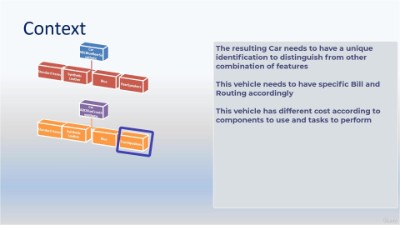
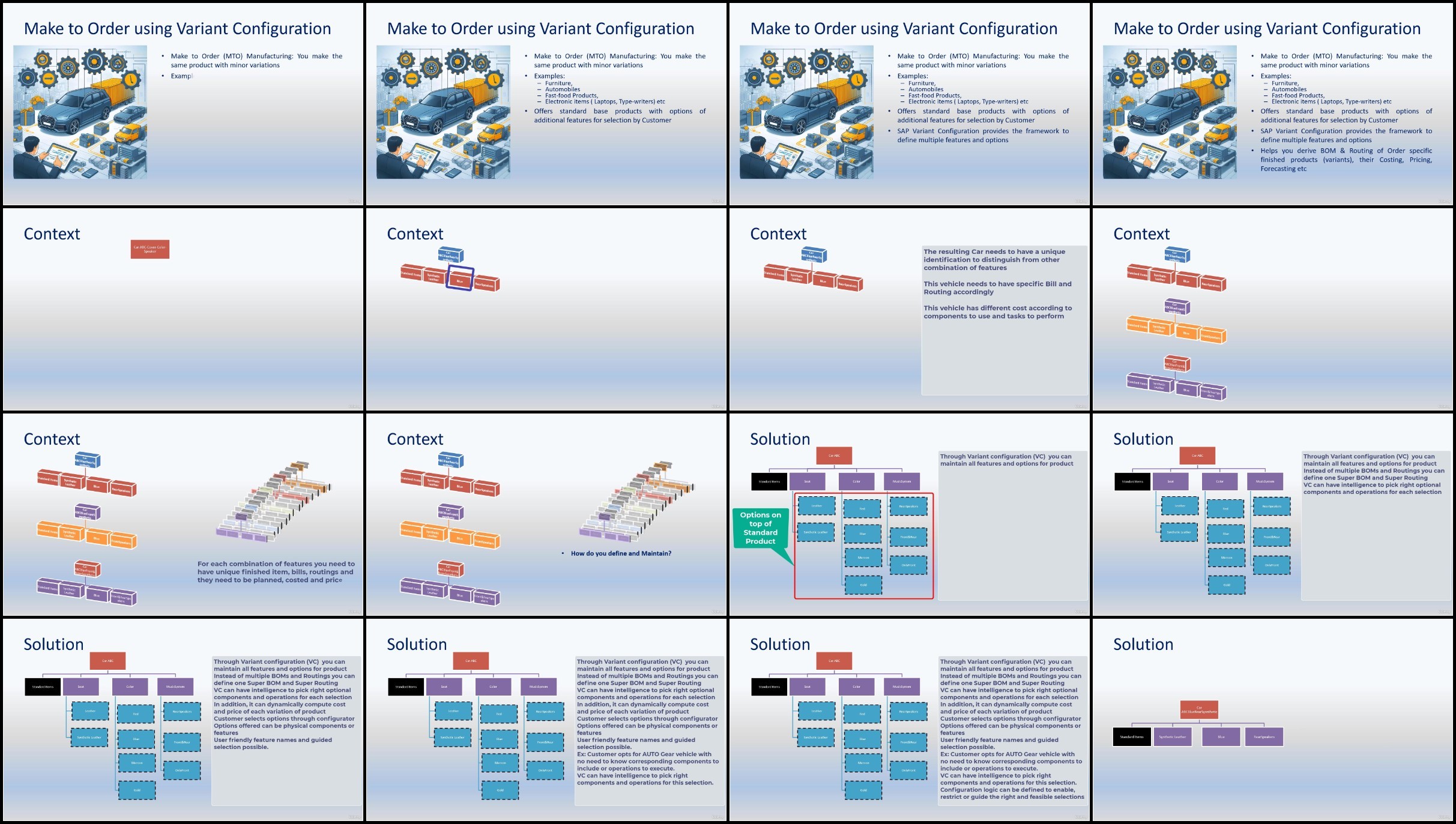
Lecture 2 Business Case
Section 3: Demo- Characteristics (Features)
Lecture 3 Create Characteristics – initial screen
Lecture 4 Create Characteristics – Define Basic data & descriptions
Lecture 5 Create Characteristics – Additional data and restrictions
Lecture 6 Create Characteristics – All Characteristics
Lecture 7 Create Characteristics – Reports
Section 4: Create Class
Lecture 8 Create Class – Introduction
Lecture 9 Create Class – Creation of Class in SAP
Section 5: Define Materials for demo
Lecture 10 Define Materials – Create Configurable Material
Lecture 11 Define Materials – Create Component Materials
Section 6: Define SuperBOM and Routing
Lecture 12 Define Configurable BOM and Routing – Create Super BOM
Lecture 13 Define Configurable BOM and Routing – Create Super Routing
Section 7: Define Configuration Profile
Lecture 14 Define Configuration Profile – Briefing
Lecture 15 Define Configuration Profile – Basic Data
Lecture 16 Define Configuration Profile – Configuration Parameters
Lecture 17 Define Configuration Profile – UsetInterf Parameters
Lecture 18 Define Configuration Profile – Language and Display attributes
Lecture 19 Define Configuration Profile – Scope attributes
Lecture 20 Define Configuration Profile – Pricing and Default attributes
Section 8: Selection Conditions for Components and Operations
Lecture 22 Selection Conditions – Briefing
Lecture 23 Selection Conditions – Walkthrough Object Dependency
Lecture 24 Selection Conditions – BOM Components RAM and HDD
Lecture 25 Selection Conditions – BOM Components OS
Lecture 26 Selection Conditions – Routing Operations
Section 9: Configuration Simulation
Lecture 27 Configuration Simulation for BOM Selection Conditions
Section 10: Preconditions and Procedures
Lecture 28 Preconditions – Review of Requirements
Lecture 29 Preconditions – Enable Windows Version
Lecture 30 Preconditions – Disable Lower RAM and HDD
Lecture 31 Procedures – Restrict Screen Size
Lecture 32 Procedures – Default a value to HDD based on RAM selection
Lecture 33 Preconditions and Procedures – Verify Solution
Section 11: Business Transactions of Configurable Materials in MTP
Lecture 34 Production Order – Additional setup
Lecture 35 Production Order – Execution of Standalone Order
Section 12: Sales Price configuration for MTO Products
Lecture 36 Sales Price Configuration – Review Price requirements
Lecture 39 Sales Price Configuration – Define Surcharges and Discounts in Price Conditions
Lecture 40 Sales Price Configuration – Execute Sales Order with Pricing setup
without You and Your Support We Can’t Continue
Thanks for Buying Premium From My Links for Support
Click >>here & Visit My Blog Daily for More Udemy Tutorial. If You Need Update or Links Dead Don’t Wait Just Pm Me or Leave Comment at This Post
FileStore
https://filecrypt.cc/Container/9874EC41EE.html