Master Adobe Audition : Audiobook Creation From Zero To Hero
Published 10/2024
MP4 | Video: h264, 1920×1080 | Audio: AAC, 44.1 KHz
What you’ll learn
Setting up a professional audiobook recording studio: Learn how to select the right equipment and create an optimal environment for audiobook production.
Advanced audio editing with Adobe Audition: Discover how to use advanced effects like EQ, compression, and noise reduction to produce high-quality audiobook aud
Noise reduction and sound quality optimization: Remove unwanted background noise and optimize your audiobook for a professional listening experience.
Mixing and mastering audiobooks: Learn how to blend voice with sound effects, music, and ensure a smooth final output for your audiobook.
Strategies for growing your audience: Learn techniques to attract more listeners to your audiobooks and build a larger audience base.
Mastering multi-track editing: Gain expertise in editing multiple tracks simultaneously for both music and voiceover synchronization.
Sound automations and effects: Learn how to apply sound automations and professional effects for an immersive audiobook experience.
Requirements
A computer or laptop
Adobe Audition Software
A desire to learn and create your own podcast
Description
Overview
Section 1: Introduction
Lecture 1 Teaser
Lecture 2 Required Equipment
Lecture 3 Microphone Polar Patterns
Lecture 4 Recording Conditions and Preparing the Environment and Studio
Section 2: Adobe Audition
Lecture 5 Introduction
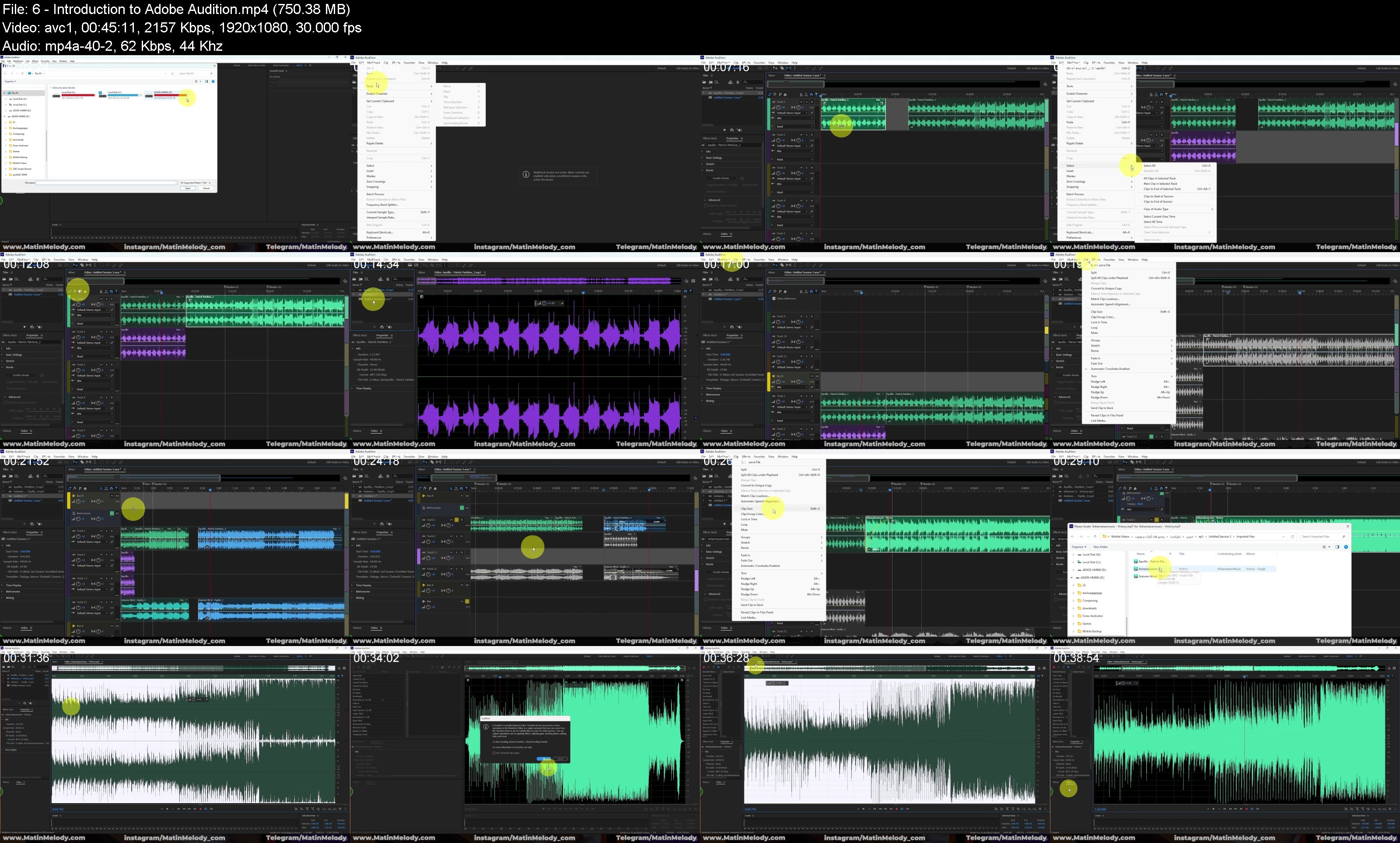
Lecture 6 Introduction to Adobe Audition
Lecture 7 Creating Audio Files
Lecture 8 Microphone Settings in Adobe Audition
Lecture 9 Microphone Settings in Windows
Lecture 10 Audio Recording and Tools
Lecture 11 Noise Reduction
Lecture 12 Normalizing Audio
Lecture 13 Equalizer
Lecture 14 Compressor
Lecture 15 Amplifying Audio
Lecture 16 De Esser
Lecture 17 Dynamic Tools
Lecture 18 Echo, Delay, and Reverb Effects
Lecture 19 Removing Unwanted Mouth Noises
Lecture 20 FFT Filter
Lecture 21 Other Audio Effects
Lecture 22 De-Reverb and De-Hummer Effects
Lecture 23 Improving Audio Quality And Final Editing Tips
Section 3: Adobe Audition – Multi Track
Lecture 24 Working with the Multitrack Environment
Lecture 25 Effect Rack Panel
Lecture 26 Mixing Music and Podcast
Lecture 27 Audio Automation Settings
Lecture 28 Professional Shortcuts in Software
Lecture 29 Exporting