


Master Branding Superpowers-No Experience Needed!
Published 1/2025
MP4 | Video: h264, 1920×1080 | Audio: AAC, 44.1 KHz
Master Visual Identity & Messaging to Build Unforgettable and Impactful Brands
What you’ll learn
Using ChatGPT-4 for Brand Identity Creation
Basic Steps to Create Visual Brand Identity
Introduction to Design Elements like Typography, Color, and Symbols
Master the Basics of Adobe Illustrator and Photoshop
Design Stunning Logos and Brand Identities
Learn to Create High-Quality Social Media Banners and Graphic
Choose Color Palettes and Apply Gradients
Create and Use Patterns to Enhance Brand Recognition
Create Responsive Banner Designs for Social Media
Use Adobe’s Online Tools for Inspiration and Assistance
Present and Refine Designs Based on Client Feedback
Create Engaging Designs with User-Focused Results
Requirements
No prior design experience required-this course is beginner-friendly!
Basic computer skills and the ability to navigate design software.
Adobe Illustrator and/or Adobe Photoshop installed on your computer
A creative mindset and a passion for learning design principles and techniques.
Access to an internet connection to view course content and explore additional design resources.
Description
Overview
Section 1: Introduction to Branding Basics
Lecture 1 How to use the Best Out of this Course
Lecture 3 Defining The Visual Essence of the Brand
Lecture 4 Getting Inspiration from Chat-GPT to Design a logo
Lecture 5 Asking about Color palate
Lecture 6 Asking About Typography
Lecture 7 Asking for Testimonials
Section 2: Adobe Illustrator Basics
Lecture 8 Adobe Illustrator Workspace
Lecture 9 Selection Tools
Lecture 10 Pen Tool
Lecture 11 Pencil Tool
Lecture 12 Coloring Shapes
Lecture 13 How to Add Gradients
Section 3: Adobe Photoshop Essential tools and Techniques
Lecture 14 Adobe Photoshop Interface
Lecture 15 Interface and Bars
Lecture 16 Tools
Lecture 17 Brush Tool
Lecture 18 Text Tool
Lecture 19 Selection Tools
Lecture 20 Transforming Objects
Lecture 21 Layers
Lecture 22 Color Modes
Lecture 23 Layer Styles
Lecture 24 Opacity Fill and Blend If
Lecture 25 Adjustment Layers
Lecture 26 Zoom tool
Section 4: Creating a Brand Identity – Logo Design, Color Palettes, and Patterns
Lecture 28 Researching
Lecture 29 Sketching process
Lecture 30 Logo Designing With Adobe Illustrator
Lecture 31 Coloring of the Logo
Lecture 32 Client Suggested Changes
Lecture 33 Choosing the Right Typography
Lecture 34 Pattern Creating
Lecture 35 Looka Automate Logo Maker
Section 5: Creating Social Media Banners
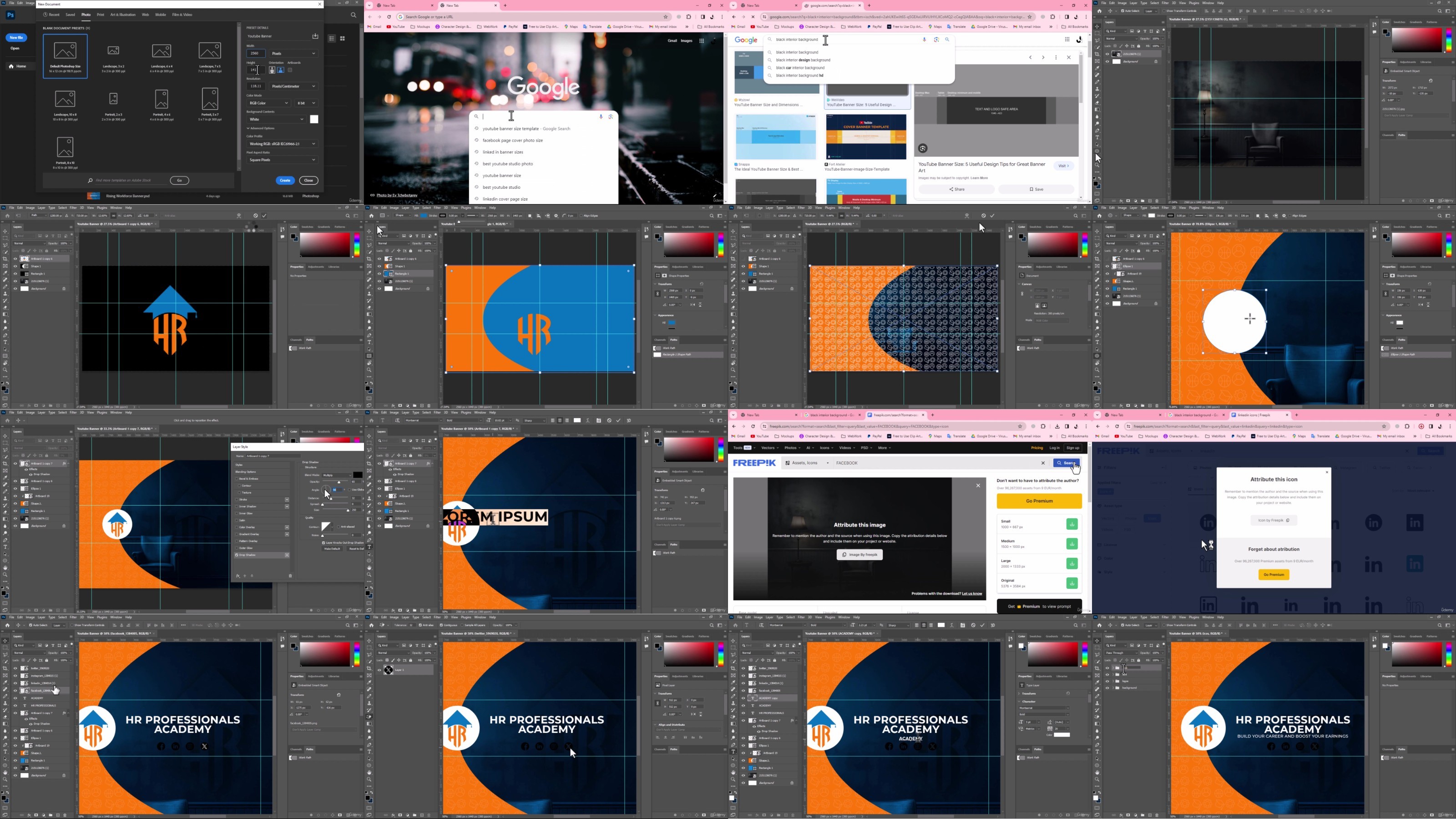
Lecture 36 Creating YouTube Banner With Adobe Illustrator
Lecture 37 Creating YouTube Banner With Adobe Photoshop
Lecture 38 Making the Banner Responsive with Adobe Illustrator
Lecture 39 Making the Banner Responsive with Adobe Photoshop
Beginner Designers – No experience needed! Learn design fundamentals step by step.,Entrepreneurs & Small Business Owners – Build your own brand identity and create professional designs.,Freelancers – Learn the tools to offer design services, including logo creation, brand identity development, and digital marketing materials.,Aspiring Graphic Designers – Learn Adobe Illustrator and Photoshop to create logos, branding, and marketing materials.,Social Media Managers & Marketers – Design eye-catching, responsive social media graphics.,Design Enthusiasts – Anyone interested in learning graphic design or enhancing their creative projects with Adobe tools.
RapidGator
https://filecrypt.cc/Container/B0510770BF.html
https://www.keeplinks.org/p27/67966fb33fb22
AlfaFile
https://filecrypt.cc/Container/D383805678.html
https://www.keeplinks.org/p27/67966fc582744
TurboBit
https://filecrypt.cc/Container/DC4D55CE9D.html
https://www.keeplinks.org/p27/67967007eb23a