

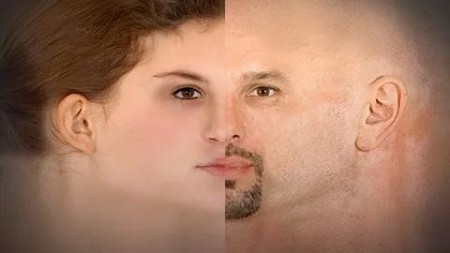
Master Face Texture Creation In Photoshop For Games And Film
Published 5/2025
MP4 | Video: h264, 1920×1080 | Audio: AAC, 44.1 KHz
A Step-by-Step Guide to Creating Realistic Human Face Textures for 3D Characters and Visual Media
What you’ll learn
Learn how to select, prepare, and correct reference images, addressing lighting issues and aligning multiple views for consistent face creation.
Understand dimension matching, optional upscaling, precise image placement, and professional masking methods to build a seamless human face texture.
Develop skills to fix problematic areas, refine hair details, and eliminate seamlines for a polished, production-ready face texture.
Complete the final compositing, touch-ups, and export steps to deliver clean, professional face textures for games and film workflows.
Requirements
You should be comfortable with Photoshop fundamentals like layers, masking, and basic image editing tools.
Description
Overview
Section 1: Introduction
Lecture 1 Course Overview and Objectives
Lecture 2 Selecting and Preparing Reference Images
Section 2: Aligning and Setting Up Base
Lecture 3 Understanding Image Dimensions and Canvas Setup
Lecture 4 Matching Front and Side Images
Lecture 5 Upscaling Techniques using AI (Optional)
Lecture 6 BG Removal to Simplify Process (Optional)
Lecture 7 Placing Images Correctly on the Canvas
Section 3: Masking and Blending
Lecture 8 Masking & Blending Front and Side Views Seamlessly
Lecture 9 Filling Missing, Empty & Distorted Areas on Canvas
Lecture 10 Fixing Hair Region by Cloning and Manually Adjusting
Section 4: Refining Details
Lecture 11 Fine-Tuning Texture Details with Hand Paint
Lecture 12 Preparing Production-Ready Face Textures
Section 5: Finalizing and Exporting
Lecture 13 Understanding Seamlines and Compiling Final Version of Texture
Lecture 14 Case Study : Creating Male Face Texture (Bonus)

RapidGator
https://www.keeplinks.org/p27/6857197950fb3
DDownload
https://www.keeplinks.org/p27/68571abab9491