Master Generative Ai: Langchain & Hugging Face – 4 Projects
Published 11/2024
MP4 | Video: h264, 1920×1080 | Audio: AAC, 44.1 KHz
Unlock the Potential of Generative AI by Creating Practical Projects Using LangChain and Hugging Face Models
What you’ll learn
Understand LangChain’s role in building AI-powered applications, including its core components like prompt templates and chains
Learn to integrate of the Hugging Face models for text, image, and video generation
Build intuitive interfaces to enhance user interaction with AI applications
Setting up Anaconda and LangChain for efficient development.
Requirements
Understanding of Python programming
A passion for building real-world AI applications
Description
Overview
Section 1: Introduction and Course Overview
Lecture 1 Introduction, Goal and Projects
Section 2: Setting Up Your Development Environment
Lecture 2 Access Anaconda Environment
Lecture 3 Install Anaconda Windows
Section 3: LangChain and Hugging Face Configuration
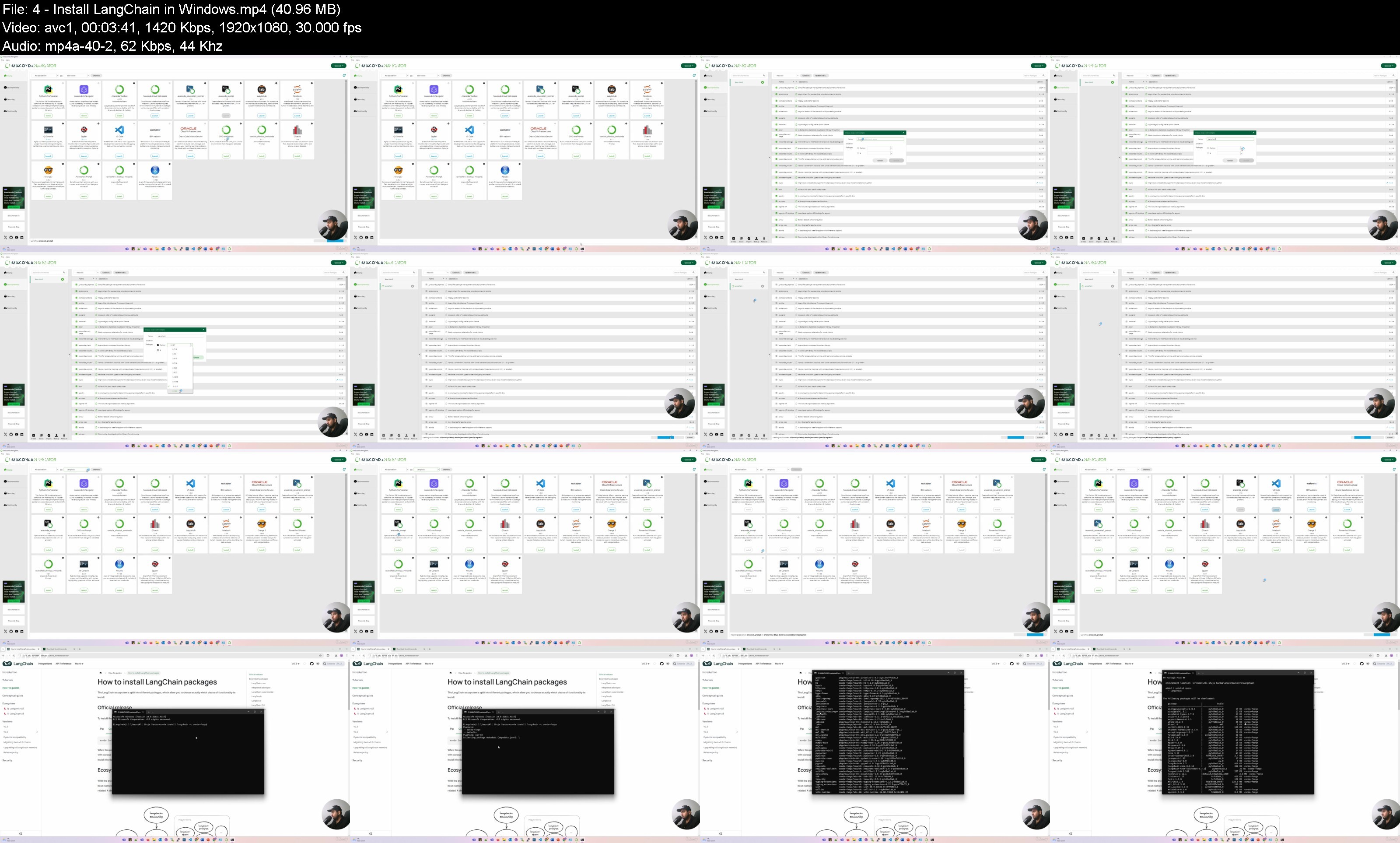
Lecture 4 Install LangChain in Windows
Lecture 5 Introduction to HuggingFace Models
Lecture 6 Create Access Key of HuggingFace
Section 4: Project 1: Text Summarizer App with GUI (Combined LangChain and Hugging Face)
Lecture 7 Text Summarizer App Project Introduction
Lecture 8 Langchain Component and HuggingFace Model
Lecture 12 Create Prompt Template Langchain
Lecture 13 Intialize Prompt Template (LangChain Component)
Lecture 14 Format Prompt Template and Create Summary Function
Lecture 15 Test the Model with Sample Text
Lecture 16 Implement PDF Function to Load Text From PDF to Text Summarizer GUI
Lecture 17 Text Summarizer GUI App
Section 5: Project 2: Interactive Assistant Using LangChain and Hugging Face
Lecture 18 Project 2: Interactive Assistant Using Langchain and Huggin Face
Lecture 19 Code Structure
Lecture 20 Main file of project
Lecture 21 Query Handler to Interact With App
Lecture 22 Summary Handler
Lecture 25 Create GUI for Assistant App
Lecture 26 Testing Langchain Assistant App
Section 6: Project 3: Text-to-Image Generator
Lecture 27 Project 3 Text to Image Generate Images From Prompts
Lecture 28 Code to Generate Images From Prompts
Lecture 29 Setup Resolution of Image and Generate
Section 7: Project 4: Text-to-Video Animation Generator
Lecture 30 Project 4 Text to video Animation UsingHuggingface
Lecture 31 Import Required Libraries andTest the Installation
Lecture 32 Setup Computation Device, Step Size, and Repo
Lecture 33 Find Checkpoint File of Model
Lecture 34 Base Model Selection
Lecture 35 Implement Motion Adapater For Motion Generation
Lecture 36 Integrate Base Model and Motion Adapter
Lecture 37 Setup Prompt and Vonfigure Pipeline
Lecture 38 Create a Video Using Our Code
AI enthusiasts and developers eager to learn LangChain and Hugging Face,Software engineers looking to integrate generative AI into their projects,Professionals interested in building AI-powered solutions for business and personal use.,Students and researchers exploring innovative applications of generative AI