

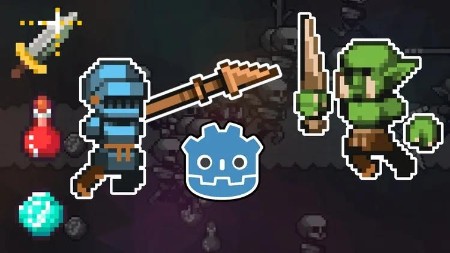
Master Godot 4: Craft a Survivors Roguelike with GDScript
Published 7/2025
Duration: 11h 50m | .MP4 1280×720 30 fps(r) | AAC, 44100 Hz, 2ch | 10.9 GB
Craft a Roguelike Auto-Battler with Godot 4 & GDScript
What you’ll learn
– Develop a "Survivors Like" game from scratch using Godot 4.4.1 and GDScript
– Implement top-down 2D character movement and controls.
– Set up game assets, audio, and useful plugins like Limbo AI for state machines and Collapse Folders for editing workflow.
– Work with Godot’s 2D scene system, nodes, and editor UI integration.
– Handle game mechanics such as player stats, experience, leveling, damage, and item pickups.
– Apply state machines for enemy AI behavior (e.g., idle, chasing, death).
Requirements
– This course is for beginner to intermediate programmers. It uses GDScript, an easy-to-learn language. No extensive prior programming experience is required; concepts are taught slowly.
– Familiarity with basic computer operations for downloading and installing software.
– Download and install the Godot Engine 4.4.1 (non-mono version is recommended for web export)
Description
Want to build your own action-packed roguelike auto-battler, even if you’re new to coding?This beginner-friendly course walks you step-by-step through creating a complete 2D game -Script Survivors- using Godot 4 and GDScript, Godot’s powerful and beginner-friendly scripting language. With no prior coding or game development experience required, you’ll learn by doing, and build a polished prototype from scratch!
What You’ll Learn:
Build Core Gameplay Mechanics: Implement auto-attacking weapons (like spears and scythes), enemy spawning systems with adjustable difficulty curves, experience (EXP) collection, and a dynamic player leveling system with impactful upgrades.
Leverage Godot’s Scene and Node System: Organize your game using scenes for modularity (e.g., player, enemies, and world scenes), nodes for game objects (CharacterBody2D, Sprite2D), and timers for precise event scheduling.
Create Engaging Combat Systems: Design health and damage mechanics, including collision shapes for precise interactions, invincibility frames, and multi-target weapon upgrades for satisfying gameplay.
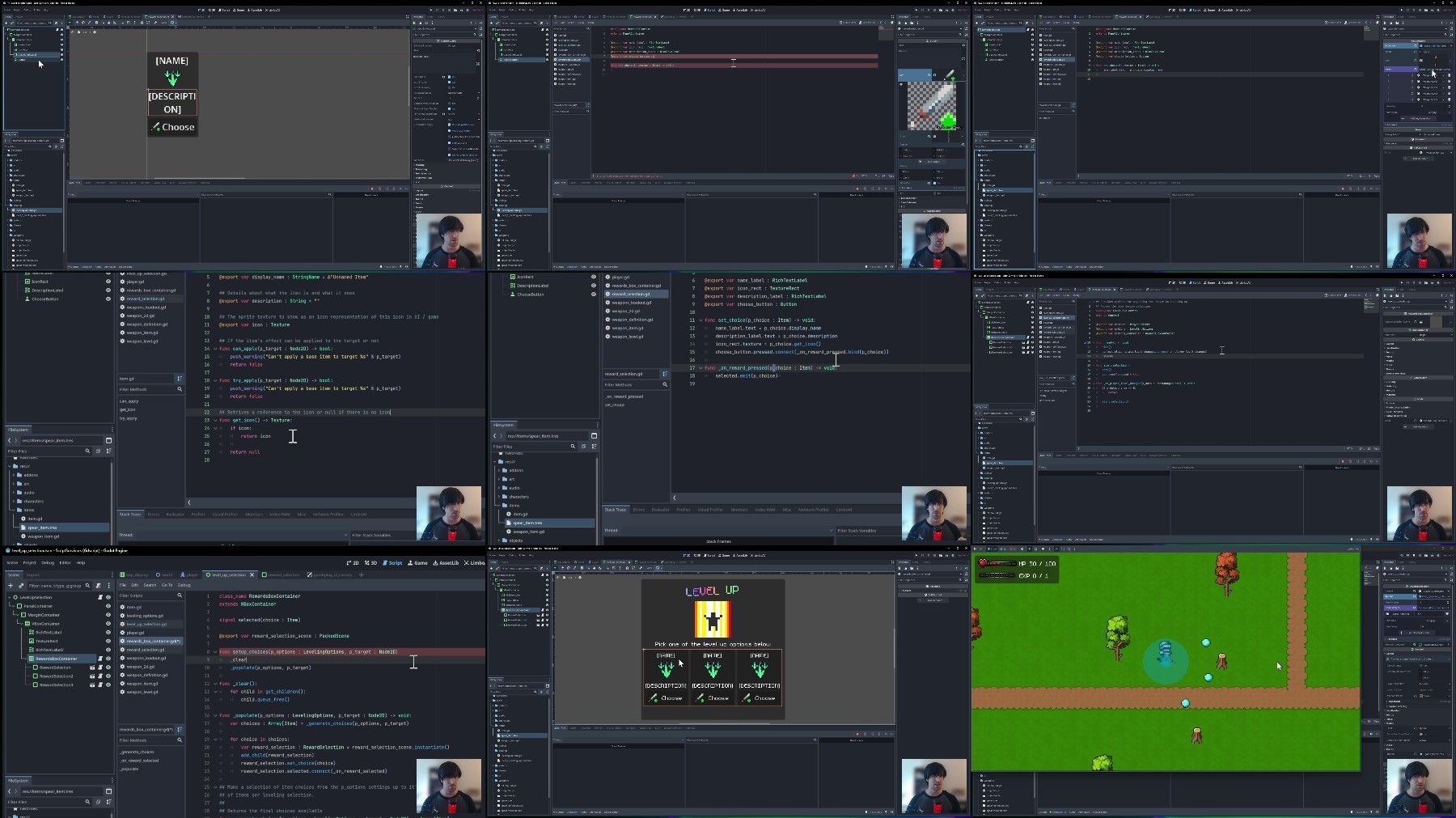
Add Polish with UI and Save Systems: Build intuitive user interfaces (e.g., high score displays, level-up screens) using control nodes and implement a JSON-based save/load system to track high scores for enemies defeated and survival time.
Apply Real Game Development Patterns: Learn transferable skills like encapsulation (e.g., GameManager and SaveLoad scripts), resource management (e.g., PlayerContext), and project organization for scalability to larger projects.
By the End of This Course, You’ll:
Have afully playable 2D action gamewith enemies, upgrades, and a main menu, ready to showcase in your portfolio.
Confidently navigateGodot’s editor, from the project manager to the inspector, and use tools like the AnimationPlayer and atlas textures for pixel-perfect visuals.
Be equipped tocreate your own gameswith a strong foundation in Godot 4, GDScript, and game development workflows, ready to tackle new projects with ease.
Why This Course?
Real-World Skills: Learn professional techniques like state machines, JSON serialization, and modular design, preparing you for bigger game dev projects.
Who this course is for:
– New game creators with no coding skills, excited to build an addictive Vampire Survivors-style action game in Godot 4.
– Beginners seeking a hands-on path to learn GDScript and create a complete 2D roguelike from scratch.
More Info
Please check out others courses in your favourite language and bookmark them
– – – –
RapidGator
https://www.keeplinks.org/p27/68bc78f4b425a
NitroFlare
https://www.keeplinks.org/p27/68bc7d0622859
DDownload
https://www.keeplinks.org/p27/68bc800ac5bb7