Published 2/2025
MP4 | Video: h264, 1920×1080 | Audio: AAC, 44.1 KHz
Develop Intelligent AI Solutions with LangChain – Chatbots, Custom Workflow, LLMs, and Prompt Optimization Techniques
What you’ll learn
Master LangChain architecture and LLM integration, harnessing advanced agents, chains, and document loaders to design intelligent, scalable AI solutions
Design and implement robust end-to-end LangChain workflows, leveraging document splitters, embeddings, and vector stores for dynamic AI retrieval
Integrate and optimize multiple vector stores and retrieval systems, mastering FAISS, ChromaDB, PineCone, and others to elevate AI model performance
Leverage diverse document loaders, text splitters, and embedding techniques to efficiently transform unstructured data for AI processing
Implement interactive LangChain applications with dynamic chain runnables, parallel execution, and robust fallback strategies for resilience
Utilize advanced prompt templates and output parsers, including JSON, YAML, and custom formats to optimize and enhance AI model interactions for accuracy
Apply LangSmith and Phoenix Arize tools for end-to-end tracing and evaluation, ensuring reliable performance of your LangChain QA applications
Build and deploy robust AI solutions by integrating LLMs with LangChain, using agents, retrievers, prompt engineering, and scalable vector systems
Requirements
Python Basics: Familiarity with Python is beneficial; beginners will receive guided tutorials to ramp up quickly using Conda environments
AI/ML Fundamentals: Basic knowledge of AI and machine learning concepts (like LLMs and embeddings) is helpful, though foundational concepts are covered
Command-Line Skills: Some comfort with terminal or command prompt operations is useful for environment setup and running scripts
Data Format Handling: An understanding of formats like CSV, JSON, PDF, and Markdown is advantageous; tutorials will assist you in working with these data types
Access to APIs: While access to OpenAI’s paid API can enhance learning, alternatives like Ollama are provided, ensuring a low entry barrier
Reliable Equipment: A computer with a stable internet connection capable of running Python and necessary packages is required for a smooth learning experience
Description
Overview
Section 1: Introduction
Lecture 1 Introduction
Lecture 2 Git Repository for Demos
Lecture 3 Foundation Lectures
Lecture 5 LangChain Components: Building Blocks of AI-Powered Workflows
Lecture 6 Real-World LangChain Applications: AI in Action
Section 2: Setup
Lecture 7 Setting Up LangChain: Your First Step Towards AI Development
Lecture 8 Conda Setup for LangChain: Managing Environments Easily
Lecture 9 Run Your First LangChain Program & See AI in Action
Lecture 10 Ollama 101: An Intro to Local AI Model Deployment
Lecture 11 Setting Up Ollama: Running AI Models Without the Cloud
Lecture 13 Bringing LangChain & Ollama Together: Hands-on Integration Guide
Lecture 14 Exploring the LangChain Ecosystem: Tools, Features & Capabilities
Section 3: Document Loaders
Lecture 15 Intro to Document Loaders: Feeding AI the Right Data
Lecture 16 PDF Loader: Extracting Insights from PDF Files
Lecture 17 CSV & JSON Loaders: Structuring AI-Friendly Data
Lecture 18 Handling Unstructured Documents: Making Sense of Raw Text
Lecture 19 Directory Loader: Managing Multiple Files for AI Processing
Section 4: Document Splitter
Lecture 20 Splitting Documents: Why It’s Crucial for AI Processing
Lecture 21 Character-Based Text Splitters: Breaking Down Large Texts
Lecture 22 Hands-on Demo: Using Character Splitters in LangChain
Lecture 23 Structured Text Splitting: Keeping AI Organized
Lecture 24 Splitting HTML Documents: Extracting AI-Readable Content
Lecture 25 Splitting JSON Files: Making Complex Data AI-Friendly
Lecture 26 Markdown Splitter: Preparing Notes & Code for AI Processing
Lecture 27 Splitting Code & Text: Processing Language & Markdown Efficiently
Section 5: Embeddings
Lecture 28 Intro to Embeddings: Transforming Text into AI-Readable Data
Lecture 29 Embeddings Playground: Experimenting with AI’s Understanding
Lecture 30 Using Ollama for Embeddings: Running Models Locally
Lecture 31 OpenAI Embeddings: Exploring Cloud-Based Vectorization
Lecture 32 Creating Embeddings for Text Files: Structuring Raw Data
Lecture 33 Embedding PDFs: Enhancing AI Search & Retrieval
Lecture 34 HuggingFace Embeddings: Open-Source Models in Action
Lecture 35 Caching Embeddings: Optimizing Speed & Efficiency
Lecture 36 Fake Embeddings: Understanding AI Testing Techniques
Section 6: Vector Store
Lecture 38 Vector Store Demo: How AI Remembers & Retrieves Data
Lecture 39 FAISS Vector Store: Optimizing Search for Speed & Accuracy
Lecture 40 FAISS with HuggingFace: Supercharging AI Storage & Retrieval
Lecture 41 ChromaDB & WebStore: Efficient Data Storage for AI Apps
Lecture 42 ChromaDB for PDFs: Storing & Searching AI-Friendly Documents
Lecture 43 Sqlite Vector Store: Lightweight Storage for AI Data
Lecture 44 Weaviate Vector Store: Scalable AI Search & Discovery
Lecture 45 Qdrant Vector Store (InMemory): Fast & Efficient Retrieval
Lecture 46 Qdrant Vector Store (Container): Deploying AI Search at Scale
Lecture 47 PineCone Vector Store: The Powerhouse for AI Indexing
Lecture 48 Vector Stores Recap: Choosing the Right Storage for Your AI
Section 7: Retrievers
Lecture 49 Retrievers 101: How AI Finds the Right Information
Lecture 50 Different Retrieval Methods: Which One Suits Your AI?
Lecture 51 Retrievers with Scoring: Ranking AI Results for Accuracy
Lecture 52 Multi-Query Retrieval: Enhancing AI’s Search Capabilities
Lecture 53 Ensemble Retrieval: Combining BM25 & FAISS for Best Results
Lecture 55 Parent-Child Document Retrieval: Understanding Relationships
Section 8: Chat Model & Messages
Lecture 56 Intro to Chat Models: How AI Conversations Work
Lecture 57 Understanding Chat Messages: Structuring AI Interactions
Lecture 58 Chat Model Demo: Creating Your First AI Chatbot
Lecture 59 LangChain Chat Model: Connecting AI with Workflow Chains
Lecture 60 Chat Models & Tool Integration: Expanding AI Capabilities
Lecture 61 Binding & Invoking Tools: Making AI More Interactive
Lecture 62 Human-In-The-Loop AI: When to Let Users Control AI
Lecture 63 Managing Model Token Usage: Optimizing AI Costs
Lecture 64 Rate Limiting in AI: Keeping Performance in Check
Lecture 65 Few-Shot Prompting: Teaching AI with Small Examples
Lecture 66 Prompt Templates: Structuring AI Requests for Better Output
Lecture 67 Composing Effective Prompts: Mastering AI Communication
Section 9: Output Parsers
Lecture 68 String Output Parser: Extracting AI Responses as Text
Lecture 69 JSON Output Parser: Formatting AI Outputs for Apps
Lecture 70 YAML Output Parser: Structured AI Outputs Made Simple
Lecture 71 Custom Output Parsing: Tailoring AI’s Responses to Your Needs
Section 10: LCEL
Lecture 72 Runnable Interface: Connecting AI Components Dynamically
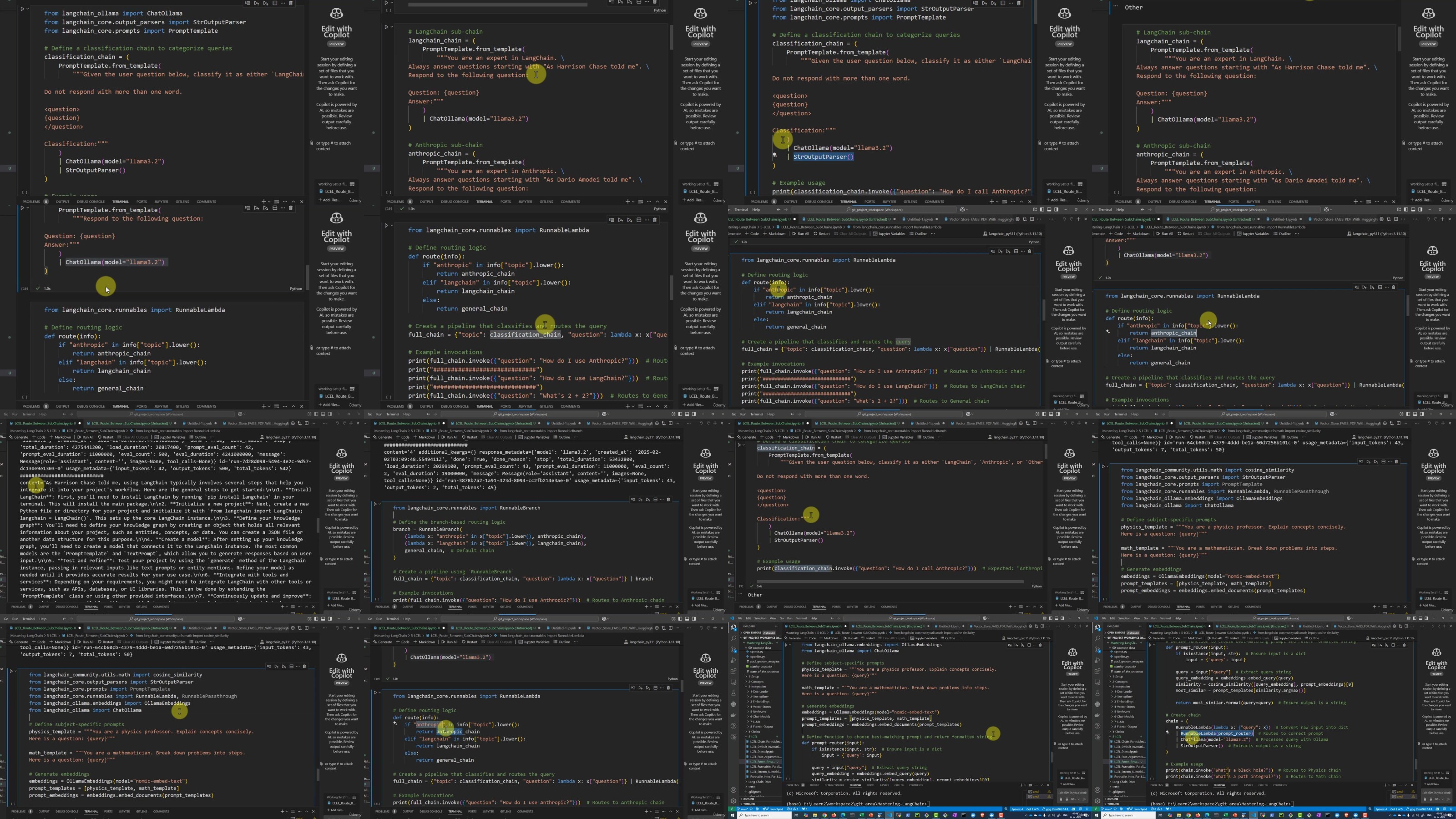
Lecture 73 LCEL Demo: Running LangChain Workflows in Action
Lecture 74 Working with Chain Runnables: Streamlining AI Execution
Lecture 75 Runnable PassThrough: Making AI More Modular
Lecture 76 Parallel Execution: Speeding Up AI Tasks Efficiently
Lecture 77 Streaming with Runnables: Handling AI Data in Real-Time
Lecture 78 Default Invocation: Optimizing LangChain Workflow Calls
Lecture 80 Self-Constructing Chains: AI That Adapts & Evolves
Lecture 81 Inspecting Runnables: Debugging AI Workflows Effectively
Lecture 82 LLM & Chain Fallbacks: Handling AI Failures Gracefully
Section 11: Example Selector
Lecture 83 Example Selection: Optimizing AI Responses with Context
Lecture 84 Selecting by Length: Keeping AI Answers Concise
Lecture 85 Selecting by Similarity: Matching AI Responses to Input
Lecture 86 Selecting by N-Gram Overlap: Enhancing AI Relevance
Lecture 87 MMR-Based Selection: Improving AI’s Answer Diversity
Section 12: Tracing & Evaluation
Lecture 88 LangSmith Introduction: Tracing AI Workflows Effectively
Section 13: Foundation
Lecture 89 AI & ML Basics: Understanding How Machines Learn & Think
Lecture 90 Intro to LLMs: How Large Language Models Transform AI
Lecture 92 Vectors & Similarity: How AI Finds Meaning in Data
Lecture 93 Embeddings & Vectors: The Foundation of AI Understanding
Lecture 94 Vector Databases: Storing & Retrieving AI Knowledge Efficiently
Lecture 95 Indexes in AI: Optimizing Search & Retrieval for Faster Responses
Lecture 96 AI Agents: How They Think, Act & Automate Tasks
Section 14: Conclusion
Lecture 98 Conclusion