


Mastering Gitlab Pipelines: The Ultimate Ci/Cd Guide
Published 9/2024
MP4 | Video: h264, 1920×1080 | Audio: AAC, 44.1 KHz
Learn GitLab CI/CD pipelines, secure secrets, manage environments, and deploy apps with real-world examples.
What you’ll learn
You will learn how to set up your very first GitLab pipeline from scratch.
Running tests and attaching test results to the pipeline
Creating dynamic environments
Using templates to create a cicd pipeline for a whitelabeled application
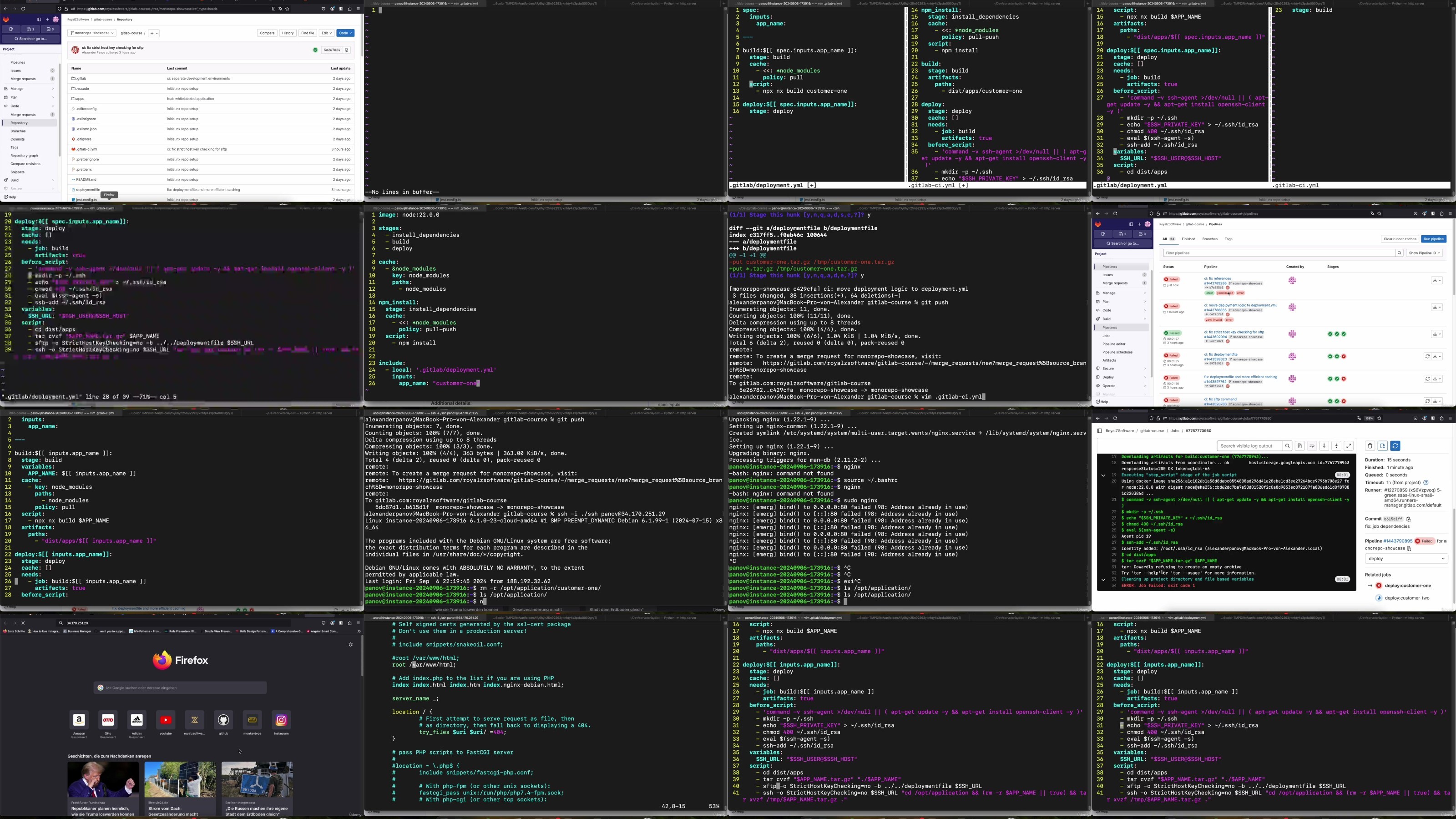
Deploying your application via ssh to a compute engine
Use yaml anchors
Registering a shell runner
Deploying the app when a commit message matches a string
You will understand how to create and run pipeline jobs based on specific conditions.
Requirements
Its good to have a basic understanding of how apps work. (Compiling eg)
Description
Overview
Section 1: Introduction
Lecture 1 This is what you will learn in THIS Course!
Section 2: Pipeline Skills (Language agnostic)
Lecture 2 Introduction first Lesson
Lecture 3 Our first pipeline job
Lecture 4 Making the test job report its results
Lecture 6 Rules: only run jobs when certain requirements are met
Lecture 9 Runners: Registering a shell runner on my laptop
Lecture 10 Modular CICD pipelines: Promoting the deployment step to a template
Lecture 11 Modular CICD pipelines: Inversion of control. One template for all apps
Lecture 12 Environments: create one via the pipeline
Lecture 13 Demo: Use GitLab pipelines to publish a book
Lecture 14 Rules: Pattern matching the commit message
Lecture 15 Environments: group environments
Section 3: Hands on: Building a whitelabeled app CICD pipeline
Lecture 16 Introduction second Lesson
Lecture 17 Presentation of the project we’ll be working on and CICD first steps (1/2)
Lecture 18 Presentation of the project we’ll be working on and CICD first steps (2/2)
Lecture 19 Deploy the application via SFTP and SSH (1/3)
Lecture 20 Deploy the application via SFTP and SSH (2/3)
Lecture 21 Deploy the application via SFTP and SSH (3/3)
Lecture 22 Using templates to simplify whitelabeling (1/2)
Lecture 23 Using templates to simplify whitelabeling (2/2)
Lecture 24 Registering environments and tearing them down
Lecture 25 Rules: dynamic pattern matching (1/2)
Lecture 26 Rules: dynamic pattern matching (2/2)
Section 4: End of the course
Lecture 28 You did it! One last info!
Software Developers that want to increase a projects efficiency,DevOps engineers that want to get advanced knowledge about pipelines
RapidGator
https://www.keeplinks.org/p27/68aa5b3c11845
NitroFlare
https://www.keeplinks.org/p27/68aa5be3add27
DDownload
https://www.keeplinks.org/p27/68aa5c7148d74