

Mastering Maxon Cinema 4D 2024: Complete Tutorial Series
Published 8/2024
MP4 | Video: h264, 1920×1080 | Audio: AAC, 44.1 KHz
A Masterclass
What you’ll learn
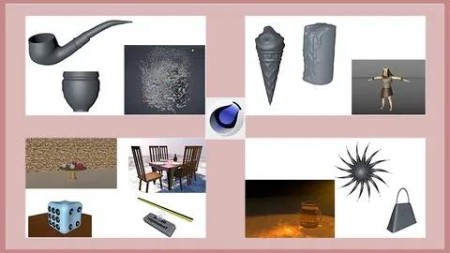
Learners will master basic and advanced 3D modeling techniques to create complex and realistic scenes.
earners will understand how to apply and adjust textures and materials, achieving realistic shading and lighting effects.
Learners will gain the ability to animate models and scenes, including rigging and keyframe animation for dynamic outputs.
Learners will explore MoGraph tools for dynamic animations, utilize Xpresso for node-based scripting, & master UV mapping techniques to apply textures
Requirements
Fundamental working knowledge of the Windows environment. Knowledge of any 3D software is an added advantage
Description
Overview
Section 1: Introduction
Lecture 1 Introduction to CINEMA 4D 2024 interface – Reference Material
Lecture 2 Overview of CINEMA 4D 2024 Interface
Section 2: Working with Splines – Reference Material
Lecture 3 Working with Splines – Reference Material
Lecture 4 Creating 3D model of a door lock system with the help of splines and generators.
Lecture 5 Creating a handbag with the help of splines and generators
Lecture 6 Creating a cigar pipe with the help of splines and the Loft generator
Section 3: Polygon Modeling
Lecture 7 Introduction to Polygon Modeling – Reference Material
Lecture 8 Creating 3D model of a table lamp using polygon modeling techniques
Lecture 9 Creating the model of a computer table using polygon modeling techniques
Lecture 10 Creating the model of a vase using Cloner, Volume Builder, & Volume Mesher tools
Section 4: Sculpting
Lecture 11 Sculpting – Reference Material
Lecture 12 Creating the model of a candle using Sculpting tools
Lecture 13 Creating the model of an Ice cream cone using Sculpting tools
Section 5: Texturing
Lecture 14 Texturing – Reference Material
Lecture 15 Applying texture to the model of a dice
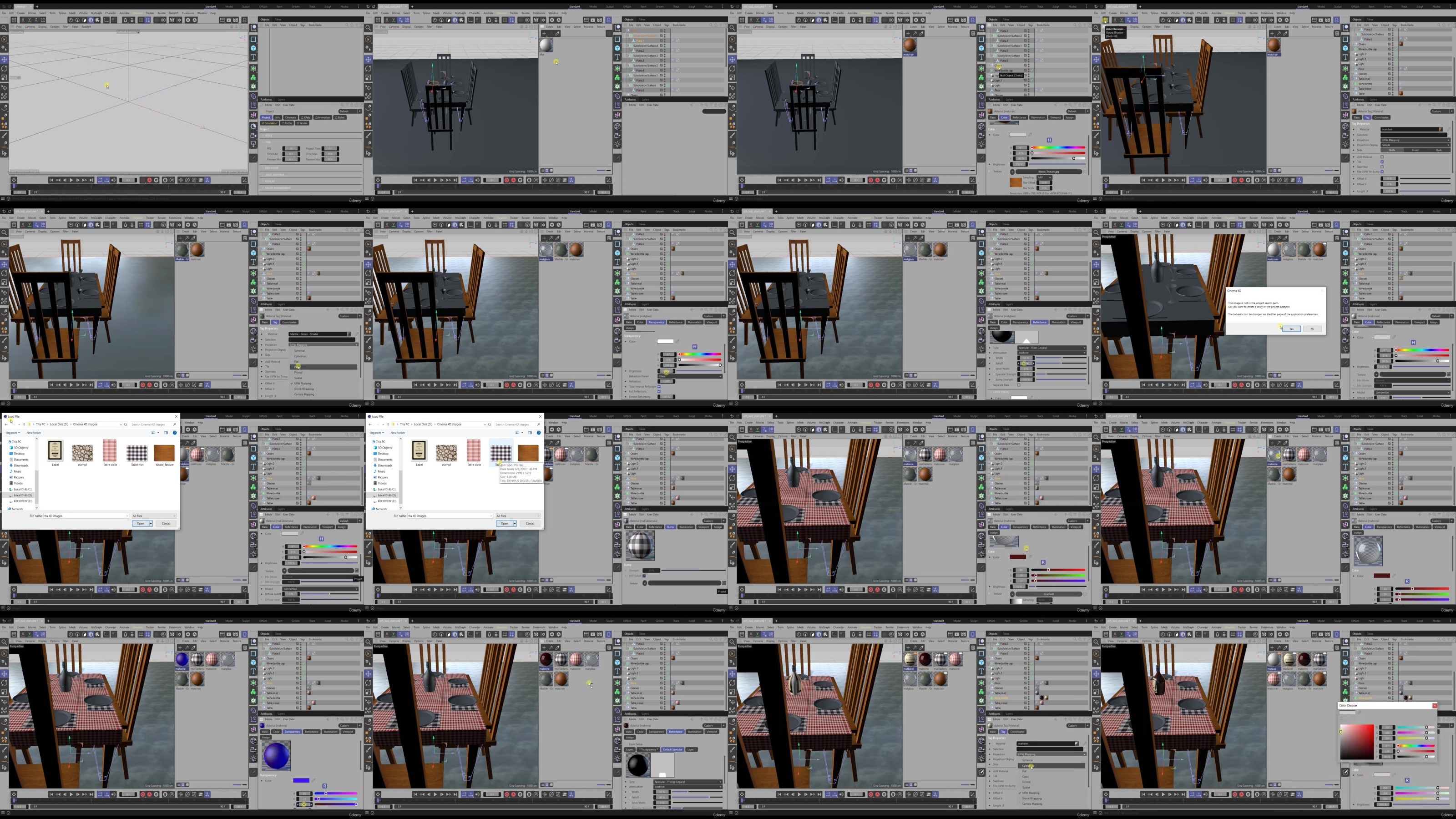
Lecture 16 Applying texture to a dining table set
Lecture 17 Applying material to the exterior scene
Section 6: Lighting
Lecture 18 Lighting – Reference Material
Lecture 19 Illuminating a scene using the torch light
Lecture 20 Illuminating a night scene
Lecture 21 Illuminate the scene using lights in the light house
Section 7: Rigging
Lecture 22 Rigging – Reference Material
Lecture 23 Rigging a hand
Lecture 24 Rigging a table lamp
Section 8: Animation
Lecture 25 Animation – Reference Material
Lecture 26 Creating an animated logo
Lecture 27 Creating a basketball animation
Section 9: Introduction to UV Mapping
Lecture 29 Introduction to UV Mapping – Reference Material
Lecture 30 Texturing a 3D model of pencil and eraser using UV mapping
Lecture 31 Painting texture on a 3D model using the Paint Setup Wizard tool
Section 10: Compositing 3D Objects
Lecture 32 Compositing 3D Objects – Reference Material
Lecture 33 Compositing 3D objects in a 2D image using the Camera Calibrator tag
Section 11: Rendering
Lecture 34 Rendering – Reference Material
Lecture 35 Creating caustics and render the beer mug
Section 12: Mograph
Lecture 36 MoGraph – Reference Material
Lecture 37 Creating an abstract model by using the MoGraph toolset
Lecture 38 Creating disco light effect using the MoGraph toolset.
Lecture 39 Applying the shattering effect using MoGraph toolset
Lecture 40 Creating an abstract animation using the MoSpline object
Section 13: Working with Expresso
Lecture 41 Working with Expresso – Reference Material
Lecture 42 Controlling the lights of a traffic signal using the XPresso Editor
Lecture 43 Creating custom parameters to deform an object
DDownload
https://www.keeplinks.org/p27/686acaf92e40c
RapidGator
https://www.keeplinks.org/p27/686acb3149f3b
NitroFlare
https://www.keeplinks.org/p27/686acbbf1cd2b