

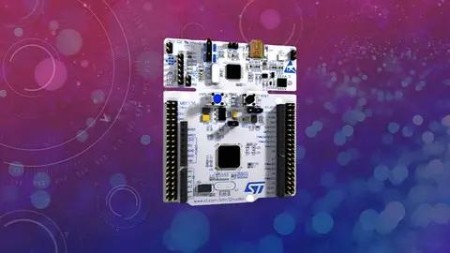
Mastering Microcontroller And Embedded Driver Development
Last updated 1/2023
MP4 | Video: h264, 1280×720 | Audio: AAC, 44.1 KHz
What you’ll learn
Understand Right ways of Handling and programming MCU Peripherals
Develop Peripheral drivers for your Microcontroller
Learn Writing peripheral driver headers, prototyping APIs and implementation
Learn about Peripheral IRQs/Vector table/NVIC interfaces and many
Explore hidden secretes of MCU bus interfaces, clock sources, MCU clock configurations, etc.
Learn about MCUs AHB, APB bus protocols
Learn about different MCU clocks like HCLK, PCLK, PLL,etc
Learn to capture/decode/analyze traces of serial protocols on Logic analyzer
Learn about Quick ways of debugging peripheral issues with case studies
Requirements
Basic knowledge of C programming
If you are completely new to MCU and C programming language then you are advised to finish our "Embedded C" course for absolute beginners first
Description
Overview
Section 1: Notes and Information
Lecture 1 About the instructor
Lecture 2 Important Note
Lecture 3 What is this course all about ??
Lecture 4 Source Code and Slides
Lecture 5 Rating and Review
Section 2: Development board used in our courses
Lecture 6 About MCU Development board
Section 3: Hardware/Software Requirements
Lecture 7 Hardware/Software Requirements
Section 4: IDE installation
Lecture 8 Downloading STM32CUBEIDE
Lecture 9 Installation-Windows
Lecture 10 Installation-Ubuntu
Lecture 11 Embedded Target
Lecture 12 Documents required
Section 5: Creating a project using STM32CUBEIDE
Lecture 13 Creating Hello-World project
Lecture 14 SWV working principle
Lecture 15 Testing Hello-World through SWV
Lecture 16 OpenOCD and Semihosting to use printf
Section 6: Embedded Code Debugging Tips and tricks
Lecture 17 Debugging options
Lecture 18 Single stepping
Lecture 19 Disassembly and Register windows
Lecture 20 Breakpoints
Lecture 22 Memory browser windows
Lecture 23 Call stack and fault analyzers
Lecture 24 Data watch-points
Lecture 25 SFR windows
Lecture 26 Other basic features of IDE
Section 7: Understanding MCU Memory Map
Section 8: MCU Bus Interfaces
Lecture 33 Understanding MCU Bus Matrix
Section 9: Understanding MCU Clocks and Details
Section 10: Understanding MCU Clock tree
Lecture 35 Understanding MCU clock sources and HSE
Lecture 36 HSI and RCC registers
Lecture 37 Peripheral clock configuration
Lecture 38 Exercise : HSI measurements
Lecture 39 About USB logic analyzer
Lecture 40 Code implementation
Lecture 41 Exercise : HSE measurements
Section 11: Understanding MCU Vector table
Lecture 42 Understanding MCU Vector Table
Section 12: Understanding MCU interrupt Design , NVIC, Interrupt handling
Section 13: Importance of "Volatile" Keyword
Section 14: GPIO Must know concepts
Lecture 48 GPIO pin and GPIO port
Lecture 49 GPIO behind the scene
Lecture 50 GPIO input mode with high impedance state
Lecture 51 GPIO input mode with pull-up/down state
Lecture 52 GPIO output mode with open drain state
Lecture 53 GPIO output mode with push pull state
Lecture 54 Optimizing I/O power consumption
Section 15: GPIO Programming structure and Registers
Lecture 55 GPIO programming structure
Lecture 56 Exploring GPIO PORT and pins of STM32F4xx Discovery board
Lecture 57 GPIO Mode register(used to set mode for a pin)
Lecture 58 Input configuration of a Microcontroller’s GPIO Pin
Lecture 59 Output Configuration of a GPIO Pin in Push pull mode
Lecture 60 Output Configuration of a GPIO Pin in open drain mode
Lecture 61 Input stage of a GPIO pin during output configuration
Lecture 62 Alternate functionality Configuration of a GPIO pin
Lecture 63 GPIO out put type register explanation
Section 16: GPIO Registers : SPEED, PULL UP/DOWN, IDR and ODR
Lecture 64 GPIO output speed register and its applicability
Lecture 65 GPIO Pull up and Pull down register
Lecture 66 GPIO input data register
Section 17: GPIO Alternate functionality register and example of usage
Lecture 70 Request for Review
Section 18: GPIO peripheral clock control
Lecture 71 Enabling and disabling GPIO peripheral clock
Section 19: GPIO driver development overview and Project creation
Lecture 72 GPIO driver development overview
Lecture 73 MCU Specific header file and its contents
Lecture 74 New project creation and creating MCU specific headerfile
Lecture 75 Include path settings
Lecture 76 Important note on IDE usage
Section 20: Updating MCU specific header file with bus domain and peripheral details
Lecture 79 Defining base addresses of different bus domains
Lecture 80 Defining base addresses of AHB1 Peripherals
Lecture 81 Defining base addresses of APB1 and APB2 Peripherals
Lecture 82 Defining base addresses conclusion
Section 21: Structuring peripheral registers
Lecture 83 Address of peripheral registers
Lecture 84 Structuring peripheral registers
Lecture 85 Peripheral definition macros
Section 22: Writing Clock enable and disable macros
Lecture 86 Writing peripheral clock enable and disable C Macros
Lecture 87 Project include settings and build
Section 23: GPIO driver API requirements and handle structure
Lecture 88 Creating GPIO driver header and source file
Lecture 89 Defining GPIO handle and configuration structure
Lecture 90 Driver API requirements and adding API prototypes
Lecture 91 Driver API input parameters and return types
Lecture 92 Driver empty API implementation and documentation
Section 24: GPIO driver API Implementation : Clock control
Lecture 93 Implementation of GPIO peripheral clock control API
Section 25: GPIO driver API Implementation : GPIO init and de-init
Lecture 94 Writing user configurable macros
Lecture 95 Implementation of GPIO init API
Lecture 96 Implementation of GPIO init API contd.
Lecture 97 Configuring Alternate function registers
Lecture 98 GPIO de-init API implementation
Section 26: GPIO driver API Implementation : GPIO data read and write
Lecture 99 Implementation of GPIO input port read and input pin read APIs
Lecture 100 Implementation of GPIO output port write and output pin write APIs
Lecture 101 Implementation of GPIO pin toggle API
Section 27: Exercise
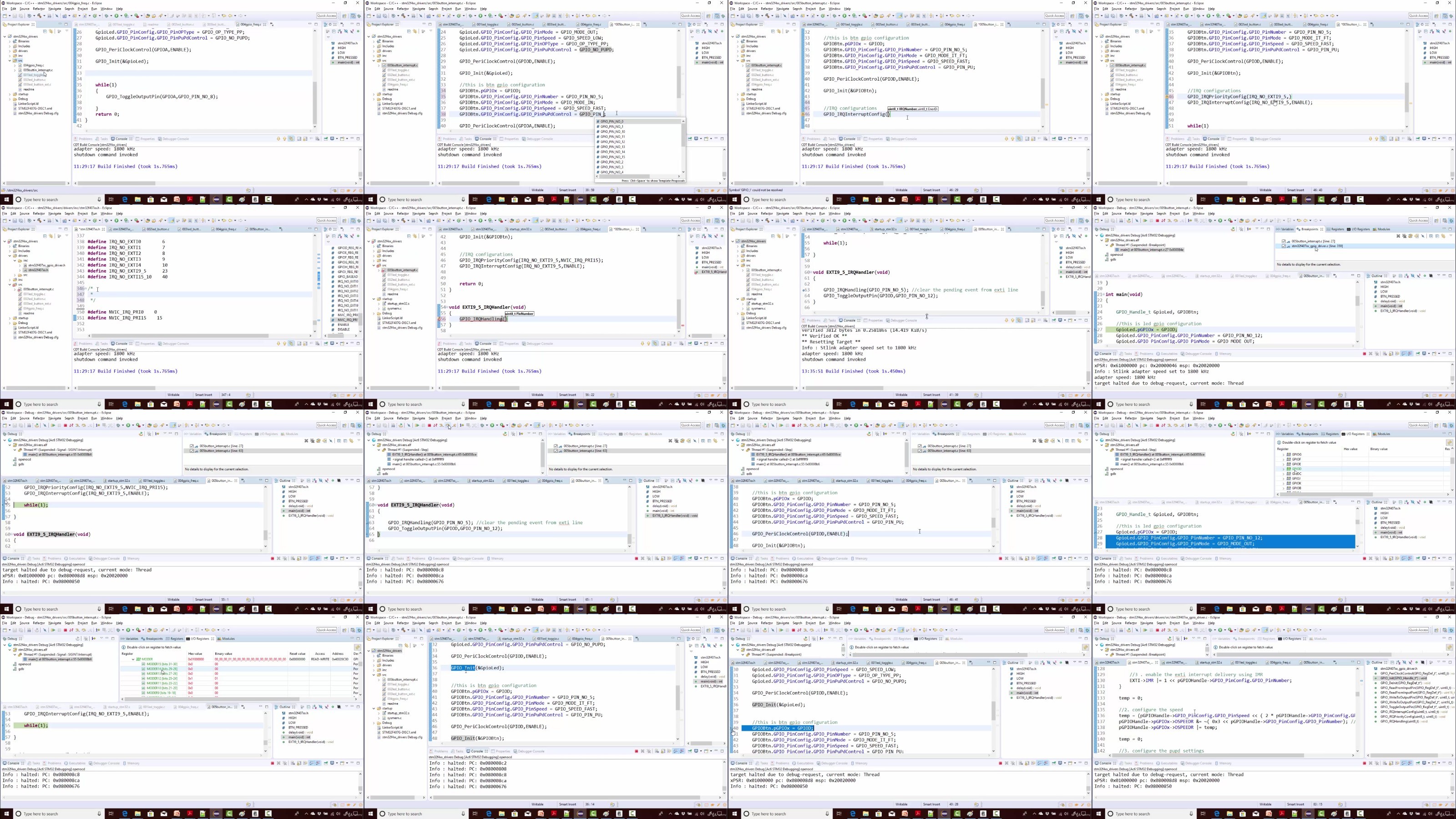
Lecture 102 Exercise : LED toggling with PUSH PULL configuration
Lecture 103 Exercise : LED toggling with OPEN DRAIN configuration
Lecture 104 Exercise : Handling on board LED and Button
Lecture 105 Exercise : Connecting external button and circuit explanation
Lecture 106 Exercise : Testing button interface
Lecture 107 Exercise : Button interrupt introduction
Section 28: GPIO pin Interrupt configuration
Section 29: Exercise : GPIO interrupts
Lecture 115 Exercise : External button interrupt implementation
Section 30: MCU I/O Pin specifications
Lecture 118 STM32 Pin specifications
Lecture 119 Pin current characteristics
Lecture 120 Logic levels
Section 31: SPI introduction and bus details
Lecture 121 Introduction to SPI Bus
Lecture 122 SPI comparison with other protocols
Lecture 123 Importance of SPI slave select pin
Lecture 124 SPI Minimum bus configuration
Lecture 125 SPI behind the scene data communication principle
Section 32: SPI bus configuration and functional block diagram
Lecture 126 SPI bus configuration discussion : full duplex, half duplex and simplex
Lecture 127 SPI functional block diagram explanation
Section 33: STM32 NSS pin settings and management
Lecture 128 NSS settings in STM32 master and slave modes
Lecture 129 STM32 SPI hardware and software slave managements
Section 34: SPI CPOL and CPHA discussion
Lecture 130 SPI CPOL and CPHA discussion
Lecture 131 SPI CPOL and CPHA waveform example
Section 35: SPI serial clock discussion
Lecture 132 SPI peripherals of your Microcontroller
Lecture 133 SPI Serial clock frequency
Section 36: SPI Driver : API requirements and configuration structure
Lecture 134 SPI API requirements and configuration items
Lecture 135 updating MCU specific header file with SPI related details
Lecture 136 SPI adding API prototypes to driver header file
Section 37: SPI Driver API Implementation : Clock control
Lecture 137 Implementation of SPI peripheral clock control API
Section 38: SPI Driver API Implementation : SPI init
Lecture 138 SPI user configuration options writing and register bit definition macros
Section 39: SPI Driver API Implementation : Send Data
Section 40: Exercise : SPI Send Data
Lecture 145 Exercise to test SPI Send Data API
Lecture 146 Finding out microcontroller pins to communicate over SPI2
Lecture 150 Exercise : Testing
Section 41: Exercise : STM32 master and Arduino Slave communication
Lecture 151 Exercise : Communicating with Arduino slave
RapidGator
https://www.keeplinks.org/p27/68ab9bfde09c1
NitroFlare
https://www.keeplinks.org/p27/68ab9da2dfcfd
DDownload
https://www.keeplinks.org/p27/68ab9f4ca768f