

Mcp: Build Agents With Claude, Cursor, Flowise, Python & N8N
Published 6/2025
MP4 | Video: h264, 1920×1080 | Audio: AAC, 44.1 KHz
Model Context Protocol: Develop AI Agents with Python, n8n & LangChain – Servers, Clients, Tools, Resources & Prompts
What you’ll learn
MCP Basics & Tool Integration in Claude Desktop: Understand the JSON structure, compare server types, set up with Node.js, and install via the MCP Installer
Build Your Own Workflows in Claude Desktop: Access local applications, integrate databases, and connect API keys for secure interactions
Connect MCP with Cursor & Vibe Coding: Install Python via pyenv, understand the Cursor interface, connect to OpenAI or Claude, and use MCPs flexibly
API Keys & Access Control: Setup for OpenAI, OpenRouter & more, understand pricing differences, limitations, and project setup within Cursor
Host Your Own MCP Server in n8n: Install Node.js, cover basics like triggers and actions, understand MCP client vs. host, and configure your server securely
Extend the n8n MCP Server: Connect to Claude, Cursor, or GitHub nodes, integrate Zapier functionality for free, and add your own tools
Integrate Vector Databases into MCP: Manage Pinecone automatically via Google Drive, export workflows, and build RAG agents with vector search
HTTP Integration & GDPR-Compliant Hosting: Send HTTP requests to the MCP server even without an official MCP, learn hosting best practices
Use MCP in Flowise, LangChain & LangGraph: Install Flowise, understand the interface, compare agent platforms, and see real-world use cases
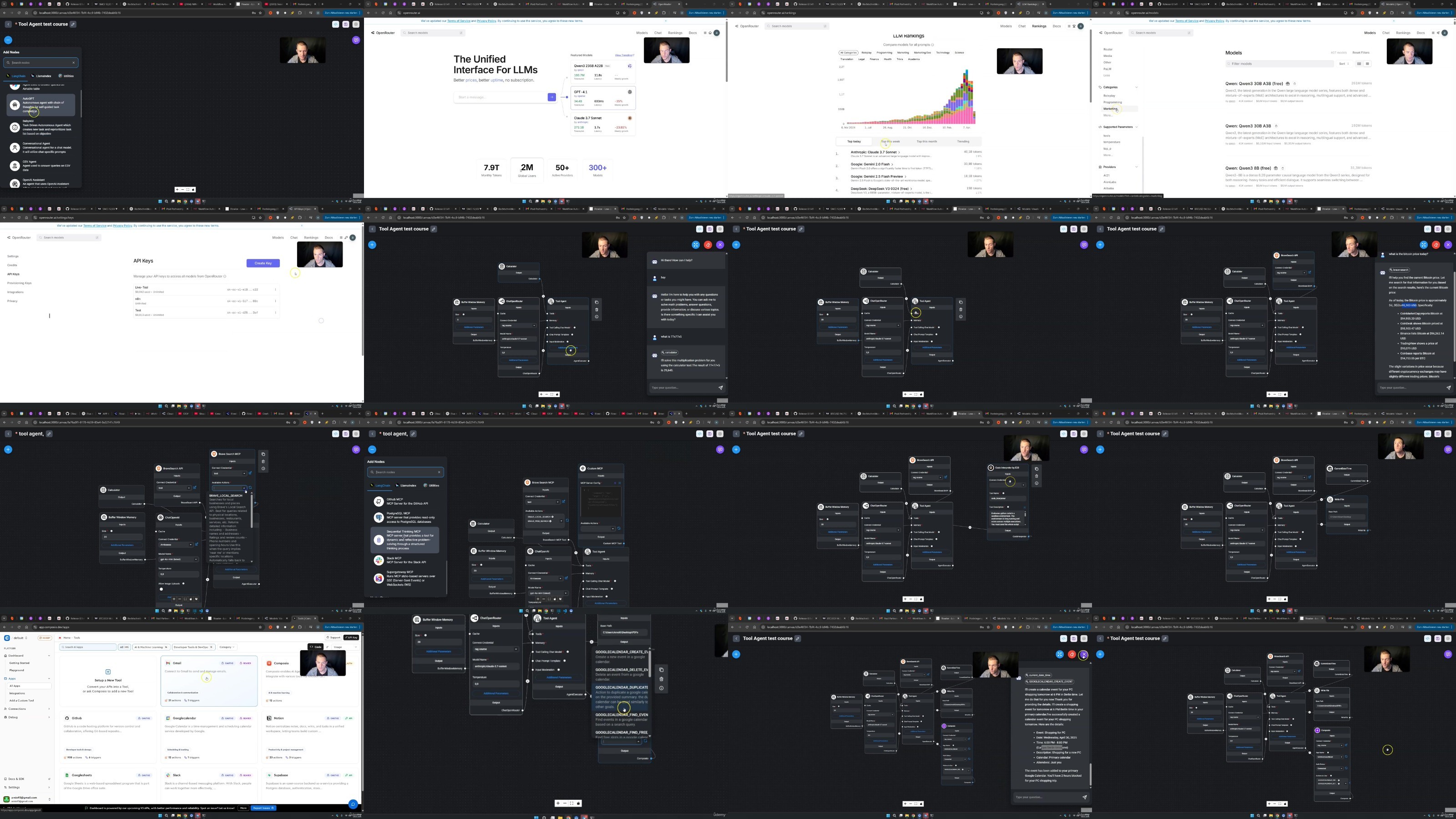
Tool Agents with MCP: Integrate access to emails, calendars, Airtable, web scraping, and Pinecone in Flowise for scalable automation
Flowise AI Agents V2 & New Features: Use LangGraph, work with SQLite as a record manager, and combine tool agents with vector access
Create Specialized Workflows with MCP: Voice control for LLMs, automations in Blender, custom image generation via OpenAI & n8n workflows
Develop Your Own Python MCP Server: Learn server programming basics, understand the GitHub repo, integrate tools, and use the MCP Inspector
Define Your Own Prompt Templates & Resources: Use the modelcontextprotocol Python SDK to manage custom prompts and data structures, and connect them to Claude
Build SSE Endpoints for the MCP Server: Enable real-time connections, trigger custom tools via events, and avoid common server development errors
Understand & Prevent MCP Security Risks: Recognize and mitigate tool poisoning, MCP rug pulls, jailbreaks, and prompt injections with secure strategies
Privacy, GDPR & Legal Frameworks for MCP: Know your rights and responsibilities when hosting, processing data, and using LLM tools in compliance with the law
Requirements
No prior knowledge required – everything is explained step by step.
Description
Overview
Section 1: Introduction – Overview, Tips & Understanding the Model Context Protocol
Lecture 1 Welcome
Lecture 2 Course Overview
Lecture 3 Important Tips for the Course
Lecture 4 Explanation of Course Links
Lecture 5 Key Resources
Lecture 6 Instructor Introduction: Arnold Oberleiter (Arnie)
Lecture 7 The Model Context Protocol Explained: Give LLMs Tools, Prompts & Resources
Lecture 8 Prompt Engineering Basics & System Prompts
Section 2: MCP Basics in Claude Desktop & the Setup: Node.js, Python & NVM Installation
Lecture 9 What You’ll Learn in This Section on MCP Basics
Lecture 10 Model Context Protocol (MCP): Official Documentation Overview
Lecture 11 Setup: Install Node.js, nvm, VS Code and Claude Desktop Quickly
Lecture 12 Claude Desktop Interface & Settings Overview
Lecture 13 Integrate MCP into Claude Desktop via JSON File
Lecture 14 Set Up Multiple MCP Servers Easily with the MCP Installer + Debugging via Logs
Lecture 15 Installing Python, pyenv & the uv Package Manager
Lecture 16 Quick Tip: Discover More MCP Servers & Clients on GitHub, MCP.so & more
Lecture 17 Set Up API Key Integration for Your MCP Server
Lecture 18 Problems with MCP servers that are no longer maintained
Lecture 19 One of the best MCP servers and the problem with it
Lecture 20 Recap on Claude Desktop and MCP Basics What to Remember
Section 3: Integrating MCP in Cursor, Vibe Coding & API Keys
Lecture 21 What We’ll Cover: Python, Cursor, Vibe Coding & API Keys
Lecture 23 Connect Cursor to Any MCP Server: Use Zapier for Free, GitHub, Slack & More
Lecture 24 Create API Keys: OpenAI API, OpenRouter, Pricing, Project Setup & Management
Lecture 25 Limitations of the Model Context Protocol with Cursor as a Client
Lecture 26 Recap on Cursor and MCP
Section 4: MCP in n8n – Create Your Own Server & Client: Hosting, Security & More
Lecture 27 What to Expect in the n8n & MCP Section
Lecture 28 Install n8n Locally with Node.js and Interface Overview
Lecture 29 Managing Node Versions (Fixing Errors in n8n Installation)
Lecture 30 Updating n8n Locally via Node.js
Lecture 31 n8n Basics: Triggers, Actions, Nodes, Models, MCP and More
Lecture 32 Create MCP Server in n8n and Use the Google Cloud Console
Lecture 34 Secure Your MCP Server Properly: Set Up Authentication
Lecture 35 Add Tools to Your MCP Server & Use Zapier for Free in Claude
Lecture 36 Automatically Create Pinecone Vector Database via Google Drive for n8n MCP
Lecture 37 Export & Import n8n Workflows Easily (JSON Format)
Lecture 38 Build a RAG Agent and Integrate Vector Database into the MCP Server
Lecture 39 How to Integrate Multiple Vector Databases into Your MCP Server
Lecture 40 Connect Any API in n8n Using the HTTP Request Node
Lecture 41 Self-Host n8n: Make Your MCP Server Accessible from Anywhere – Even for Others
Lecture 42 Connect Every MCP Server (GitHub or Python Servers) to n8n via Community Node
Lecture 43 n8n Community Node: Common Issues with Prompts & Resource
Lecture 44 Recap: What to Remember
Section 5: MCP in LangChain, LangGraph & Flowise
Lecture 45 What We’ll Learn in This Section
Lecture 46 MCP in LangChain, LangGraph & Flowise: Key Differences
Lecture 47 Install Flowise locally with Node.js and Update It
Lecture 48 Flowise Interface & Marketplace: LangGraph Made Easy
Lecture 49 Tool Agent in Flowise with MCP: Emails, Calendar, Airtable, Web Search & More
Lecture 50 Pinecone Vector Database in Tool Agents for RAG (with SQLite Record Manager)
Lecture 51 Flowise AI Agents V2 with MCP
Lecture 52 Integrate Custom SSE MCPs into Flowise and a Postgres Database
Lecture 53 More Possibilities in Flowise
Lecture 54 Hosting Flowise on Render: Step‑by‑Step and a quick HTML lesson
Lecture 55 Recap on MCP with LangChain and Flowise
Section 6: Special Workflows – Automations with Blender, Image Generation & More
Lecture 56 What We’ll Cover in This Section
Lecture 57 Talk to Your LLM & MCP Server – How to Use Voice Input
Lecture 58 Automate Blender with MCP, Claude and Python and uvm
Lecture 59 Create an MCP Server with Memory: Persistent Context & Long-Term Recall
Lecture 60 Create an MCP Server for Image Generation (OpenAI API, n8n, Flux)
Lecture 61 Can ChatGPT Act as an MCP Host? Webhook & n8n Workaround Explained
Lecture 62 Connecting Flowise to n8n: Use HTTP Request & cURL Import
Lecture 63 Racap: Got Cool MCP Server or Workflow Ideas? Share Them With Us!
Section 7: Program Your Own MCP Server – Step by Step in Python
Lecture 64 What You’ll Learn Here: Program MCP Servers with Python & TypeScript
Lecture 65 Project Overview: Python Code, Structure & GitHub Repository Explained
Lecture 67 MCP Inspector: Debug & Analyze Your Python MCP Server via STDIO Transport
Lecture 68 Create a Config File for Your Python MCP Server to Enable Host Connections
Lecture 69 Add Resources to Your Python MCP Server (Vibe Coding with Cursor)
Lecture 70 Add Prompt Templates Using the modelcontextprotocol Python SDK
Lecture 71 Use Different Transport Methods: STDIO, SSE & Streamable HTTP
Lecture 72 More Possibilities: Tips & Common Mistakes in Custom Server Development
Lecture 73 How to Publish Your MCP Server on GitHub – Step by Step (and other options)
Lecture 74 Hosting Options for Your Server: VM Setup with Cloudflare, AWS, Azure & More
Lecture 75 Recap: What to Remember
Section 8: MCP Client (not needed for moste but here we go with a Overview)
Lecture 76 Developing MCP Clients
Section 9: Security, Privacy, GDPR & Common Issues with MCP
Lecture 77 What We’ll Learn in This Section
Lecture 78 Simple Example of a Misbehaving Server (you got hacked)
Lecture 79 Tool Poisoning, MCP Rug Pulls & Other Security Vulnerabilities
Lecture 80 Common Attacks on LLMs: Jailbreaks, Prompt Injections & Data Poisoning
Lecture 81 Authentication and API Keys
Lecture 82 Avoid Accidental Deletion & Unwanted Full Access on Your Server
Lecture 83 Copyrights, Data Privacy, Censorship, License & Compliance
Lecture 84 Final Recap & My Thanks
Lecture 85 Bonus
AI developers, tech tinkerers, and automation nerds who want to understand the Model Context Protocol (MCP), build their own servers, or extend existing clients like Claude, Cursor, n8n, or Flowise.,Private individuals and AI enthusiasts who finally want to understand how LLMs can be extended with tools, prompts, and resources – and get their first MCP agents up and running.,Entrepreneurs and freelancers looking to use MCP-based AI workflows to automate routine tasks, streamline processes, or build their own AI service offering.,Software developers & prompt engineers working at the intersection of LLM APIs, tool integration, and workflow automation who want to apply MCP to their own projects.,Tech-savvy individuals & AI newcomers who want to combine tools like Claude Desktop, Cursor, n8n, or Flowise and dive deep into the MCP ecosystem.
RapidGator
https://www.keeplinks.org/p27/68be69e67e939
NitroFlare
https://www.keeplinks.org/p27/68be6c35535ed
DDownload
https://www.keeplinks.org/p27/68be6da1efb46