Microsoft Copilot Studio – The Copilot Studio Masterclass
Published 4/2024
Duration: 11h40m | .MP4 1280×720, 30 fps(r) | AAC, 44100 Hz, 2ch | 6.27 GB
Master Copilot Studio | Build personalized copilot | Connect copilot to your data | Extend copilot with Generative AI
What you’ll learn
Be more productive and work faster by building and deploying copilots for your organization with Microsoft Copilot Studio
Create your very own personalized copilot within Microsoft Copilot using Microsoft Copilot Studio
Train your copilot or chatbot on data from documents, SharePoint, OneDrive, websites, and more
Integrate Generative AI into your copilot to streamline user communications and intentions
Perform actions and automations with your copilot, using Power Automate
Build a complete copilot from scratch – an internal HR bot that provides information to employees and is able to book vacations
Build a complete copilot from scratch – a customer service chatbot that answers user questions and enables users to place orders
Learn everything you need to know about Copilot Studio, from Beginner to Expert
Requirements
Microsoft 365 Business
Power Automate experience not necessary, but it would help understand the action concepts
Come hungry to learn
Description
You must already know about ChatGPT and Microsoft 365 Copilot by now. But
did you know that you can create your own copilots through Copilot Studio?
You can build own your own copilots
that can be trained on your knowledge base and perform actions on your behalf with Copilot Studio.
You can deploy them internally on Teams, or externally on a website or social media apps (like Facebook). This can all be done through
Copilot Studio
.
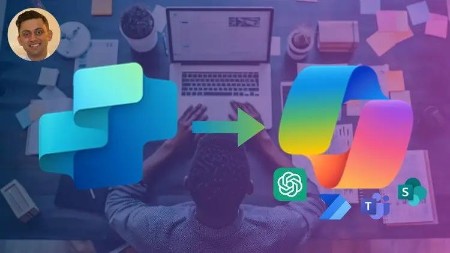
Note, Copilot Studio was previously called Power Virtual Agents.
Microsoft built
Copilot Studio as a way for knowledge professionals to leverage Generative AI for personalized use-cases
. Imagine creating a chatbot that your customers can use to place orders, that your vendors can use to process receipts, that your employees can use to get relevant information.
Think of it as ChatGPT that you can control for your specific use-cases.
Microsoft Copilot Studio enables everyone to build sophisticated copilots to leverage Generative AI.
Learn from more than
11 hours of relevant instructional video content
, with the only course that will teach you how to build copilots with
Microsoft Copilot Studio
. We even create two full copilots and chatbots from scratch.
What is this course all about?
This course teaches you how to
build your own personalized copilot using Microsoft Copilot Studio
What is Microsoft Copilot?
Microsoft Copilot is a generative AI tool developed by Microsoft to
enhance the productivity of working professionals
. It functions like ChatGPT, but with access to all your data-including emails, files, meeting notes, chats, and more-and integrates seamlessly into your preferred work applications.
What is Microsoft Copilot Studio?
Microsoft Copilot Studio is a
no-code extensible platform that enables anyone to create custom copilots.
It’s an end-to-end AI platform to create customized copilots for your business, which can recall your data and even perform actions. Once it’s built, it can be published anywhere (Teams, Website, Facebook, and more). It was previously called Power Virtual Agents.
What will you learn?
Build your own copilots
– use Copilot Studio to build copilots from scratch with a fully custom no-code platform that leverages conversational design logic, LLMs, Generative AI, and other technologies.
Integrate data, knowledge, and actions
– Use Copilot Studio to create a copilot that can read data from uploaded documents, SharePoint, OneDrive, website data, and more.
Learn advanced copilot developer topics
Build two full copilots
– we apply everything that we learn and build two full copilots from scratch (an internal HR service bot and an external customer service bot).
Productivity superstar –
Microsoft Copilot Studio is a productivity game changer, as it enables you to create a personalized copilot that can leverage Generative AI to recall knowledge or call actions.
Why choose this course?
Complete guide
Structured to succeed
– this course is structured to help you succeed. We go through two in-depth streams (Copilot Studio Builder and Copilot Studio Developer), followed by building two full chatbot and copilot examples.
Fully instructional
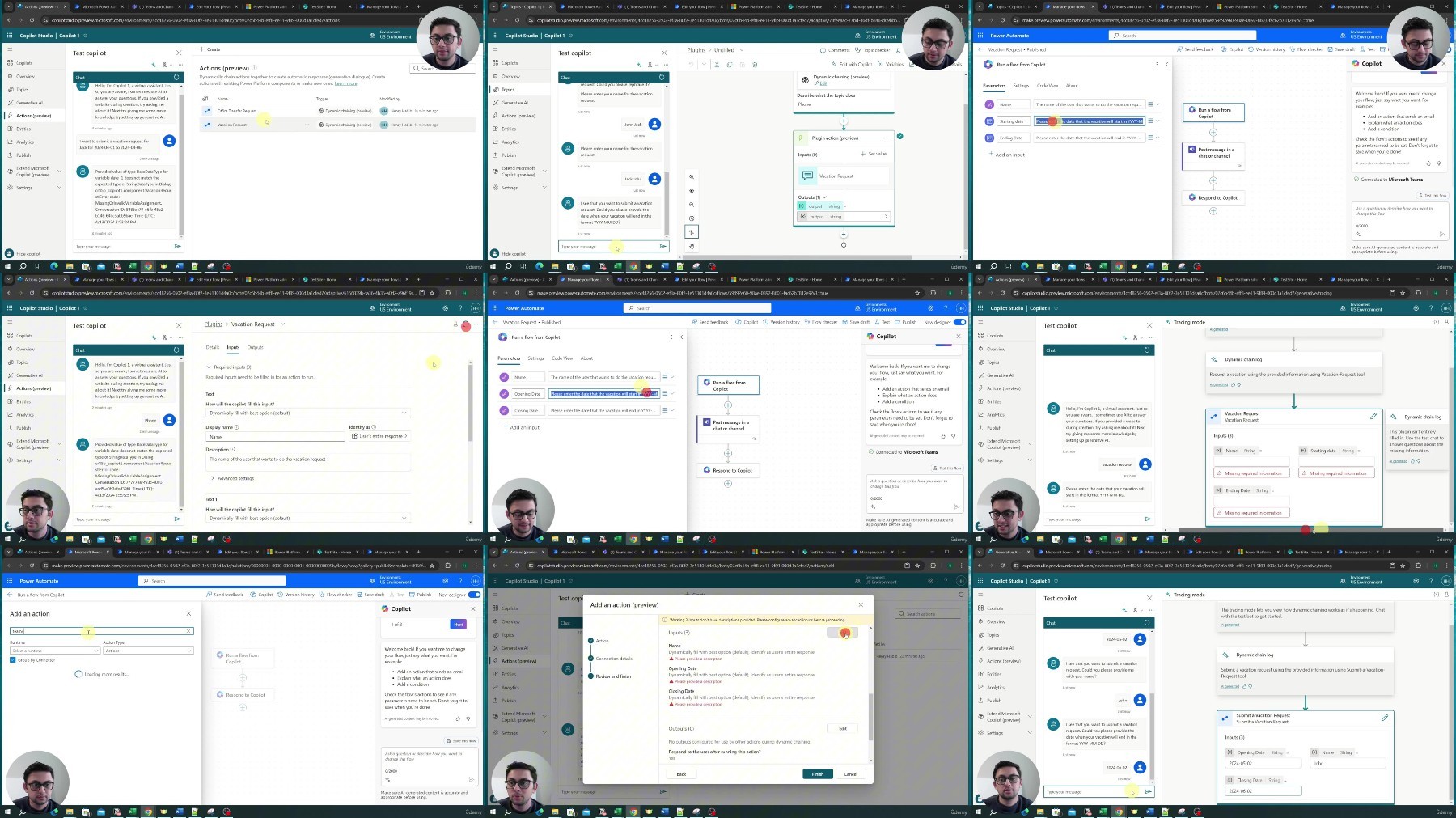
– we not only go through important concepts, but also apply them as we are building our application so that we can solidify them. This is not only a walkthrough of the all the features and theoretical concepts, but a course that actually uses real-life examples and integrates workflows with you.
Step by step
– we go through every single concept one-by-one. This improves your probabilities of learning this Copilot Studio rather than going haphazardly through each feature.
Teacher response
– if there’s anything else you would like to learn, or if there’s something you cannot figure out, I’m here for you! Look at the ways to reach out video.
Course overview
Introduction
– learn what this course is about, the roadmap, and how to succeed
Builder – First Chatbot
– learn how to use Microsoft Copilot Studio to build your first copilot
Builder – Conversational Design
Builder – Data and Generative AI
– Leverage data and Generative AI when building your copilots
Builder – Actions
– Call actions with your copilot based on different conditions
Developer – Topics
– Create new topics and learn advanced concepts like rich text formatting
Developer – Automations
– Add in advanced automations to your copilot
– Publish copilots and perform analytics
Full Copilots – Internal HR Chatbot
– Create a copilot that answers HR-related questions and performs vacation bookings
Full Copilots – Customer Service Chatbot
– Create a copilot where customers can ask questions and place orders
Conclusion
– earn your online certification, and read about next steps
If you want to learn how to improve your productivity by creating a copilot using Microsoft Copilot Studio, then this is the course for you. We’re looking forward to having you in the course and hope you earn the certificate. Note that Copilot Studio was previously called Power Virtual Agents.
Who this course is for:
People who want to build their own personalized copilot with Microsoft Copilot and Microsoft Copilot Studio
Working professionals who want to learn everything about Copilot Studio
Anyone who wants to use AI to be more productive at their work
Office workers who want to build their own Microsoft Copilot
People who want to use Generative AI to improve productivity through Microsoft Copilot
Managers who want to transform their businesses using Microsoft Copilot and Generative AI