

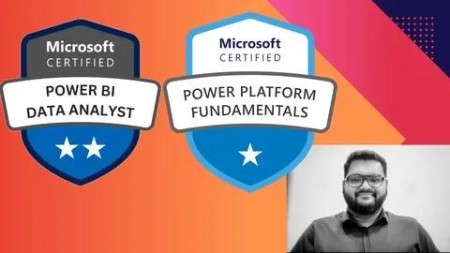
Microsoft Powerapps Pl-900 & Pl-300 – With 15+ Practise Test
Published 1/2025
MP4 | Video: h264, 1920×1080 | Audio: AAC, 44.1 KHz
Master Low-Code App Development with PowerApps & Data Visualization with Power BI – Prepare for PL-900 & PL-300 Certific
What you’ll learn
Understand the fundamentals of Microsoft PowerApps, including its core components and features.
Learn how to create, customize, and manage low-code/no-code apps using PowerApps.
Explore the basics of Power BI (PL-300) and learn to design and publish interactive reports and dashboards.
Gain proficiency in connecting data sources, integrating with Microsoft Dataverse, and leveraging external data.
Practice real-world scenarios through 15+ practice tests to reinforce knowledge and gain hands-on experience.
Develop workflows and automation using Power Automate.
Requirements
Basic computer skills and familiarity with Microsoft Office applications like Excel.
A Microsoft 365 account (or a trial version) to access PowerApps and Power BI.
No prior programming knowledge is required, but an interest in learning low-code development and data visualization is helpful.
Description
Overview
Section 1: Introduction
Lecture 1 Power Platform: Unceasing the Potential of Your Data
Section 2: Setting up PowerApp Environment: Pre-requisites
Lecture 2 Identify Foundational Components of Microsoft Power Platform
Lecture 3 Microsoft Power Platform: Empowering Your Business
Lecture 4 Lab 01: Validate Lab
Section 3: Lets Learn Tables in PowerApps
Lecture 5 Why Tables are important for PowerApps
Lecture 6 Adding Columns to Table
Lecture 7 Adding Sample Data to the Table
Section 4: Section 2: Data Modeling
Lecture 8 Unlocking the Power of Connectors: How Power Platform Integrates with Outlook
Lecture 9 Data Modeling Handson
Section 5: Introduction to Canvas Apps
Lecture 10 Canvas vs Model Driven Apps
Lecture 11 Endless Customisation in PowerApps
Section 6: Section 4: Build a Model-Driven App
Lecture 12 PowerApps: Empowering Your Business with Low-Code Solutions
Lecture 13 Canvas vs Model-Driven Apps: Your Guide to Power Apps
Lecture 14 Build a Model-Driven App HandsOn
Section 7: Model Driven Apps – A Powerful Approach to Business Solutions
Lecture 15 Introduction and Creating forms
Lecture 16 Creating Views
Lecture 17 Cloning Views and Make View
Lecture 18 Creating a Model Driven Apps
Section 8: Introduction To Automated Solutions
Lecture 19 Introduction to Automation and Flow initiation
Lecture 20 Making a Complete Flow
Section 9: Section 6: Build an Automated Solution
Lecture 21 Power Automate: Unleashing Automation Potential
Lecture 22 Power Automate: A Microsoft Ecosystem Powerhouse
Lecture 23 Build an Automated Solution Handson
Section 10: Introduction to PowerBI
Lecture 24 Introduction to PowerBI – Fundamentals
Lecture 25 Building Interactive Dashboard with PowerBI
Section 11: Section 7: Build a Simple Dashboard
Lecture 26 Leveraging AI-Powered Insights With Power BI: Unleashing Business Intelligence
Lecture 27 Build a Simple Dashboard Handson
Section 12: Integrating CoPilot with PowerApps
Lecture 28 Building Apps with CoPilot
Section 13: More Learnings – PL900
Lecture 29 Bonus Lab: Build a Canvas App Using Copilot (Bonus)
Section 14: Setup Environment for PL-300
Lecture 30 Setup Environment for PL-300
Section 15: Get Data in PowerBI
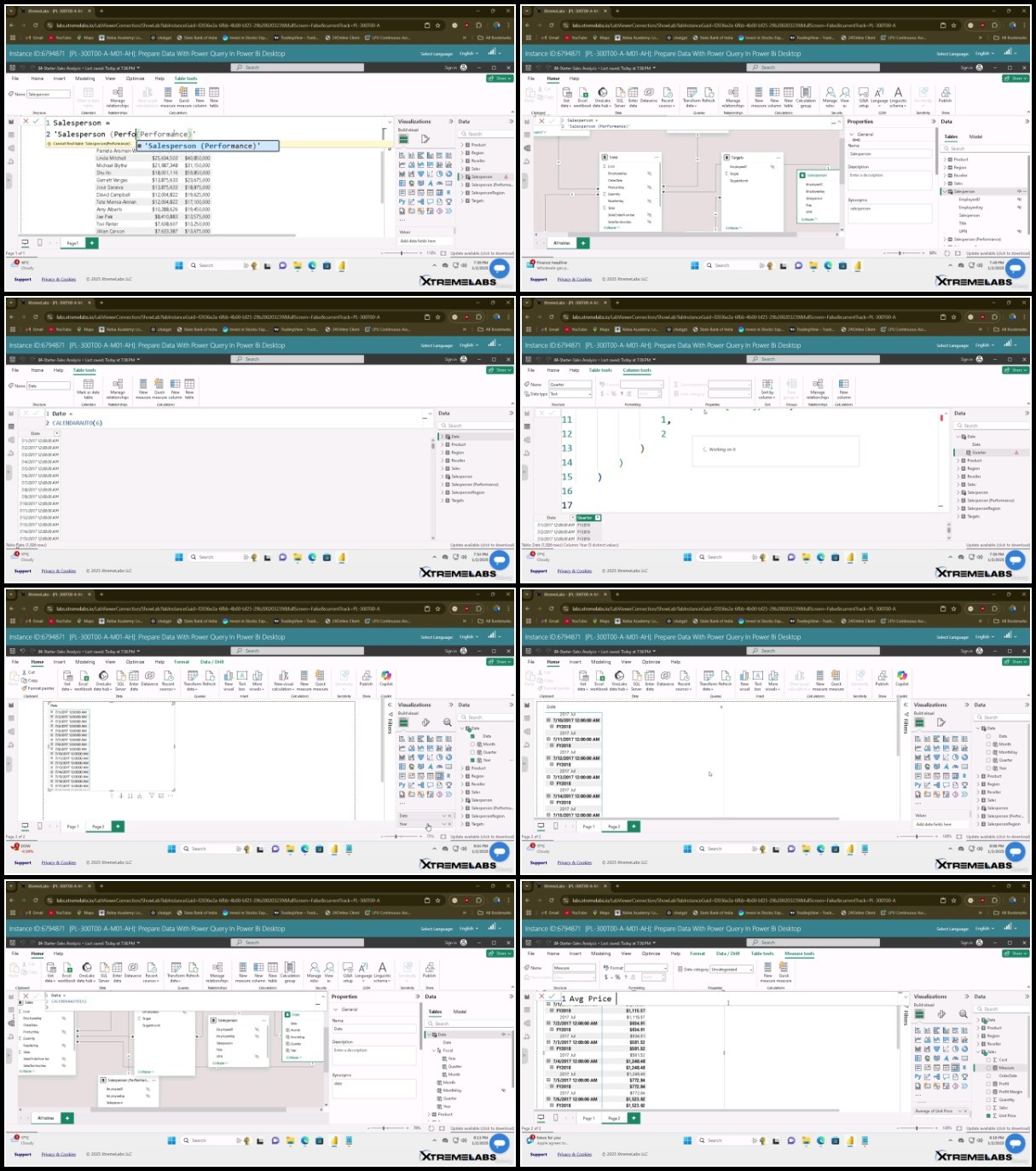
Lecture 31 Import Dataset in PowerBI: HandsOn
Section 16: Extract Tranform Load Data in PowerBI
Lecture 32 Clean Transform and Load Data in PowerBI:HandsOn
Section 17: Model Calculations in PowerBI
Lecture 33 Create Model Calculations Using DAX in PowerBI
Lecture 34 Create Advance Model Calculcation using DAX in PowerBI
Section 18: Create Visualisation In PowerBI
Lecture 35 Create Visuals Calculations in PowerBI
Lecture 37 Create Report in PowerBI Desktop
Section 19: Reporting in PowerBI
Lecture 38 Enhance a Report in PowerBI Desktop
Section 20: Exploratory Data Analysis With PowerBI
Lecture 39 Perform Data Analysis in PowerBI
Section 21: Create Dashboard in PowerBI
Lecture 40 Creating end to End Dashboard: PowerBI
Section 22: Security Level Enforcement in PowerBI
Lecture 41 Enforce Row Security HandsOn
Beginners looking to enter the field of low-code app development and data analytics.,Business professionals who want to automate processes and create custom applications without extensive coding.,Data enthusiasts aiming to build dashboards and visualizations with Power BI.,Students and IT professionals preparing for the PL-900 and PL-300 certification exams.,Anyone interested in leveraging Microsoft Power Platform for enhanced productivity and automation.
TurboBit
https://www.keeplinks.org/p27/67c5329ee5c6d
RapidGator
https://www.keeplinks.org/p27/67c5332c06a94
AlfaFile
https://www.keeplinks.org/p27/67c5333fb82b2
FileFactory