

Microsoft Powerpoint Presentation With Chatgpt And Gamma Ai
Published 5/2025
MP4 | Video: h264, 1920×1080 | Audio: AAC, 44.1 KHz
Learn all about using Microsoft PowerPoint Presentation and become a pro in using it with AI – Powerpoint AI
What you’ll learn
Master shortcuts, hidden features, and AI tools like PowerPoint Designer or Copilot to create presentations quickly and efficiently.
Learn a step-by-step process to design visually appealing slides with coordinated colors, fonts, and images, using AI to suggest layouts and enhance content.
Create reusable templates in the Slide Master window to ensure consistent, professional presentations for companies, clients, or personal use.
Use PowerPoint 365’s AI tools (e.g., Designer, Copilot) to automate design, improve text, and suggest transitions, with workarounds for older versions.
Organize slides for clarity, match visuals to speaking style, and keep audiences engaged with clean, impactful designs.
Time-Saving Tricks: Use AI and Master Slides to streamline workflows, reducing the time spent on repetitive tasks or redesigns.
Engaging Animations: Create dynamic, interactive presentations with animations and transitions that captivate viewers, guided by AI recommendations.
Template Creation: Build reusable, high-quality templates for personal, business, or client use, ensuring consistency and professionalism.
Content Optimization: Learn to simplify text, enhance visuals, and use AI to summarize or rephrase content for maximum impact.
Requirements
Basic knowledge of using a computer
Good Internet connectivity
Description
Overview
Section 1: Introduction
Lecture 1 Introduction
Section 2: LAVA Framework for powerpoint slides design
Lecture 2 Designing and Fixing Layouts in PowerPoint
Lecture 3 Designing and Fixing Alignments in PowerPoint
Lecture 4 Designing and Fixing Visual Hierarchy in PowerPoint
Section 3: Fundamentals of PowerPoint
Lecture 6 Creating a New Powerpoint and Slide
Lecture 7 Exploring and Understanding the Interface of PowerPoint
Lecture 8 Managing, Duplicating and Changing the layouts of Slides
Lecture 9 Adding Text to the Layouts and Formatting it
Lecture 10 Adding a Text box without a Layout
Lecture 11 Adding images and Icons to your Slides
Lecture 12 Inserting Tables into our Slides
Lecture 14 Inserting Multimedia Video , Audio and Screen Recording
Lecture 15 Inserting Action Buttons and Hyperlinks
Section 4: Applying Design, Animate and Transitions
Lecture 17 Animations
Lecture 18 Designing and Theming our Slides
Lecture 19 Transitions
Section 5: Advanced Features of PowerPoint
Lecture 20 Slide Master and its controls
Lecture 21 Motion Paths for Customised Animation flow
Lecture 22 Advanced formatting options
Lecture 23 Sectioning the Slides and best Practices
Lecture 24 Accessibility Options
Section 6: Using AI for presentation
Lecture 25 AI for Slides Creation
Lecture 26 Using ChatGPT for preparing slides
Lecture 27 Applying Design and Formatting content with ChatGPT
Lecture 28 Image generation for Slides using different AI tools
Lecture 29 Installing Add-Ins for slide creation – Pexels and Noun Project
Section 7: AI Apps for PowerPoint – Slides
Lecture 30 Using Pop AI
Lecture 31 Using DECKTOPUS
Lecture 32 Using GAMMA
Section 8: Capstone Project – Applying all the learning in one Project
Lecture 33 Introduction to the Course Project
Lecture 34 Title Slide – Objects and Overlay Creation
Lecture 35 Title Slide – Text Objects and Formatting
Lecture 36 Title Slide – Animating the Objects and texts – Automatic Flow Design
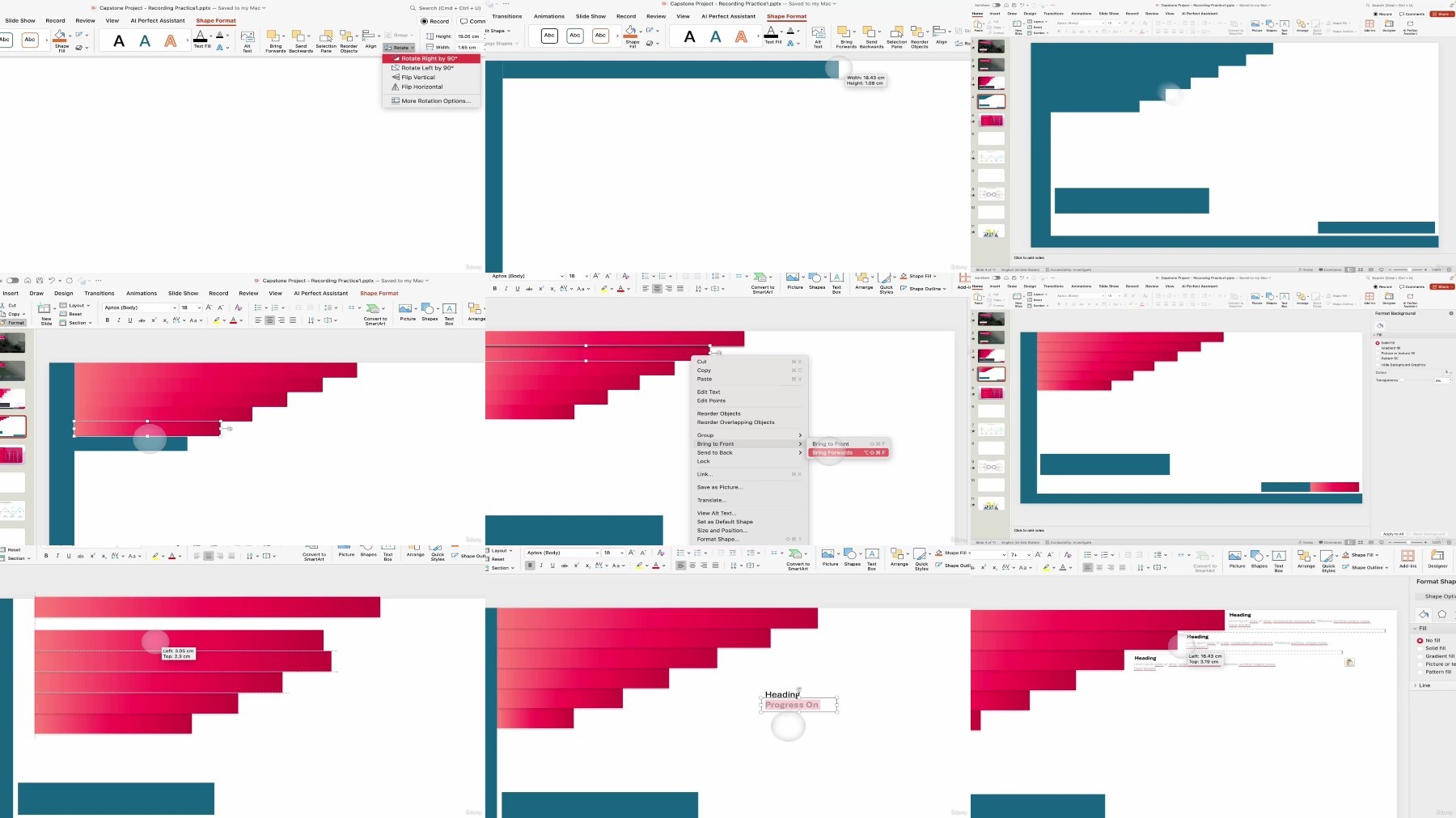
Lecture 37 Progress Slide – Inserting Objects and effectively duplicating them
Section 9: Conclusion
Lecture 38 Conclusion
Lecture 39 Bonus Lecture
People who want to save time and boost their PowerPoint skills,Business people, teachers, students, or designers,Anyone wanting to animate and build engaging presentations,Entrepreneurs looking to create, sell, or promote,Professionals needing to create consistent, branded templates,Marketers aiming to craft compelling visual pitches,Freelancers wanting to offer high-quality presentation design services,Individuals new to PowerPoint seeking a beginner-friendly guide
RapidGator
https://www.keeplinks.org/p27/683ec5df3b896
NitroFlare
DDownload
https://www.keeplinks.org/p27/683ec78d43bed