


Mikrotik Network Associate With Labs
Last updated 4/2023
MP4 | Video: h264, 1280×720 | Audio: AAC, 44.1 KHz
Master the topics of the MikroTik MTCNA track using the theory & practical LABS and be ready for the MTCNA exam
What you’ll learn
Understand the outline of the MTCNA course
Know how to register for the MTCNA exam
Understand what is MikroTik and where it is located
Understand the difference between RouterOS and RouterBOARD
Know how to get 1st access on the MikroTik router using WebFig
Understand how to use Quick Set to make your router working
Understand the usage of the Winbox utility to connect to the router via MAC address
Understand the difference between Telnet and SSH and how to use them to connect to the MikroTik router
Understand the basic command line syntax’s on MikroTik terminal
Know how to connect the MikroTik router to the internet
Understand how to configure DHCP client
Understand how to share internet to the LAN PCs using the NAT
Be able to troubleshoot internet connection problem on your MikroTik router and your LAN PCs
Know how to upgrade the RouterOS via 3 different ways
Understand the function of the RouterBOOT & how you can upgrade it
Understand how to create users and custom groups
Understand how to use Public and Private keys to connect via SSH
Managing RouterOS Services
Understand the difference between the Binary and export backup
Understand how to reset the RouterOS configuration from Winbox
Understand how to do Hardware reset on RouterOS routers
Understand how to use Netinstall to reflash the MikroTik RoutersOS
Understand the different type of licenses for RouterOS and CHR
Understand and configure DHCP Server and DHCP client
Understand APR and manipulate it on MikroTik (enabled, disabled, ARP-Reply)
Understand what is the function of the Bridge
Understand how and where to use Station Bridge on the Wireless
Have an overview idea about MikroTik Firewall
Understand what is the function of connection tracking and its affect to the Firewall
Understand what are the connection states and how to configure them correctly on the Firewall
Understand how to redirect all DNS queries to the MikroTik Router
Understand the usage of the DST-NAT
Know what is VPN and why it is important
Understand the PPTP protocol
Know how to configure PPTP site-to-site VPN on MikroTik RouterOS
Understand the SSTP protocol
Understand how to configure SSTP site-to-site VPN with and without certificates
Understand how to configure SSTP remote access VPN
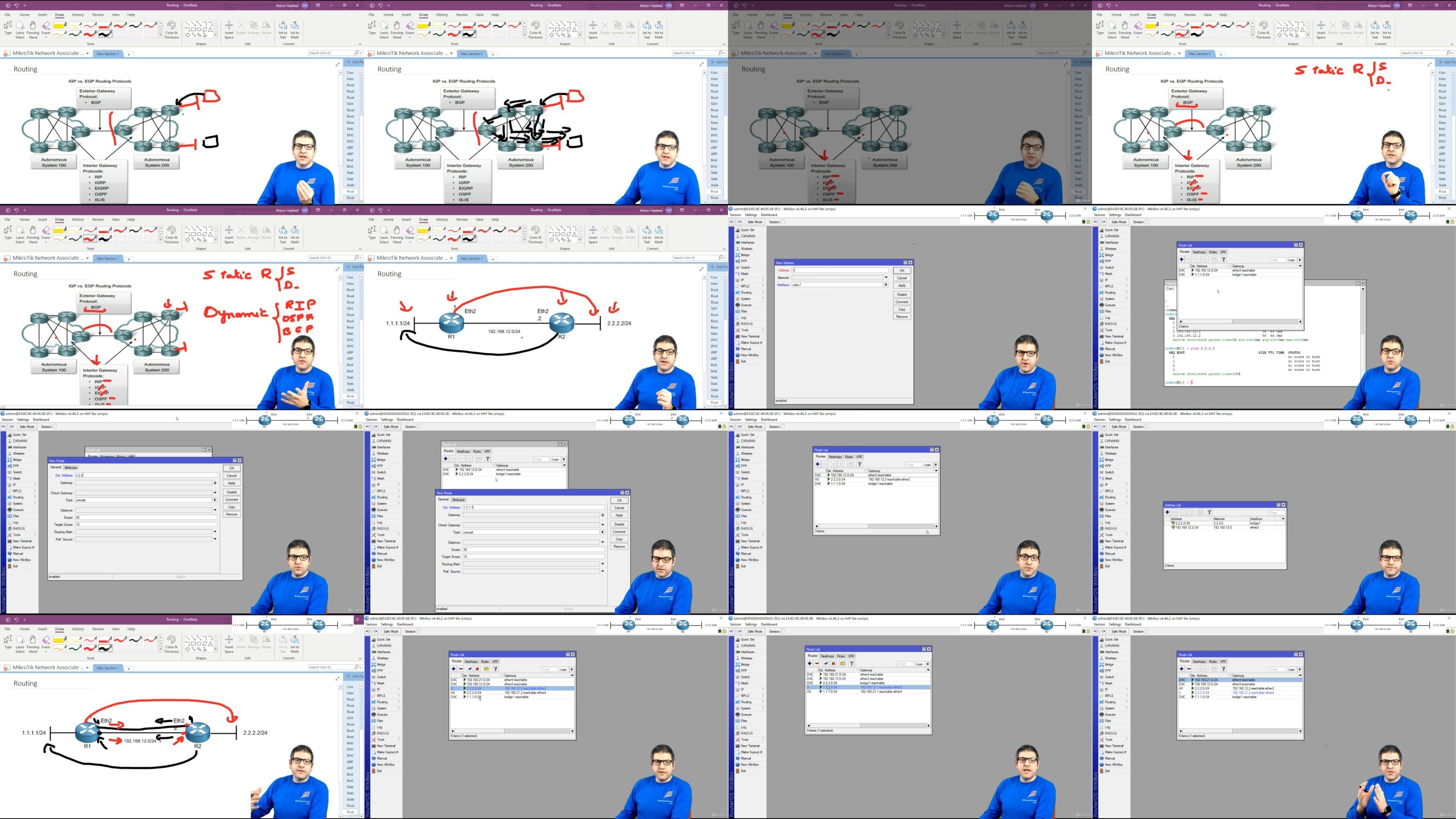
Understand the different types of Routing
Understand the function of administrative distance in routing
Understand and configure FastTrack on IP Firewall
Understand and configure PPPoE Server and client
Understand how simple queues work
Know how to configure simple queues
Understand and configure burst on QOS
Configure one simple queue for the whole network (PCQ)
Understand and configure Burst on MikroTik
Configure the Router to be able to send emails
Monitor network and devices using Netwatch tool and use scripting to send emails as notifications
Understand Ping tool, Traceroute tool and CPU profile tool
Understand torch tool, interface monitor and graph
Understand wireless fundamentals
Understand the different wireless standards and Frequencies
Configure a wireless AP Bridge on MikroTik
Connect MikroTik Wireless station to the AP
Understand the access list on wireless for MAC filtering
Requirements
Basic networking skills
Knowledge of the TCP/IP protocol
Basic computer skills
Description
Who this course is for:
Engineers who want to learn how to use MikroTik products in their networks,Students who want to learn and be ready for the MikroTik MTCNA exam
For More Courses Visit & Bookmark Your Preferred Language Blog
From Here: – – – – – – – –
DDownload
https://www.keeplinks.org/p27/6859a1835f42c
RapidGator
https://www.keeplinks.org/p27/6859a48c65a7b
NitroFlare
https://www.keeplinks.org/p27/6859a953ec914