


Monday Crm – The Masterclass
Published 10/2024
MP4 | Video: h264, 1920×1080 | Audio: AAC, 44.1 KHz
A Beginners guide to mastering Monday’s CRM Platform Using a Project Based Approach
What you’ll learn
Add a free trial of Monday CRM to your Work Management Package.
Master Monday Boards & Columns to Effectively Store Client Data and Communicate with Clients.
Use Automations to Increase Workflow Efficiency.
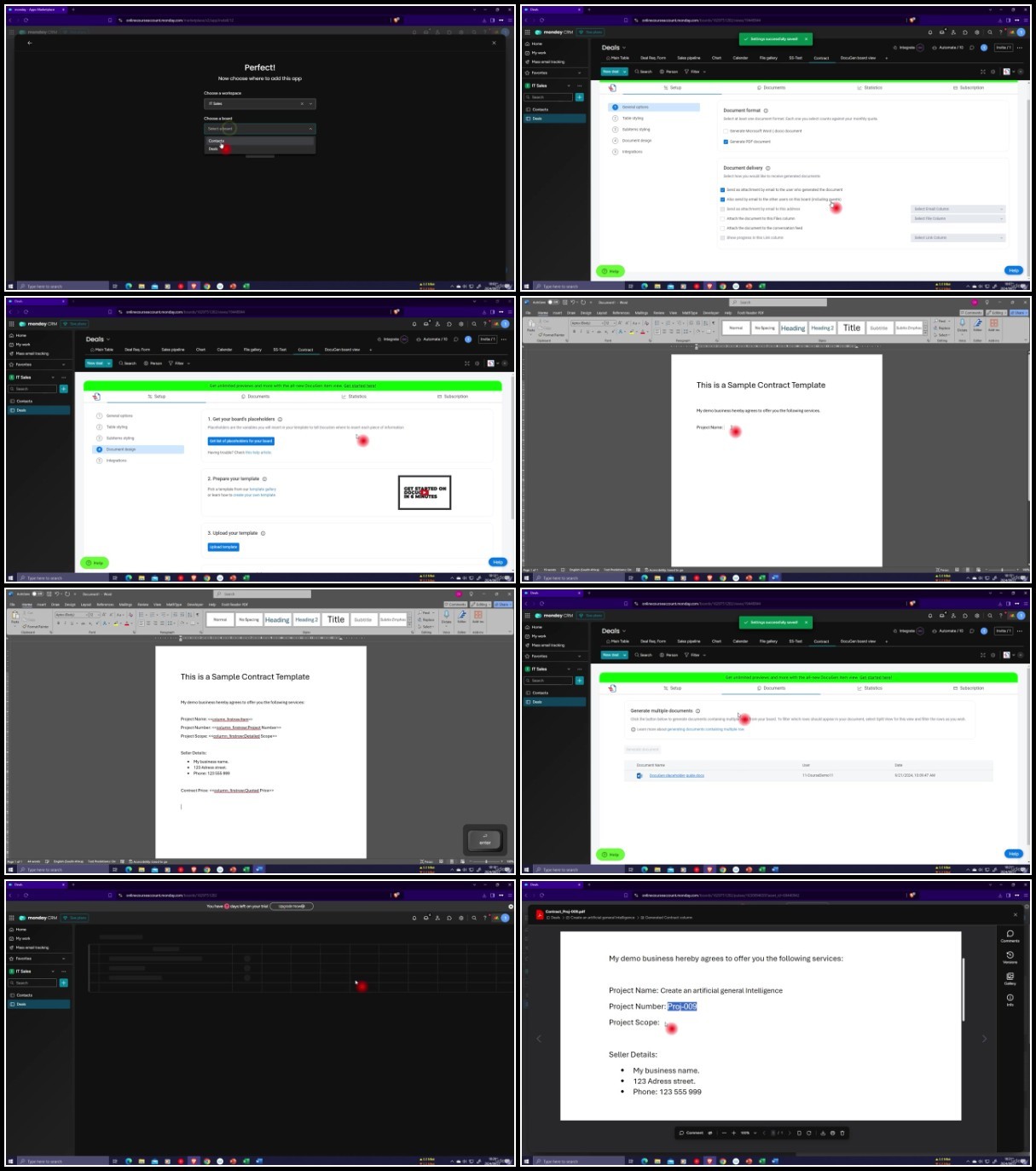
Instantly Generate Auto-Populated Documents such as Quotes and Contracts.
Effectively and Proffessionally Communicate with Prospective Clients by Using Workforms to Survey and Interact with Clients.
Create Intuitive Sales Pipeline/Funnel Views and Workflows.
Manage User Access and Permissions
Perform Simple and Advanced Calculations in Monday CRM (Including Adding Excel Documents to your Boards)
Requirements
Internet Access
No software needed – We’ll use a free trail of Monday CRM
Description
Overview
Section 1: Signup & Setup
Lecture 1 Add Monday CRM to your Monday Package
Lecture 2 Signup for Monday
Lecture 3 General Navigation
Lecture 4 Complete your Profile
Lecture 5 Setup and Theme
Lecture 6 Administration
Section 2: Workspaces
Lecture 7 Workspaces
Section 3: Boards
Lecture 8 Creating Boards
Lecture 9 Board Groups
Lecture 10 Board Items
Lecture 11 Sub-Items
Lecture 12 Board Privacy/Types
Section 4: Columns
Lecture 13 Navigation and Basic Column Types
Lecture 14 Label, Text, Phone and Email Columns
Lecture 15 Address and File Storage Columns
Lecture 16 Deal Number and Deal Status Columns
Lecture 17 Linking and Mirroring Board Data
Lecture 18 The Dropdown Column
Lecture 19 Dates and Durations
Lecture 20 The Formula Column
Lecture 21 The Long Text Column
Lecture 22 Rich Text Column (Monday Docs)
Lecture 23 Button & Numbers Columns
Lecture 24 Adding Some Extra Files Columns
Section 5: Project 1 – Develop a CRM Board
Lecture 25 Develop a CRM Board
Section 6: Board Views
Lecture 26 Customer Surveying with Workforms
Lecture 27 The Sales Pipeline (Kanban) View
Lecture 29 The Calendar View
Lecture 30 The File Gallery View
Lecture 31 The Map View
Section 7: Data Imports, Exports and Fixing Errors
Lecture 32 Using the Trash and Archive
Lecture 33 Using the Activity Log
Lecture 34 Intro to Excel Imports & Exports in Monday
Lecture 35 Exporting Data to Excel
Lecture 36 Importing Items from Excel
Lecture 37 Creating a Board Using Excel
Section 8: Automations
Lecture 38 Status based Automations
Lecture 39 Button Press Automations
Lecture 40 Notification Automations
Section 9: Integrations
Lecture 41 Automatically Generate A Unique Serial Number for Deals or Documents (Auto ID)
Lecture 43 Auto Generate and Auto Populate Documents and Contracts (Docugen)
Section 10: Workspace Items
Lecture 44 Documents
Lecture 45 Dashboards
Lecture 46 Folders
Section 11: Useful Features
Lecture 47 The "My Work" View
Lecture 48 Filtering & Sorting
Lecture 49 Searching & Grouping
Lecture 50 Hiding & Pinning Columns
Lecture 51 Conditional Coloring (Conditional Formatting)
Lecture 52 Default Item Values
Lecture 53 Bulk Editing Data
Lecture 54 Keyboard Shortcuts
Section 12: Privacy, Access and Permissions
Lecture 55 Intro to Privacy, Access and Permissions
Lecture 56 Creating Teams
Lecture 57 Administration and User Permissions
Lecture 58 Restricting Column Editing and Viewing
Lecture 59 Board Access and Permissions
Lecture 60 A Summary of Privacy and Access
Section 13: Project 2 – Test Your New Skills
Lecture 61 Project 2 – Views, Integrations, Automation and more
Section 14: Conclusion
Lecture 62 Conclusion
Anyone New to Monday CRM or looking to optimize their existing setup for better performance and results.,Business Owners wanting to centralize client information, track sales pipelines, and enhance customer communication.,Business Owners or Managers who are considering using Monday CRM in their workplace.,Project Managers aiming to integrate CRM into their overall project and workflow management.,Sales Teams looking to streamline their customer relationship management and improve efficiency.,Customer Service Professionals seeking better ways to manage client inquiries and track customer satisfaction.,Sales Teams looking to streamline their customer relationship management and improve efficiency.
RapidGator
https://filecrypt.cc/Container/6FD5987446.html
https://www.keeplinks.org/p27/6792b270a4256
AlfaFile
https://filecrypt.cc/Container/9B41D03F38.html
https://www.keeplinks.org/p27/6792b2877af76
TurboBit
https://filecrypt.cc/Container/94E84EF057.html
https://www.keeplinks.org/p27/6792b2be20e34